B2BLIX Feed guides
Support questions
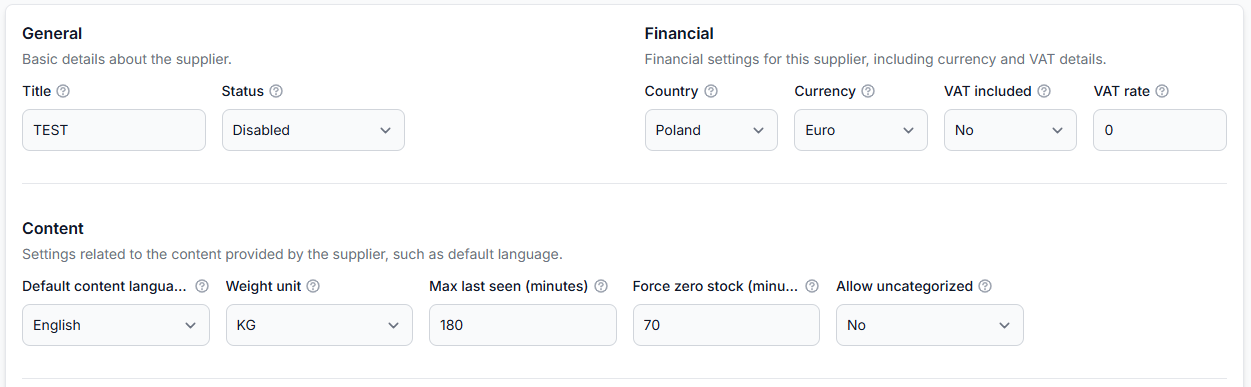
How B2BLIX feed handles discontinued products and stale stock
Support questions· Inventory freshness· Stock lifecycle· Troubleshooting
Learn what happens when a product disappears from a supplier feed, how stale stock is changed to zero, and when an old product is removed from the B2BLIX catalog.
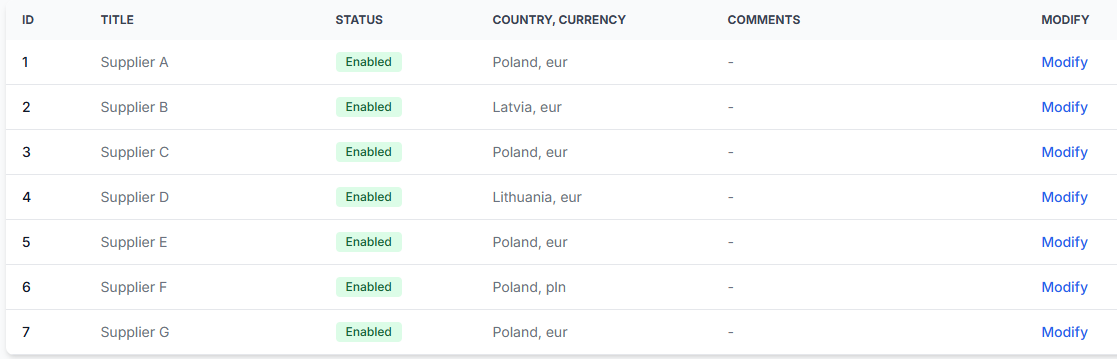
How B2blix feed imports, standardizes, and exports supplier data
Support questions· Product overview· Supplier data· Export
Understand the complete B2BLIX Feed workflow, from importing supplier files and creating a standardized catalog to applying channel-specific rules and generating separate XML exports.
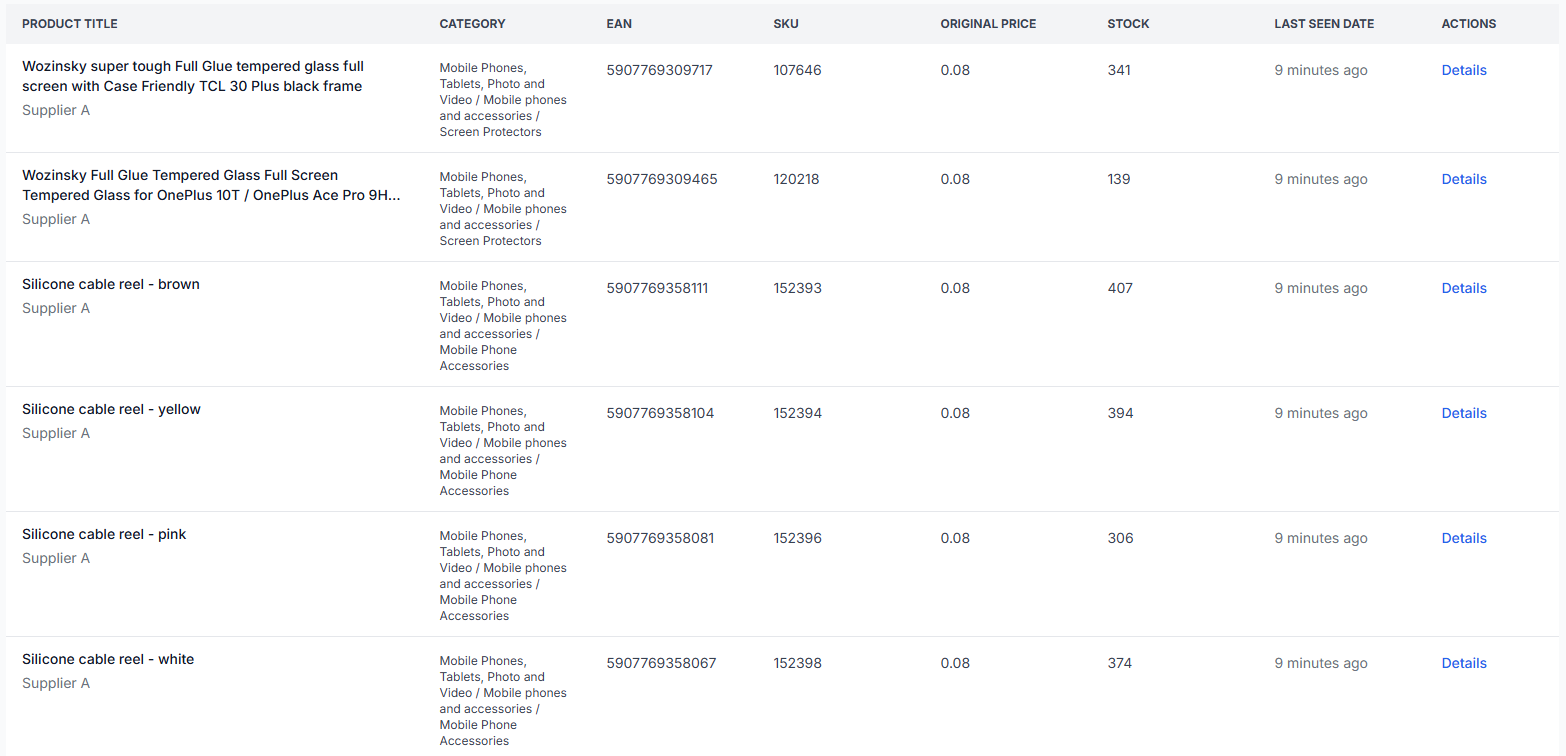
How b2blix merges the same ean from multiple suppliers
Support questions· Product identity· Supplier selection· Export troubleshooting
This guide explains why several supplier records may represent one product, how margins and export rules affect supplier selection, and how to inspect the source offers and final result.
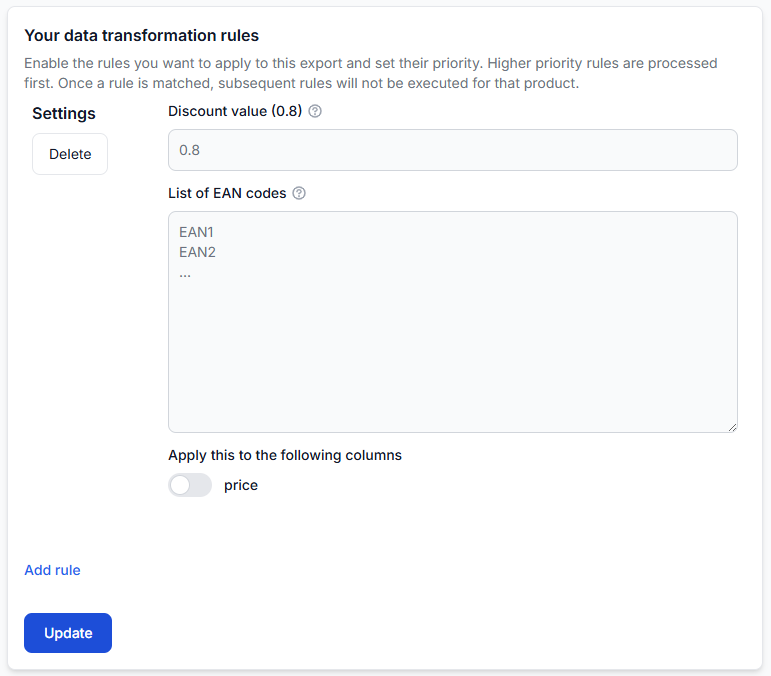
How discounts and campaign prices are applied in exports
Support questions· Campaign pricing· Export· Discounts
Apply campaign discounts to selected products without changing their normal pricing rules. Learn when the discount is applied, how multiple discount lists work, and how to verify the final exported price.
How export filters and product exclusions work
Support questions· Export selection· Filters· Troubleshooting
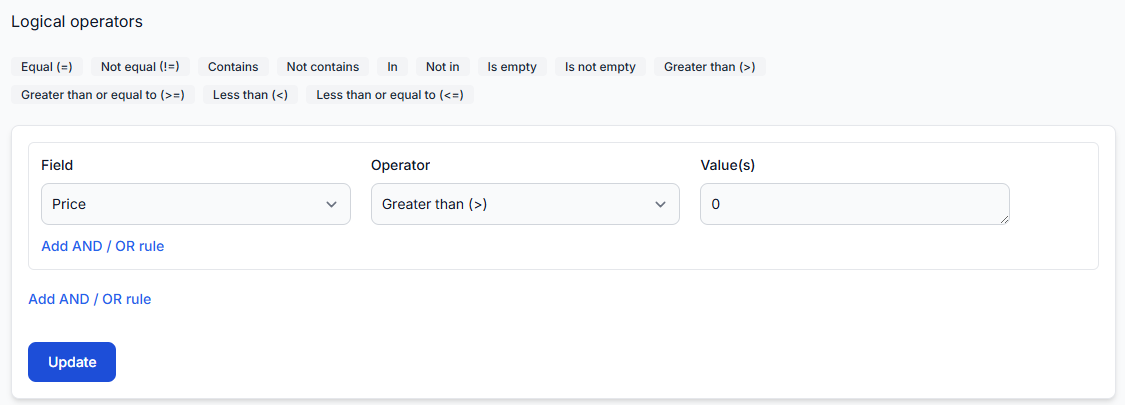
Learn how to control which products are included in an export by combining AND and OR conditions, selecting supplier or product attributes, and adding exclusion rules. This guide explains why a product may be included in or excluded from a B2BLIX Feed export and provides a practical checklist for reviewing filter logic and product-level results.
How required product fields and category mapping work
Support questions· Catalog setup· Category mapping· Troubleshooting
Learn which product identifiers and attributes B2BLIX Feed expects, why EAN mapping is essential, and how products with missing or unmapped categories are handled.
How supplier mapping, price fields, currency, and missing-product diagnosis work
Support questions· Supplier mapping· Currency· Troubleshooting
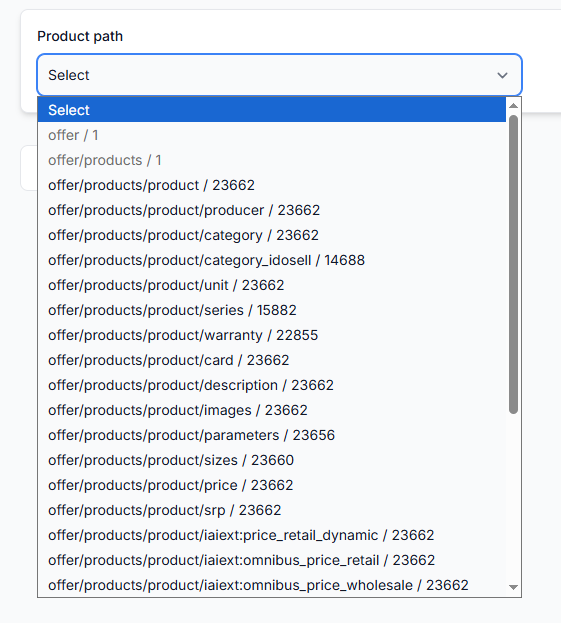
A practical troubleshooting guide for supplier mapping, incorrect prices, currency settings, and products that do not appear in B2BLIX Feed or a generated XML export.
How supplier markups and advanced pricing rules work
Support questions· Pricing· Transformation rules· Export
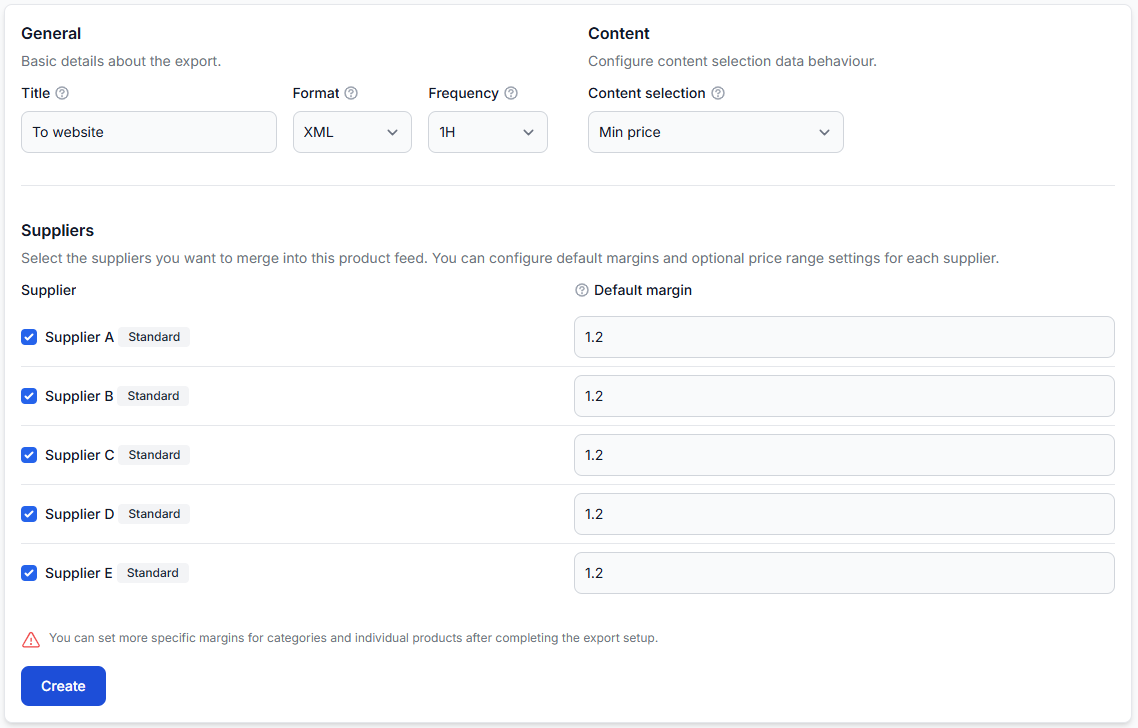
Learn how to apply a basic markup for each supplier and use more specific pricing formulas for selected categories, brands, products, price ranges, VAT treatment, rounding, and sales channels.
How to change a supplier url or feed structure without breaking exports
Support questions· Supplier maintenance· Mapping· Export
Learn how to replace a supplier URL or migrate to a changed XML or JSON structure while reducing the risk of missing products, incorrect values, or incomplete exports.
How to choose price data and product content from different suppliers
Support questions· Content selection· Exports· Troubleshooting
Learn how price-based and content-based supplier selection work, which attributes are taken from the selected content supplier, and how to verify the final result for a specific EAN.
How to clean, normalize, and enrich inconsistent supplier content
Support questions· Content quality· Data transformations· Export
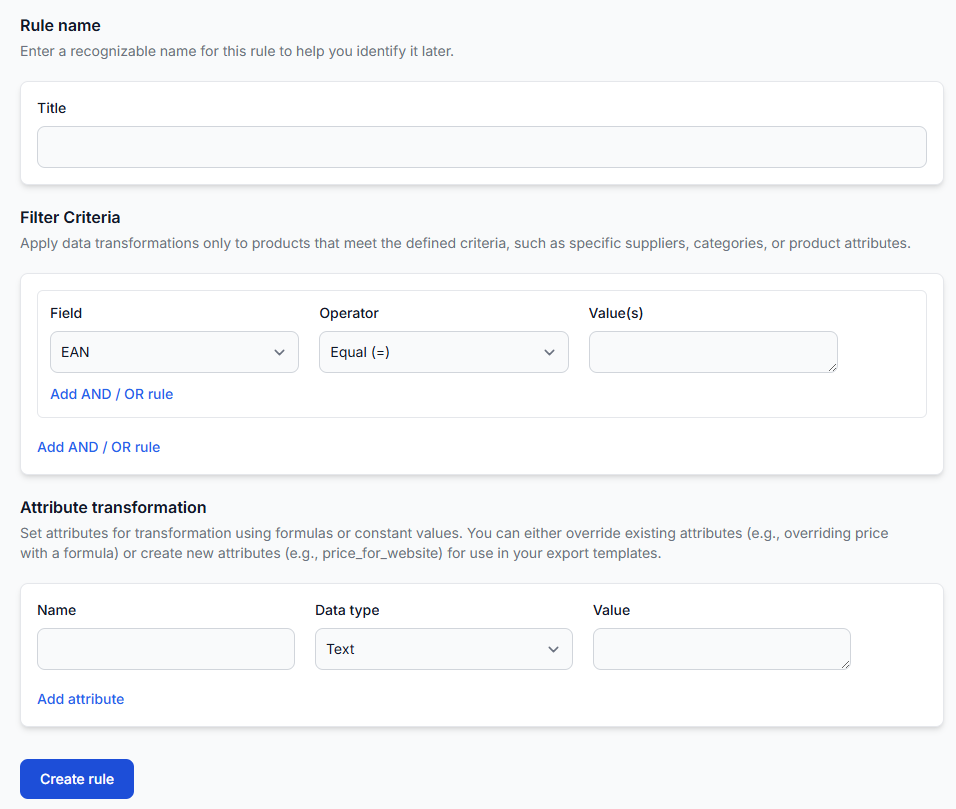
A practical workflow for improving inconsistent supplier product data without unintentionally changing prices, stock, or other commercial information.
How to configure delivery time and other exported attributes
Support questions· Export· Data transformations· Attribute mapping
Learn how to add delivery time, stock, titles, descriptions, weight, dimensions, prices, and other destination-specific values to a B2BLIX Feed XML export.
How to create reusable channel-specific attributes without overwriting source data
Support questions· Transformation design· Data transformations· Export
Learn when to replace an existing product attribute and when to create a separate channel-specific value. This guide also explains naming, rule priority, reuse across exports, and checking the final XML result.
How to create separate exports for countries, languages, and sales channels
Support questions· Multi-channel export design· Export· Testing
Learn when to create separate exports and how to reuse one supplier catalog without mixing destination-specific products, prices, content, schedules, or XML structures.
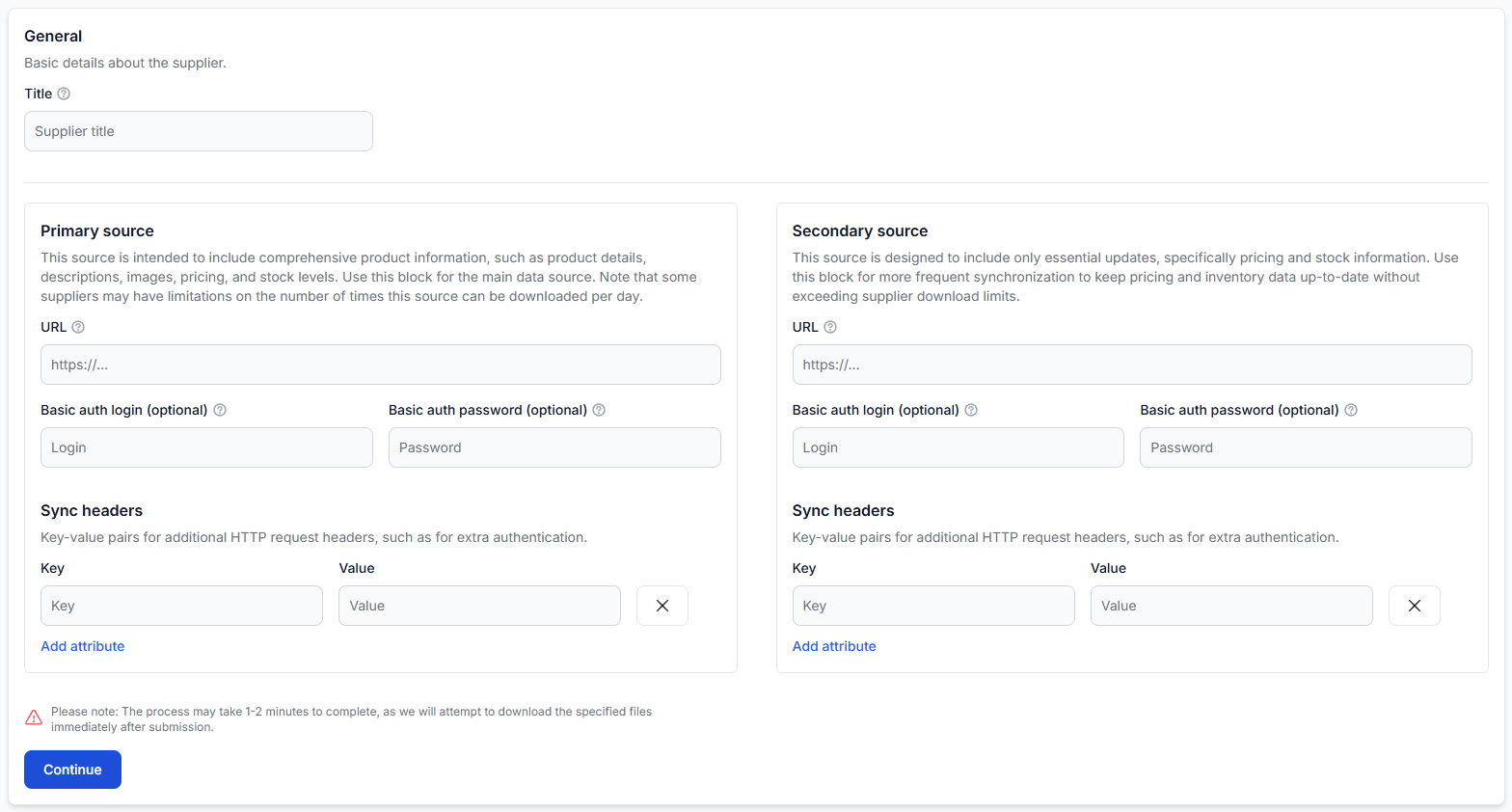
How to design primary and secondary supplier sources
Support questions· Supplier sources· Data mapping· Synchronization
Learn when to use one supplier source and when to separate a complete product catalog from a faster price and stock update source.