How to design primary and secondary supplier sources
Learn when to use one supplier source and when to separate a complete product catalog from a faster price and stock update source.
This guide explains what belongs in primary and secondary supplier sources, how to connect products between them, how to choose synchronization schedules, and what happens when a product is missing from the secondary source.
When this setup is useful
Some suppliers provide one complete product feed. Others provide two separate feeds: one large file containing product information and another smaller file containing frequently changing values such as prices and stock.
B2BLIX Feed supports both arrangements. The correct setup depends on which files your supplier provides and what information is available in each file.
Short answer
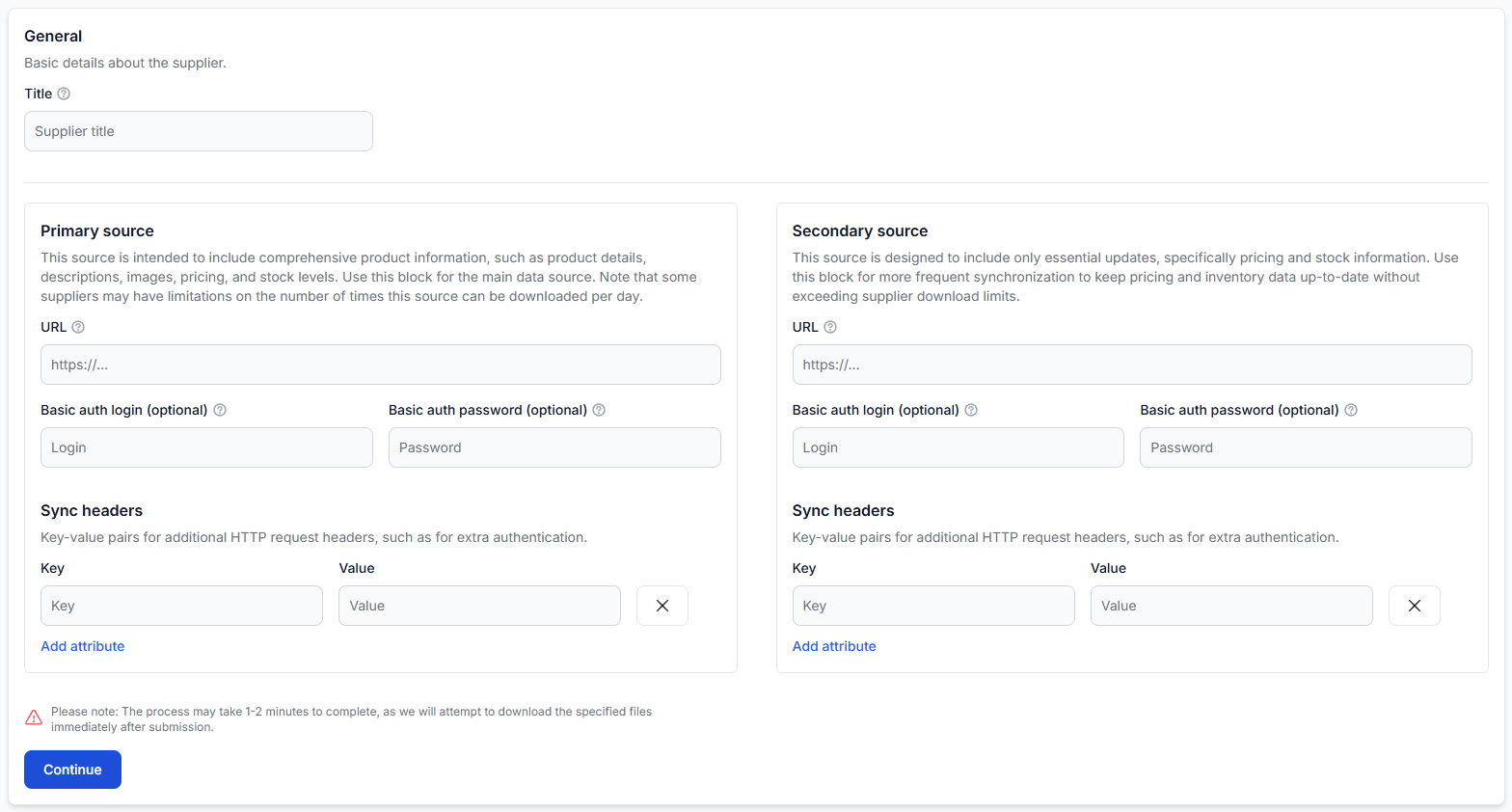
- Use the primary source for the main supplier catalog, including product identifiers, titles, descriptions, images, categories, and other product details.
- Use the optional secondary source for lighter and more frequent updates, usually prices and stock quantities.
- If the supplier provides only one complete source, enter it as the primary source. A secondary source is not required.
- If you use two sources, they must contain a stable identifier that allows B2BLIX to connect the same product in both files.
Changing source mappings or synchronization schedules can affect the prices, stock quantities, and products available to your exports. Verify the source contents and connection preview before using the supplier data in a live sales channel.
What belongs in each source
| Source | Typical purpose | Typical information |
|---|---|---|
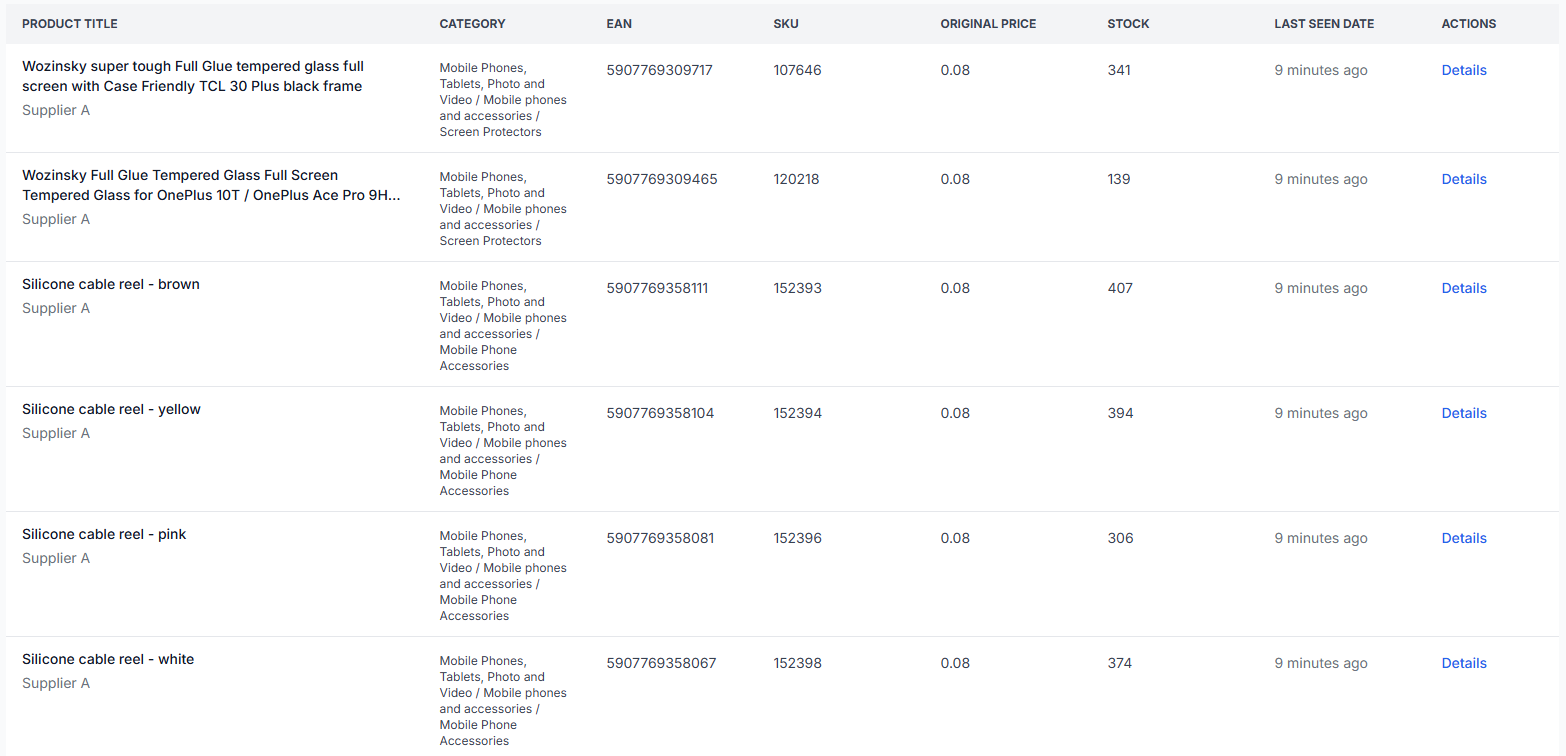
| Primary source | The complete product catalog | EAN, supplier SKU, title, description, images, categories, manufacturer, price, stock, weight, and other product attributes |
| Secondary source | Fast updates for frequently changing values | Product identifier, price, stock, and occasionally other limited operational fields |
The exact contents depend on the supplier. A primary source does not have to contain every possible attribute, and a secondary source is not limited to exactly two fields. The important distinction is that the primary source normally provides the main product record, while the secondary source updates selected values.
When a secondary source is unnecessary
Do not create a secondary source only because the option is available. One source is enough when it contains all information required for your workflow, including the values that need regular updates.
A secondary source is normally unnecessary when:
- The supplier provides only one XML or JSON link.
- The primary feed already contains usable product details, prices, and stock.
- The supplier updates the complete feed frequently enough for your needs.
- There is no reliable common identifier for connecting a second file.
In this situation, add the available link as the primary source and leave the secondary source empty.
How products are connected between two sources
B2BLIX must be able to identify which record in the primary source corresponds to which record in the secondary source. Choose a stable identifier that is present in both files and has the same value for the same product.
Suitable connection fields may include:
- EAN
- Supplier product ID
- Supplier SKU or another stable local product code
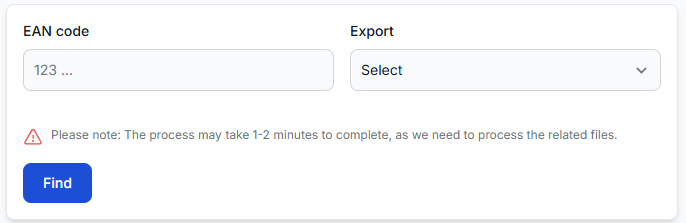
For example, if a product has the EAN 5901234567890 in the primary source, the secondary source must use that same EAN for the corresponding price and stock record. Small differences such as spaces, prefixes, or a different identifier type can prevent the records from connecting.
The identifier used to connect a supplier’s primary and secondary files is not the same as the catalog-wide product identity rule. In the standard B2BLIX Feed workflow, products still require a usable EAN for normal processing and cross-supplier grouping.
How to choose synchronization schedules
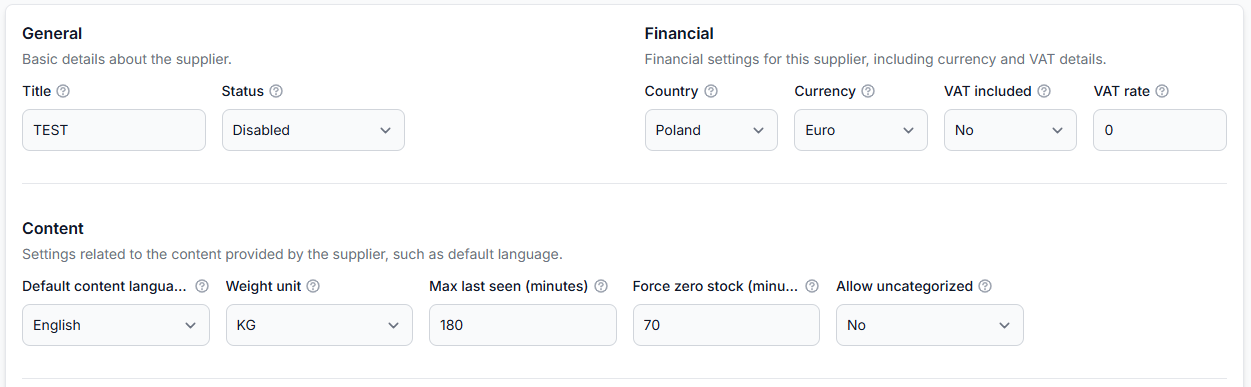
The primary and secondary sources can use different synchronization frequencies. This allows the smaller price and stock file to be downloaded more frequently than the complete catalog.
Choose the schedules in this order:
- Check whether the supplier recommends a specific update schedule or imposes download limits.
- Set the primary source according to how often product content and the complete catalog change.
- Set the secondary source according to how often prices and stock need to be refreshed.
- Confirm that your export schedule is appropriate for the supplier schedules. Export generation and supplier synchronization are separate operations.
If the supplier does not specify limits or a recommended interval, an hourly synchronization is a practical starting point. Adjust it only after considering how often the supplier updates the file and how fresh the data needs to be.
Supplier downloads are usage-based operations. Before increasing synchronization frequency, check the supplier’s access limits and the current B2BLIX Feed pricing information. More frequent downloads do not help when the supplier updates its source less often.
What happens when a product is missing from the secondary source
A product in the primary source may not have a matching record in the secondary source. What happens next depends on whether the primary source already contains enough information to process that product.
- If the primary source contains a usable price: the product may still be processed using the information available from the primary source.
- If the price is expected only from the secondary source: the product does not have enough pricing information and will not pass further through the normal workflow.
- If the identifiers do not match: B2BLIX treats the records as unconnected, even when they appear to describe the same product.
A missing connection does not always mean that the product is absent. It may also mean that the selected connection fields contain different values or that one of the fields was mapped incorrectly.
What to check in your account
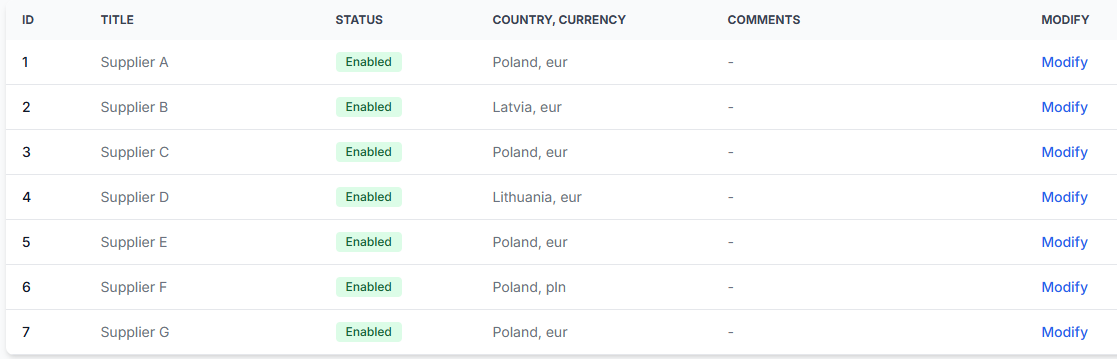
When you are logged in, open the Suppliers section to review existing supplier configurations, or open Add new supplier to configure a new source. To understand the source, synchronization, and mapping fields, read Add and configure a supplier feed.
1. Verify the source links
- Confirm that the primary source opens and returns the expected XML or JSON data.
- Confirm that the secondary source opens separately, when one is used.
- Check whether authentication credentials or request headers are required.
- Do not publish or share private supplier URLs, credentials, or request headers.
2. Review the discovered product structure
During mapping, confirm that B2BLIX has identified the correct repeating product path in each file. The preview should show individual products rather than a complete document, category group, or unrelated section.
3. Map the required fields
For the primary source, check at least the fields required for your intended workflow, such as:
- EAN
- SKU or supplier product ID
- Title
- Price
- Stock
- Category
For the secondary source, map the common connection identifier and the values that the secondary file is intended to update, usually price and stock.
4. Validate the source connection
In the connection mapping step, select the corresponding identifier from the primary and secondary sources. Review the preview and intersection statistics to confirm that a reasonable number of products are connected.
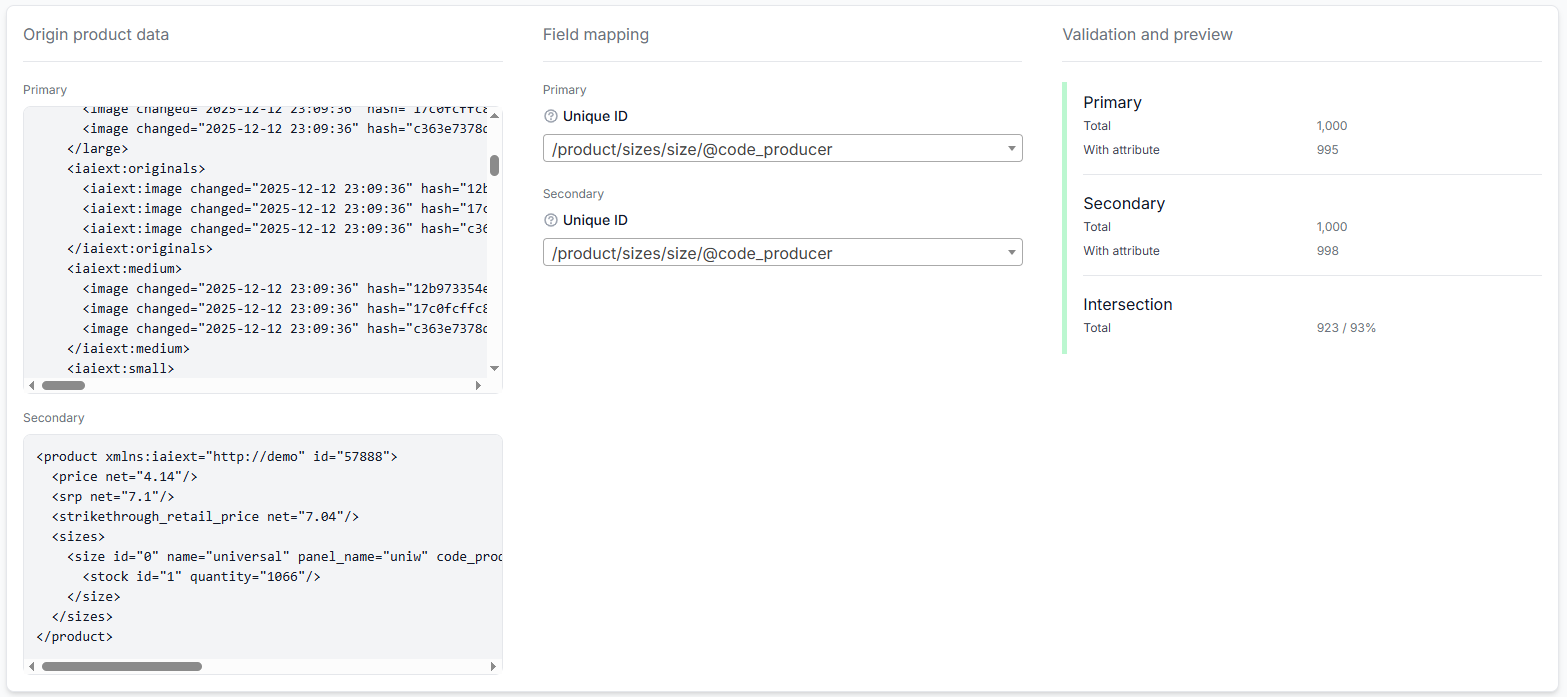
If very few products connect, verify that:
- The same type of identifier was selected on both sides.
- The identifier values use the same format.
- The preview is showing comparable products from both files.
- The supplier has not used different SKU systems in the two sources.
- The identifier is unique and stable rather than a title, category, or other changeable value.
Common source-design problems
Both files were entered as separate suppliers
If the files describe the same supplier catalog and one file only updates the other, they should normally be configured as the primary and secondary sources of one supplier instance. Creating two unrelated supplier instances would not create the intended source connection.
The secondary source contains no product details
This is often normal. A secondary source may contain only an identifier, price, and stock. The complete title, description, images, and category can continue to come from the primary source.
The connection uses a product title
Product titles are not reliable connection fields because wording, punctuation, language, and formatting may change. Use an EAN, supplier product ID, or stable supplier SKU instead.
The source schedules are identical without a practical reason
A large catalog file may not need to be downloaded as frequently as a small stock update file. Use the supplier’s recommendations and the actual update frequency of each file rather than automatically assigning the same schedule.
A matched secondary record has no price
Connecting the records does not create a missing value. If the product requires a price from the secondary source, verify that the selected price path contains a valid value in the mapping preview.
Example
A supplier provides two files:
- catalog.xml contains 40,000 products with EAN, SKU, titles, descriptions, images, categories, prices, and stock.
- updates.xml contains EAN, current price, and current stock for 35,000 products.
The seller configures catalog.xml as the primary source and updates.xml as the secondary source. EAN is selected as the connection field because it is present in both files.
For a product found in both files, the complete product information comes from the primary source while the frequently updated price and stock come from the secondary source. If a product is missing from the secondary file but has a valid price in the primary file, it may still be processed using that primary price. If the primary file has no price and the expected secondary record is missing, the product lacks the required pricing data and is ignored.
What to do next
- Confirm whether your supplier provides one complete source or separate catalog and update sources.
- Add the complete catalog as the primary source.
- Add a secondary source only when it has a clear update purpose.
- Identify a stable field that exists with matching values in both files.
- Map the primary and secondary structures and review their preview values.
- Check the connection statistics before saving the mapping.
- Choose synchronization schedules based on supplier recommendations, file update frequency, and required data freshness.
- Test the imported products before using the supplier in a live export.
A well-designed source connection keeps complete product content available while allowing prices and stock to be refreshed efficiently. The most important checks are a reliable shared identifier, correct field mappings, and enough fallback data in the primary source when a secondary record is unavailable.