B2BLIX Feed guides
Explore guides to importing, cleaning, pricing, merging, and exporting supplier product data.
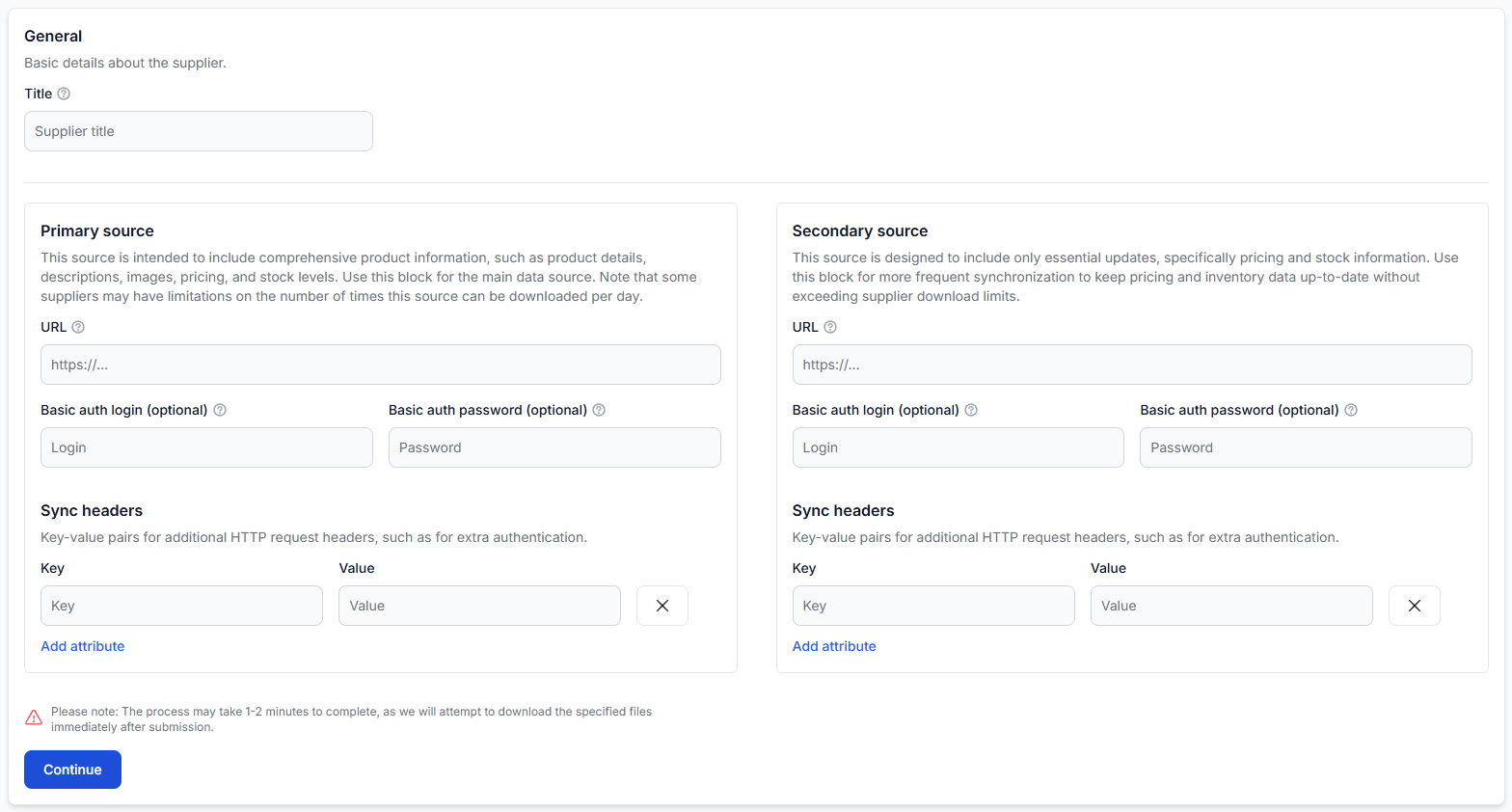
Getting started with b2blix feed
Getting started
Connect your first supplier, map and import product data, create an XML export, generate the feed, and verify the final results before connecting it to a live sales channel.
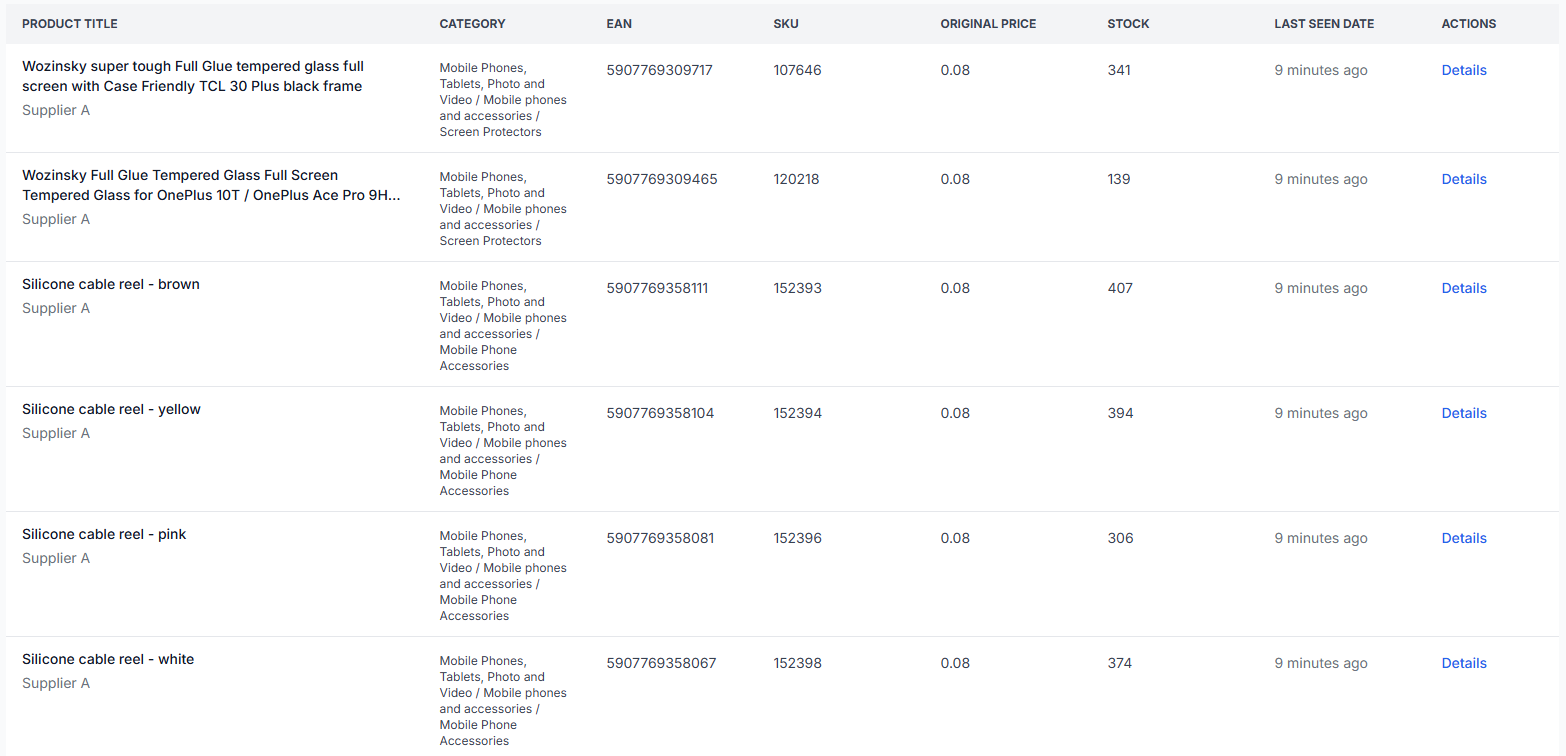
All products interface
Interfaces· Product data· Supplier catalog· Monitoring
The All Products interface shows the complete list of supplier products currently stored in B2BLIX Feed. Use it to search the catalog, review imported values, and open detailed information for a specific product.
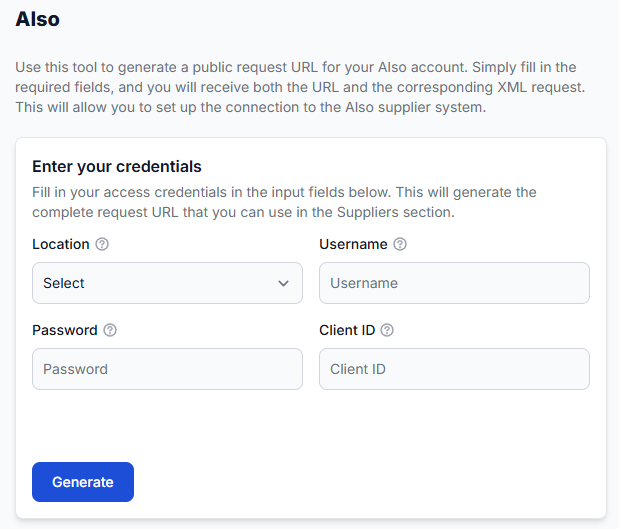
Also helper: generate a supplier request URL
Interfaces· Helper tools· Supplier sources· Request urls
The Also helper creates a complete request URL from your Also account details. You can then use this URL as a primary or secondary supplier source in B2BLIX Feed.
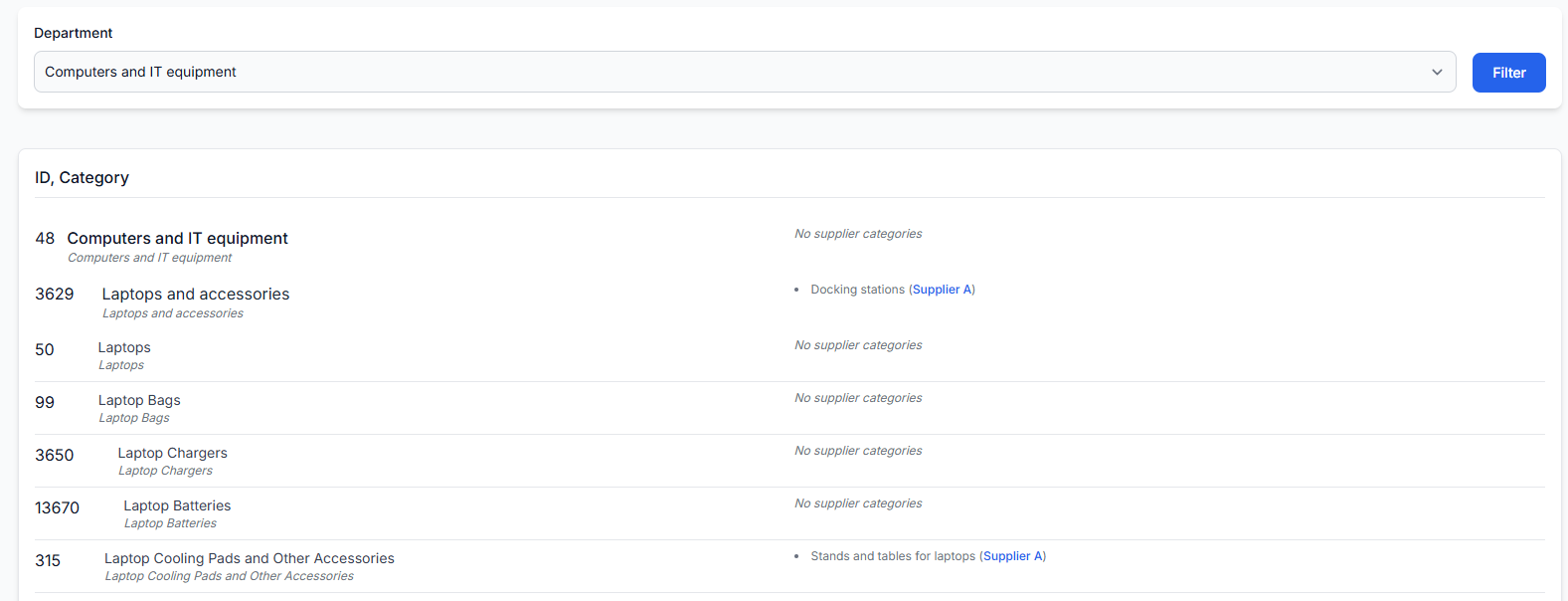
Category map interface
Interfaces· Category mapping· Supplier categories· Product data
The category map shows the predefined B2BLIX category tree and the supplier categories connected to it. Use this page to find category IDs, review category relationships, and understand how categories from different suppliers are standardized.
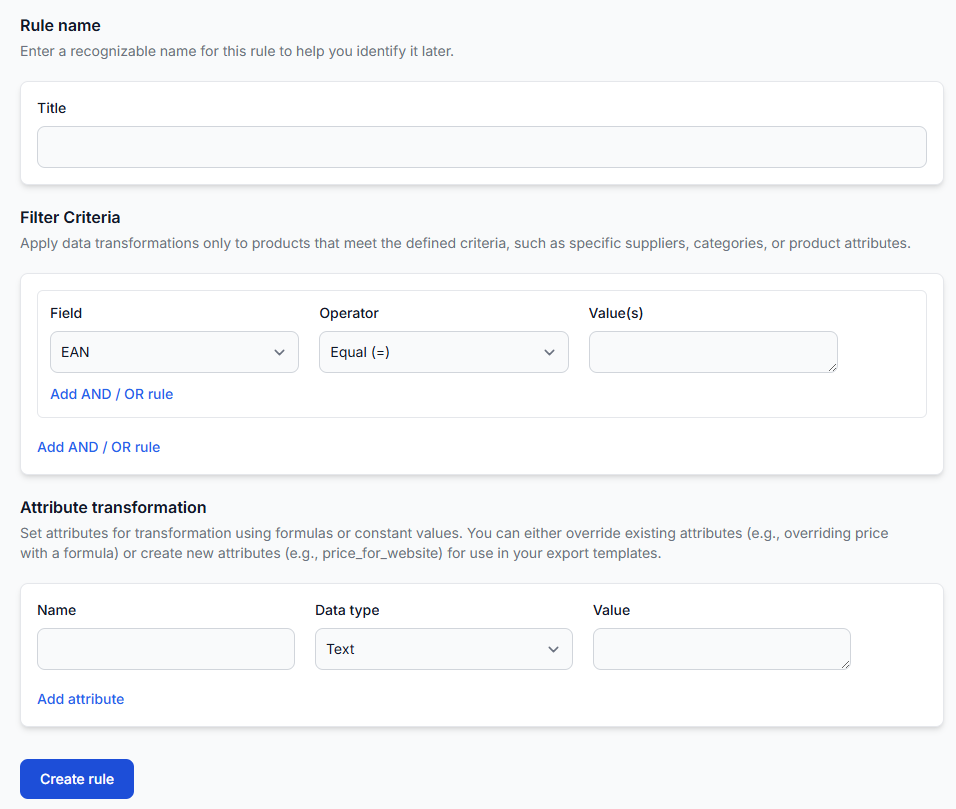
Data transformation rules
Interfaces· Data transformation· Product data· Export rules
Use data transformation rules to change supplier product data before it is written into an export. A rule can update an existing attribute, create a new export-specific attribute, and limit the change to products that match selected conditions.