B2BLIX Feed guides
Explore guides to importing, cleaning, pricing, merging, and exporting supplier product data.
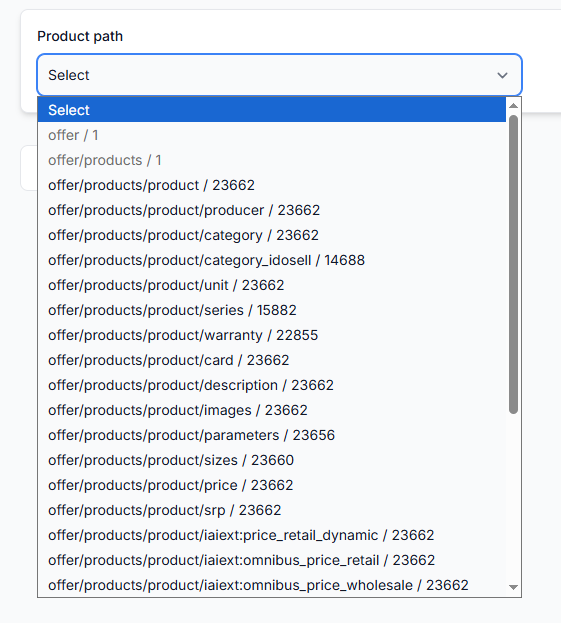
How to change a supplier url or feed structure without breaking exports
Support questions· Supplier maintenance· Mapping· Export
Learn how to replace a supplier URL or migrate to a changed XML or JSON structure while reducing the risk of missing products, incorrect values, or incomplete exports.
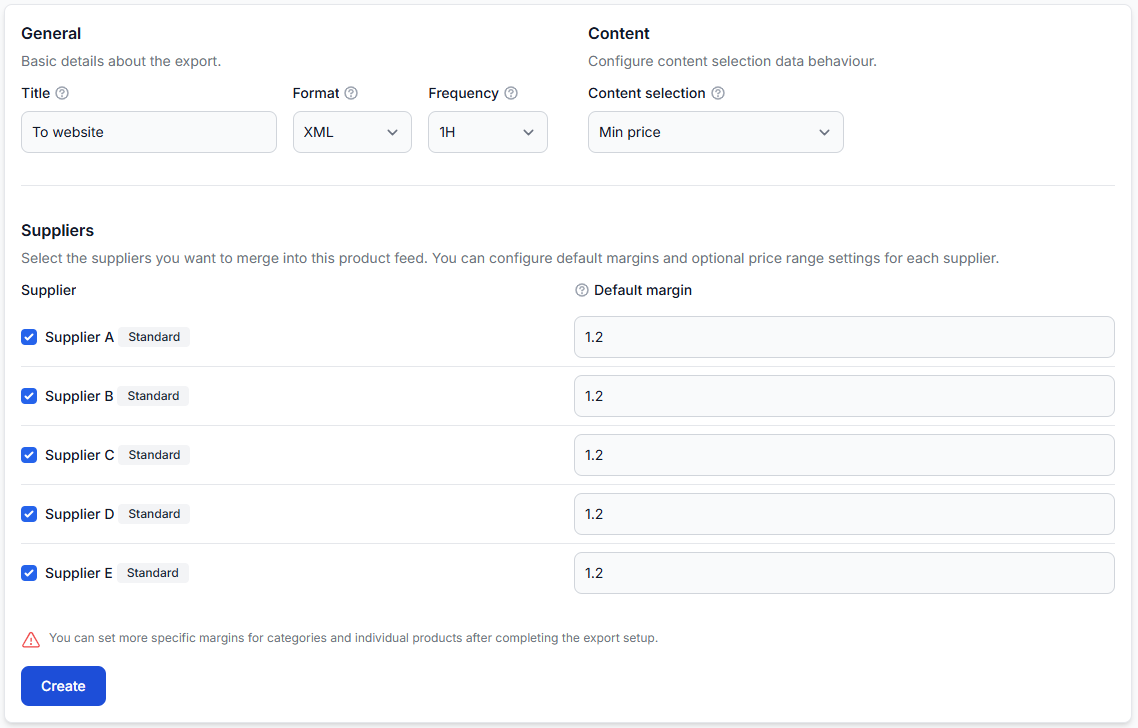
How to choose price data and product content from different suppliers
Support questions· Content selection· Exports· Troubleshooting
Learn how price-based and content-based supplier selection work, which attributes are taken from the selected content supplier, and how to verify the final result for a specific EAN.
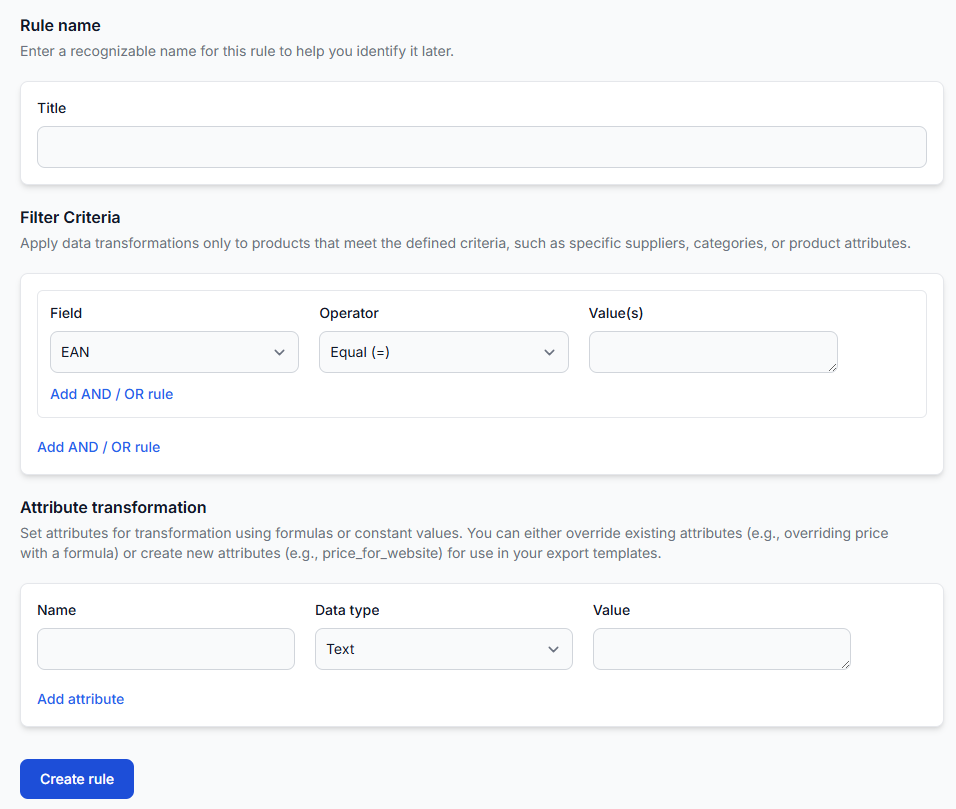
How to clean, normalize, and enrich inconsistent supplier content
Support questions· Content quality· Data transformations· Export
A practical workflow for improving inconsistent supplier product data without unintentionally changing prices, stock, or other commercial information.
How to configure delivery time and other exported attributes
Support questions· Export· Data transformations· Attribute mapping
Learn how to add delivery time, stock, titles, descriptions, weight, dimensions, prices, and other destination-specific values to a B2BLIX Feed XML export.
How to create reusable channel-specific attributes without overwriting source data
Support questions· Transformation design· Data transformations· Export
Learn when to replace an existing product attribute and when to create a separate channel-specific value. This guide also explains naming, rule priority, reuse across exports, and checking the final XML result.