B2BLIX Feed guides
Explore guides to importing, cleaning, pricing, merging, and exporting supplier product data.
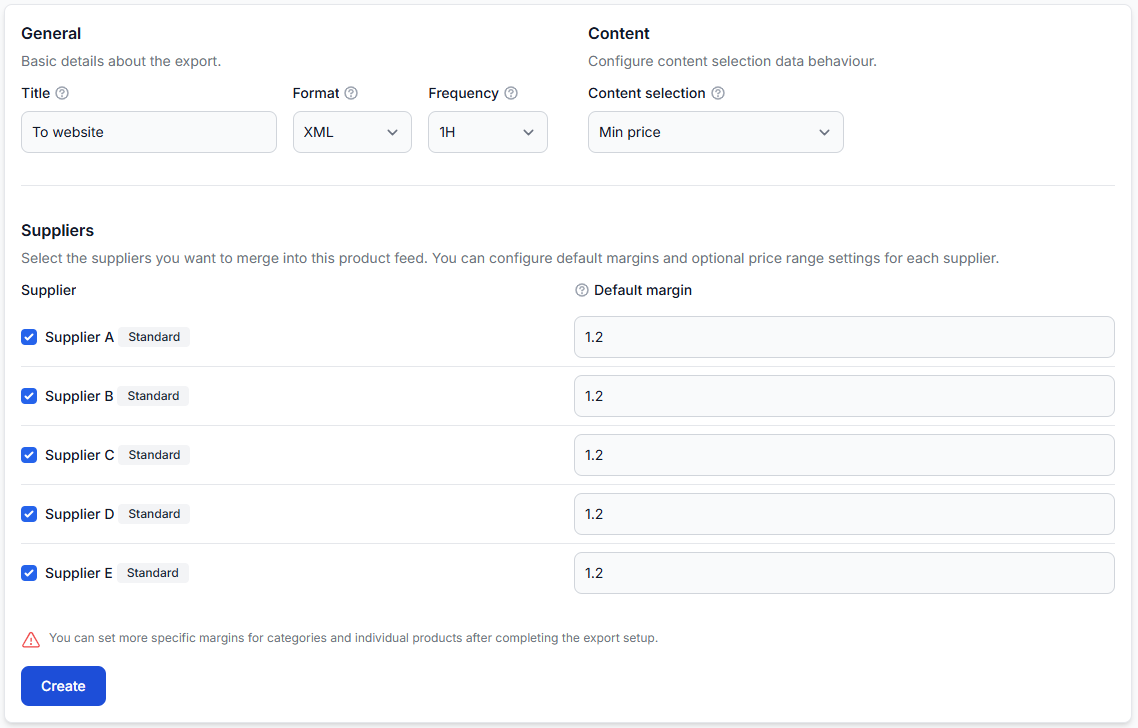
How to create separate exports for countries, languages, and sales channels
Support questions· Multi-channel export design· Export· Testing
Learn when to create separate exports and how to reuse one supplier catalog without mixing destination-specific products, prices, content, schedules, or XML structures.
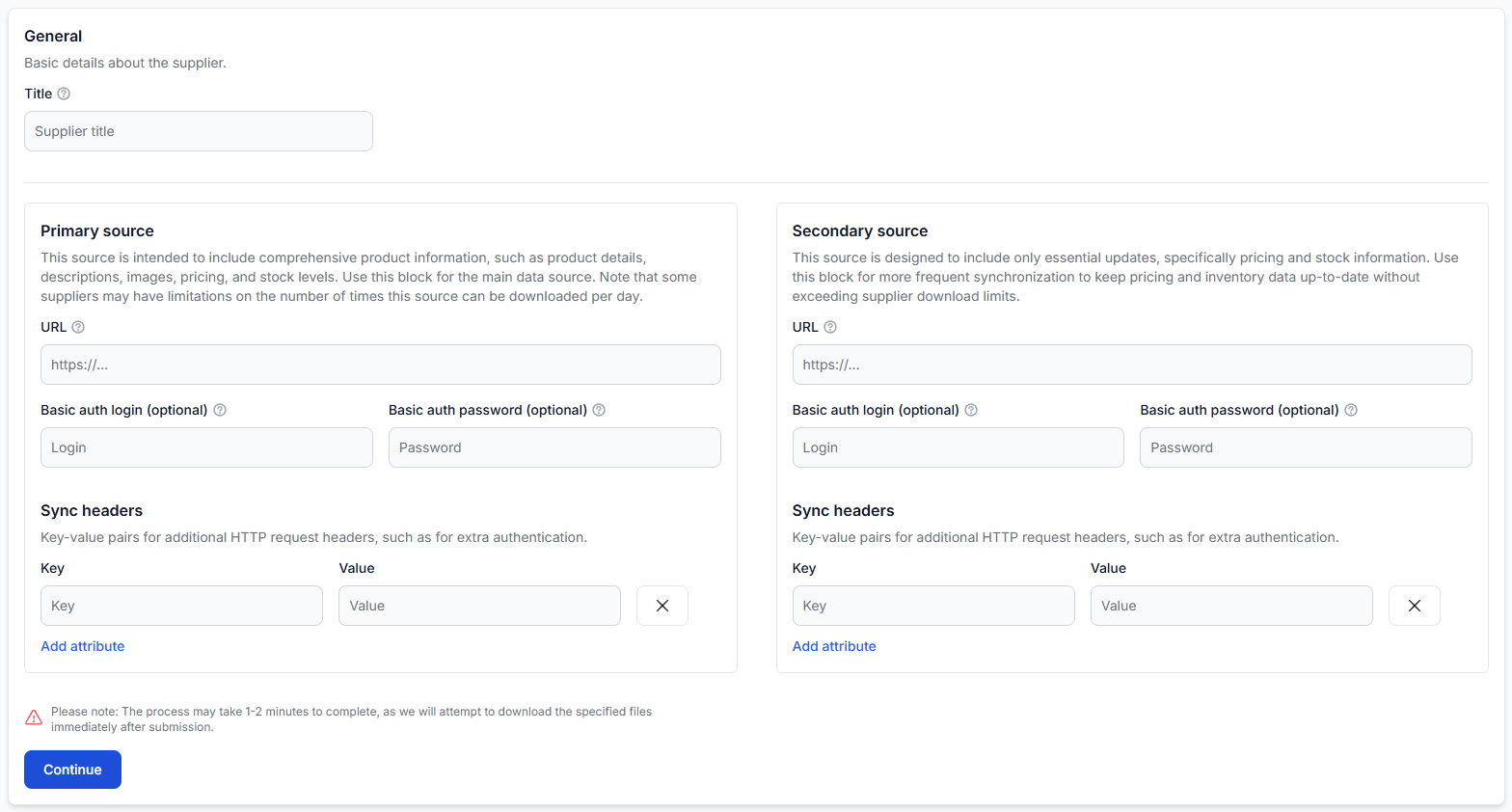
How to design primary and secondary supplier sources
Support questions· Supplier sources· Data mapping· Synchronization
Learn when to use one supplier source and when to separate a complete product catalog from a faster price and stock update source.
How to diagnose sudden product-count changes and supplier feed failures
Support questions· Supplier operations· Synchronization· Troubleshooting
A practical diagnostic guide for investigating failed supplier downloads, changed feed structures, mapping problems, stale-product controls, and unexpected catalog or export count changes.
How to monitor processing, translations, and feed synchronization
Support questions· Operations and monitoring· Synchronization· Translation
Learn how to identify whether a delayed update is waiting for supplier synchronization, translation, classification, export generation, or marketplace processing. This guide explains how to follow product data through B2BLIX Feed, check the relevant account sections, and find the stage that needs attention when information is not yet updated.
How to prepare, test, and connect a marketplace export
Support questions· Export· Testing· Launch
Prepare a destination-specific export, test representative products, review the generated XML, and connect the verified export URL to your marketplace or other sales platform.