How to choose price data and product content from different suppliers
Learn how price-based and content-based supplier selection work, which attributes are taken from the selected content supplier, and how to verify the final result for a specific EAN.
When this guide is relevant
This guide applies when the same product is available from several suppliers under the same EAN, but the suppliers provide different prices and different levels of product information.
For example, the supplier with the lowest price may have only a short title and description, while another supplier provides a longer description, better images, or more complete product attributes.
B2BLIX can evaluate the commercial offer separately from the product content. This means that the supplier selected for price-related processing does not always need to be the supplier used as the content source.
Short answer
You can configure an export to select product content using different criteria:
- Minimum price selects content from the supplier whose offer has the lowest price for that EAN.
- Maximum content length selects the supplier with the longest description.
The final exported product can therefore use the commercially selected supplier for offer-related data while using another supplier for mapped content such as the title or description.
Changing content-selection settings can change the data in future generated XML exports. Review the result for several products before using the updated export in a live sales channel. The generated XML is prepared by B2BLIX, but publication or acceptance by an external platform is a separate step.
How supplier selection works
B2BLIX groups supplier records that have the same accepted EAN as representations of the same catalog product. Each supplier can still provide a different offer and different product information.
For one EAN, B2BLIX may therefore need to make two separate decisions:
- Which supplier offer should be used for commercial processing.
- Which supplier should provide the product content.
This separation is useful because the lowest price does not guarantee the richest description, the best images, or the most complete product information. B2BLIX does not independently guarantee that one supplier’s content is more accurate than another supplier’s content. The selection follows the settings configured for the export.
Minimum-price content selection
When content selection is based on minimum price, B2BLIX uses the content from the supplier whose offer has the lowest price for that product.
This option can be useful when you want the content source to follow the selected low-price supplier. However, that supplier may provide shorter descriptions or fewer images than another supplier.
Maximum-content-length selection
Maximum content length is a content-selection setting. It tells B2BLIX to choose the supplier with the longest mapped description for the product.
This setting does not mean that all content is automatically better or more complete. It specifically uses description length as the selection criterion.
Which attributes come from the content supplier?
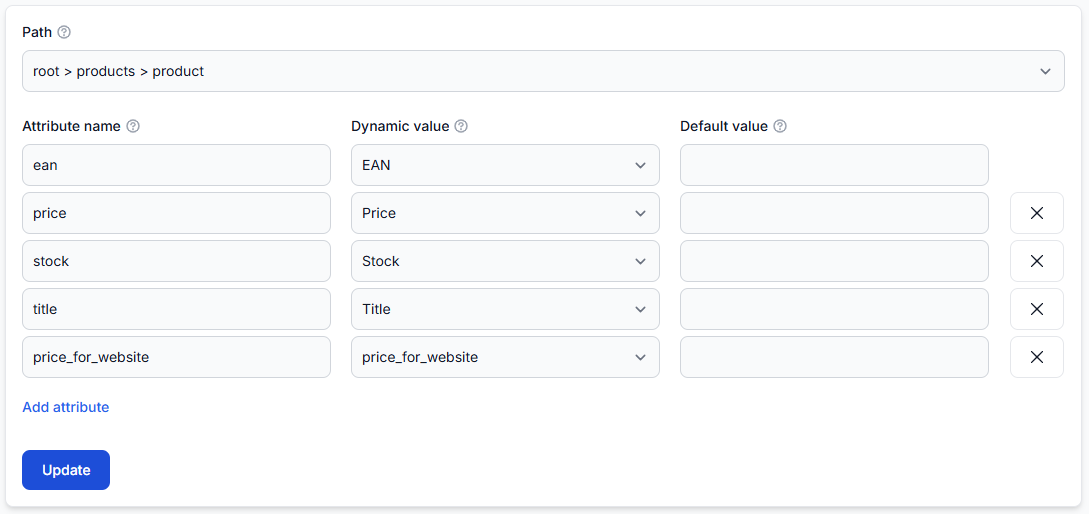
The selected content supplier contributes the attributes that you mapped in the supplier data mapping.
These may include:
- Title
- Description
- Images
- Manufacturer or brand
- Category information
- Weight, dimensions, color, or additional attributes
Only attributes that are available and correctly mapped can be used. For example, when both suppliers have mapped title and description fields, B2BLIX can use those values from the supplier selected by the content-selection rule.
If an important attribute is missing from a supplier’s mapping or source data, selecting that supplier cannot create the missing information.
What to check in your account
1. Confirm that the products are grouped under the same EAN
The standard cross-supplier workflow uses EAN as the primary product identifier. Check that each supplier provides the same valid EAN for the product.
To review imported products, open All Products. To understand the information shown there, read All products interface.
2. Check the supplier mappings
Confirm that every supplier you may use as a content source has mappings for the required content fields. At minimum, check the fields that your export needs, such as title, description, and images.
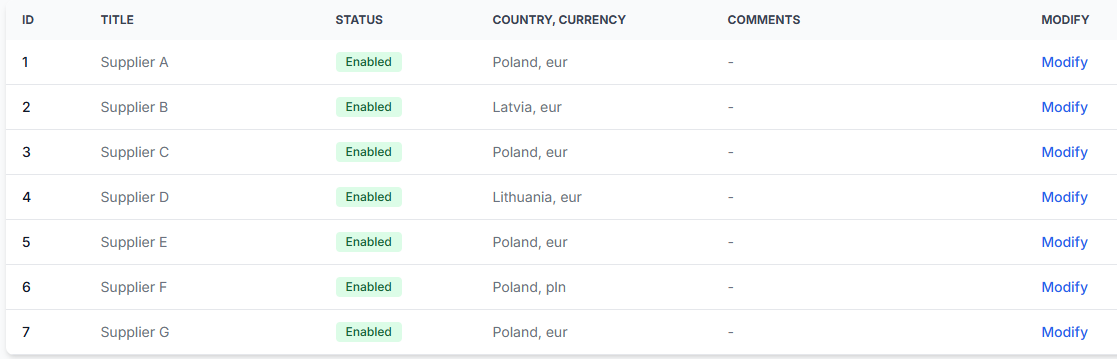
To check this in your account, open Suppliers. To understand supplier configuration and mapping, read Add and configure a supplier feed.
3. Review the export’s content-selection setting
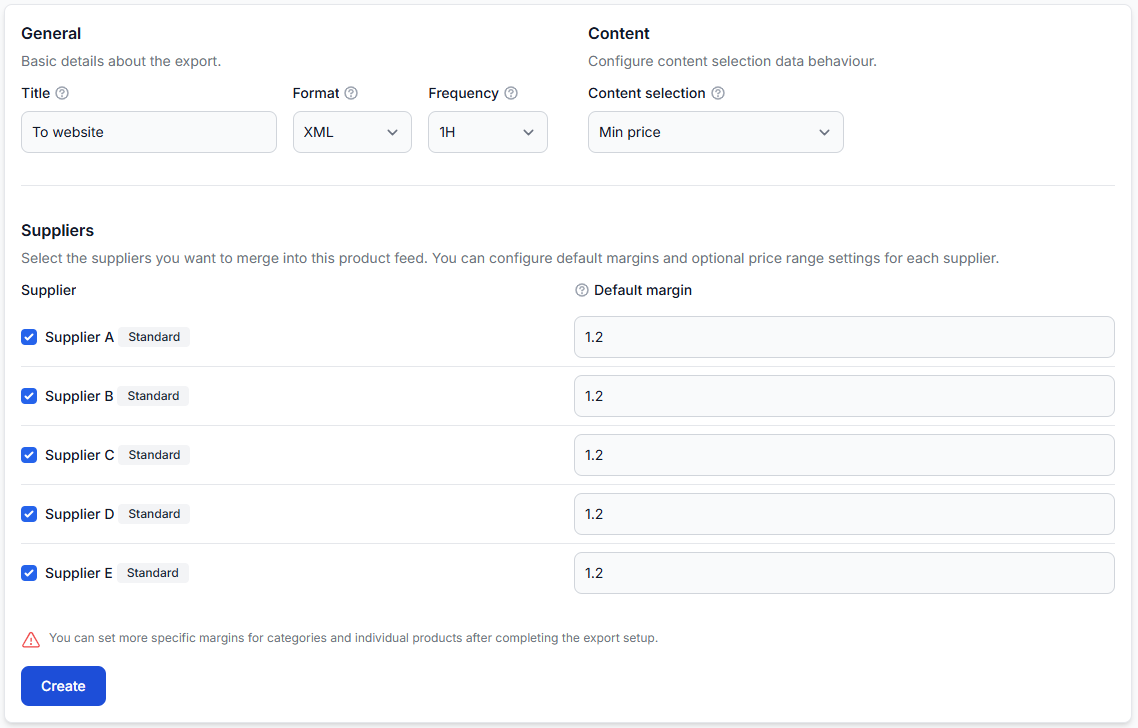
Open the relevant export and check which content-selection method is configured. Verify the setting before changing it, especially when the export is already used by a website, marketplace, price-comparison platform, or another external system.
To check this in your account, open Exports. To understand the export settings, read Create and configure XML export projections.
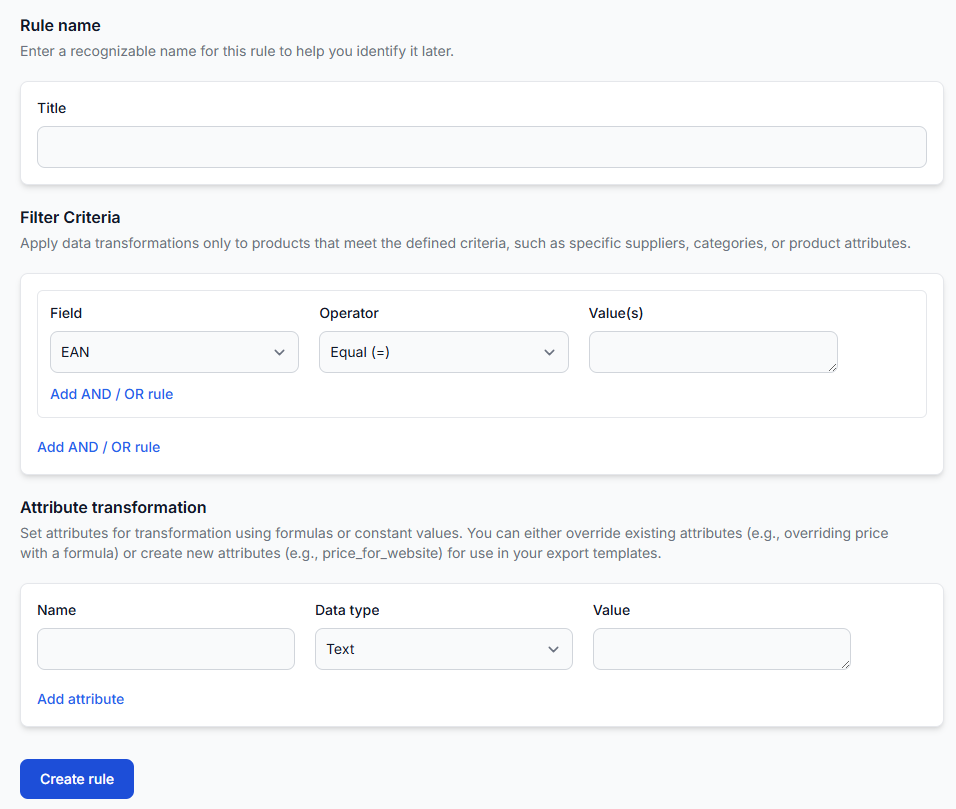
4. Check whether transformations change the selected values
A data transformation rule may override a title, description, image field, or another attribute after supplier content has been selected.
To review these rules, open Data Transformation Rules. To understand their conditions and priorities, read Data transformation rules.
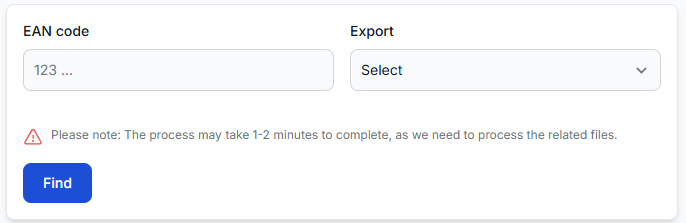
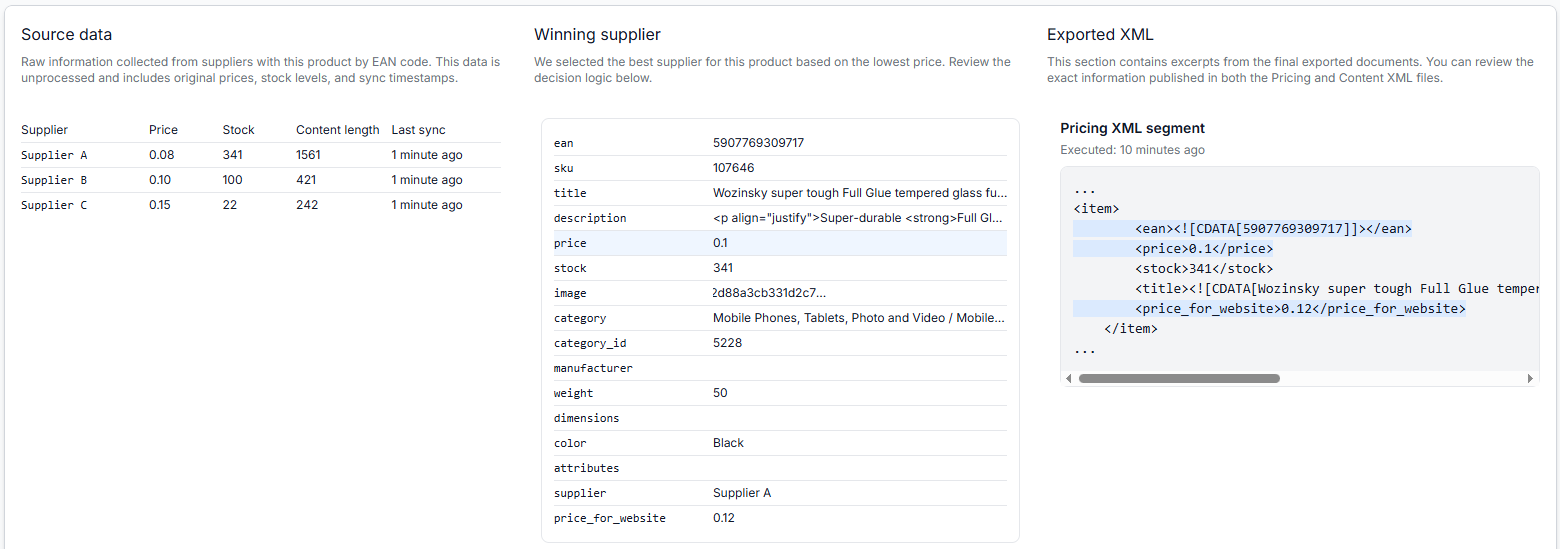
5. Verify one EAN in Export Checker
The most reliable way to understand the final result is to inspect a specific EAN in the relevant export.
- Copy the product’s EAN.
- Open Export Checker.
- Select the export you want to inspect.
- Enter the EAN and run the search.
- Review the supplier source data, the selected supplier, processing decisions, final attributes, and generated XML result.
To check this in your account, open Export Checker. For an explanation of the report, read Export Checker: review product data and export results.
Common causes of unexpected content
- The lowest-price supplier has limited content. Price and content quality are separate characteristics. A supplier can offer the lowest price while providing only a basic description or a small number of images.
- The export uses minimum-price content selection. In this case, the content follows the supplier with the lowest-priced offer.
- The export uses maximum-content-length selection. The supplier with the longest mapped description is selected, even when another supplier provides the commercially selected offer.
- A required field is not mapped. The selected supplier may have a description or image in its source, but B2BLIX cannot use it as the expected attribute unless the field is mapped.
- The supplier does not provide the field. A mapping cannot supply data that is absent from the supplier feed.
- A transformation rule replaces the selected value. The content may be selected correctly and then changed by a rule assigned to the export.
- A supplier-specific override is configured. Where an override is used, verify the actual result in Export Checker. The final outcome depends on the settings and rules configured for that export.
Example
Supplier A and Supplier B both provide product EAN 1234567890123.
- Supplier A: lower price, short title, two-sentence description.
- Supplier B: higher price, detailed title, long description, and more images.
With minimum-price content selection, the export uses Supplier A’s mapped content.
With maximum-content-length selection, Supplier A may still provide the commercially selected offer, while Supplier B provides the mapped title, description, and other applicable content attributes.
What to do next
- Choose several EANs that are available from more than one supplier.
- Confirm that the required content fields are mapped for each supplier.
- Review the content-selection setting in the relevant export.
- Check whether transformation rules override any selected content.
- Inspect each test EAN in Export Checker.
- Review the generated XML before using the changed configuration in a live channel.
The key point is to evaluate the commercial offer and the product content separately. Select the method that matches your business needs, then confirm the result at product level instead of assuming that the cheapest supplier also provides the preferred content.