How to protect supplier credentials, helper urls, and export links
This guide explains how to handle private supplier credentials, request headers, helper-generated URLs, and account-specific XML export links safely during setup, troubleshooting, and credential rotation.
What this guide answers
This guide is relevant when you are adding a supplier, sharing configuration information with another person, preparing screenshots, changing supplier credentials, or replacing an exposed feed URL.
B2BLIX Feed needs access to supplier product data so it can import, map, process, and prepare that data for your exports. Some of the values used in this workflow can provide access to private supplier data or to your processed product catalog. They must therefore be handled as confidential information.
Short answer
Treat the following values as confidential:
- Supplier source URLs, especially private XML or JSON links provided specifically for your business.
- Usernames, passwords, client IDs, tokens, and other authentication values.
- Request headers that contain authorization details or customer-specific values.
- Helper-generated request URLs, including URLs created with the Also helper.
- Account-specific export links generated for your B2BLIX XML exports.
B2BLIX stores the credentials and private source details you provide using the required data-protection measures. You should still avoid publishing, forwarding, or storing these values in places where unauthorized people could access them.
Important: Replacing a supplier source, rebuilding a mapping, or recreating an export can affect product imports, stock information, prices, and updates sent to external systems. Verify the replacement details and record the required configuration before changing anything.
Supplier source url and export url are not the same
A supplier source url is provided by your supplier. It points to the original product data that B2BLIX Feed imports. The source may contain products, prices, stock quantities, descriptions, images, categories, or other supplier information.
A B2BLIX export url points to an XML output generated after B2BLIX has processed the imported supplier data. This output can be used by your website, marketplace importer, price-comparison platform, or another system that accepts the configured XML structure.
| URL type | Where it comes from | What it provides | How to replace it |
|---|---|---|---|
| Supplier source url | Your supplier | Original supplier product data | Request a new url or new credentials from the supplier |
| Helper-generated url | A B2BLIX helper tool using the entered supplier details | A prepared request url for accessing supplier data | Generate a new url using the updated credentials |
| B2BLIX export url | Your B2BLIX export projection | Processed XML prepared from your B2BLIX catalog | Delete the affected export and create a new export with a new unique url |
Both source and export urls may be sensitive. A source url may provide access to supplier data. An export url may provide access to your processed product selection, including prices, stock, titles, and other exported attributes.
What to check before sharing configuration information
Before sending a screenshot, document, or message about your Feed configuration, check whether it contains any of the following:
- A complete supplier XML or JSON url.
- A username, password, client id, token, or authorization header.
- A helper-generated request url.
- A generated XML export url.
- Customer-specific supplier parameters.
- Private product information that should not be published.
Remove or cover confidential values before sharing the material. Redact the complete value rather than hiding only part of a password or url. URLs can contain confidential parameters even when no password is visibly displayed.
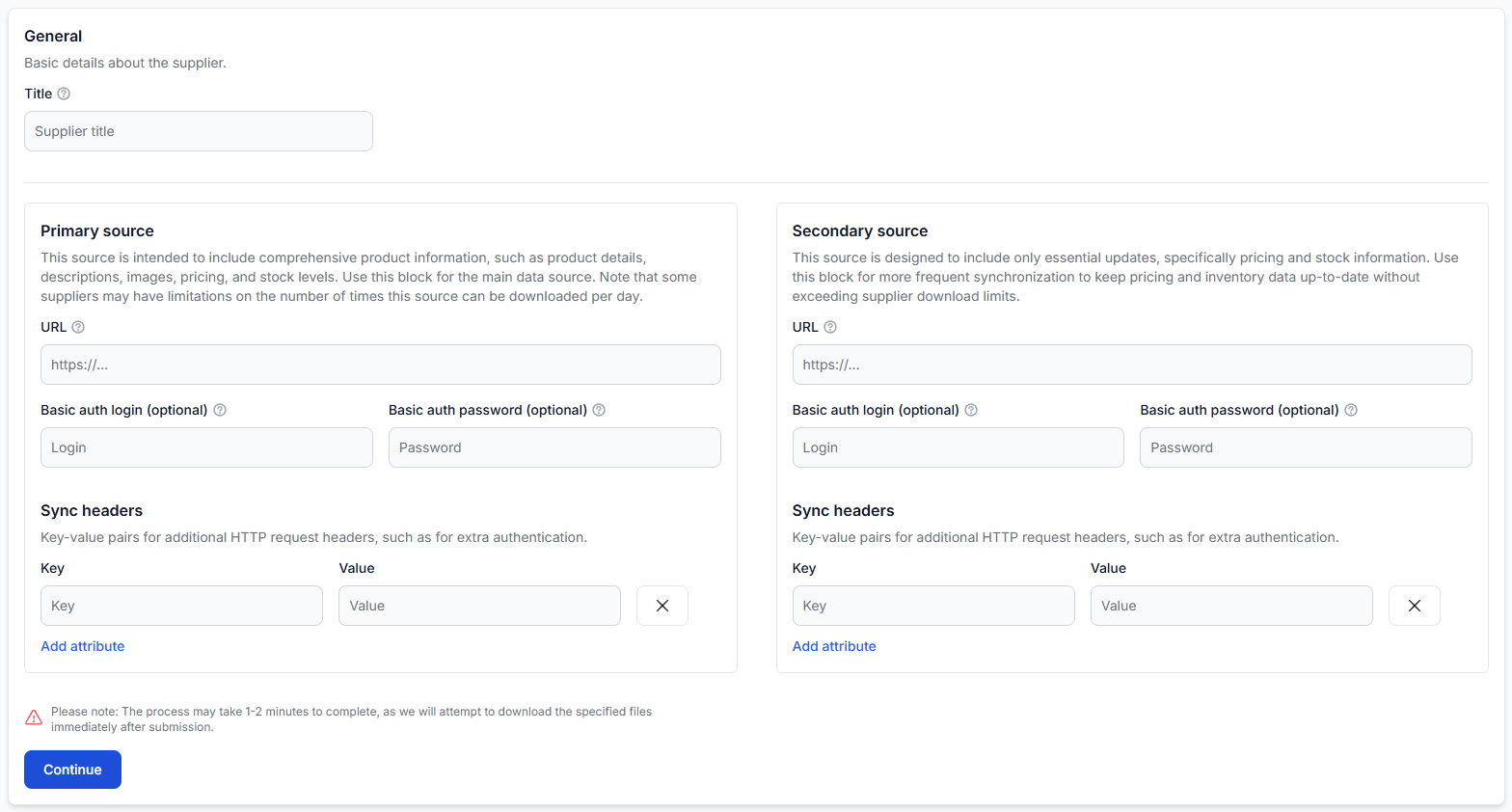
When you are logged in, open Suppliers to review supplier sources, authentication values, synchronization headers, and supplier status. To understand the supplier configuration workflow, read Add and configure a supplier feed.
What to do when a supplier url or credentials change
If a supplier replaces its private url or changes the credentials required to access it, do not simply assume that the existing supplier configuration and mapping will continue to work.
Before making changes, confirm that you have:
- The complete new source url.
- The current username, password, client id, headers, or other required access details.
- A record of the fields that will need to be mapped again.
- Permission to use and store the replacement credentials.
Then follow this workflow:
- Disable the supplier so the old configuration is not used while you make changes.
- Delete the existing data mapping.
- Update the source url, credentials, or request headers.
- Save the supplier configuration.
- Rebuild the data mapping using the structure returned by the new source.
- Review the mapped fields and product data before returning to normal synchronization.
This remapping step is important because a replacement source may not use exactly the same structure or field paths as the previous source.
When an Also password changes
If an Also username, password, client id, or other request value changes, generate a new helper url using the updated details. Do not continue sharing or using the previous generated url.
Open All helpers to prepare a replacement request url. For instructions on the available fields and generated request, read Also helper: generate a supplier request url.
After generating the replacement url, update the supplier source that uses it and rebuild the supplier mapping when required.
What to do when a url is exposed
If a supplier source url is exposed
Contact the supplier and request a new private url or replacement credentials. B2BLIX cannot rotate a url that is controlled by the external supplier.
After receiving the replacement details, update the supplier configuration using the disable, update, and remapping workflow described above.
If a helper-generated url is exposed
Change the affected supplier credentials when possible, then generate a new helper url using the new details. Replace the old url in your supplier configuration and in any other authorized location where it was being used.
If a B2BLIX export url is exposed
Delete the affected export and create a new export. The newly created export will have a new, unique url.
When you are logged in, open Exports to review or replace an export. To understand how an export projection is configured, read Create and configure XML export projections.
Warning: After replacing an export, update the url in every website, marketplace importer, price-comparison platform, or other external system that uses it. Until the new url is configured there, that destination may stop receiving updated products, prices, or stock information.
How to use internal notes safely
Supplier notes are intended for comments that help you organize and recognize your configuration. For example, you can record the purpose of the supplier, the responsible team member, or a reminder about a business-specific setup decision.
Do not use internal notes as a password manager or as storage for:
- Passwords or authentication tokens.
- Complete private supplier urls.
- Authorization headers.
- Helper-generated urls containing access details.
- Private export urls.
A useful note might say, “Credentials managed by the operations team” or “Supplier requested a source change in July.” It should not contain the credentials or private url itself.
Common security mistakes
- Publishing a full url in a screenshot. A url can contain private access parameters even when no password field is visible.
- Sharing an export link in a public chat or document. Share it only with people and systems that need access to the exported catalog.
- Updating a supplier url without rebuilding its mapping. The new source may use different paths or fields.
- Continuing to use a generated helper url after a password change. Generate a replacement using the current credentials.
- Deleting an export without updating the destination. The external system must be configured with the new export url.
- Saving secrets in internal notes. Notes should help identify the configuration, not contain access details.
Example
Your marketplace importer reads a B2BLIX XML export containing product prices and stock. The export url is accidentally included in a public document.
To protect the export, delete the affected export and create a replacement. Copy the new unique url into the marketplace's feed settings, then verify that the next import uses the replacement file. Do not continue using or sharing the exposed url.
What to do next
- Review your active suppliers and identify private source urls, credentials, and authorization headers.
- Check whether any helper-generated or export urls have been shared outside their intended destination.
- Remove confidential values from screenshots, documents, and messages.
- Request replacement supplier credentials from the supplier when a source url has been exposed.
- Recreate exposed B2BLIX exports and update every external system that uses them.
- Keep internal notes useful for organization, but do not store secrets in them.