B2BLIX Feed guides
Export
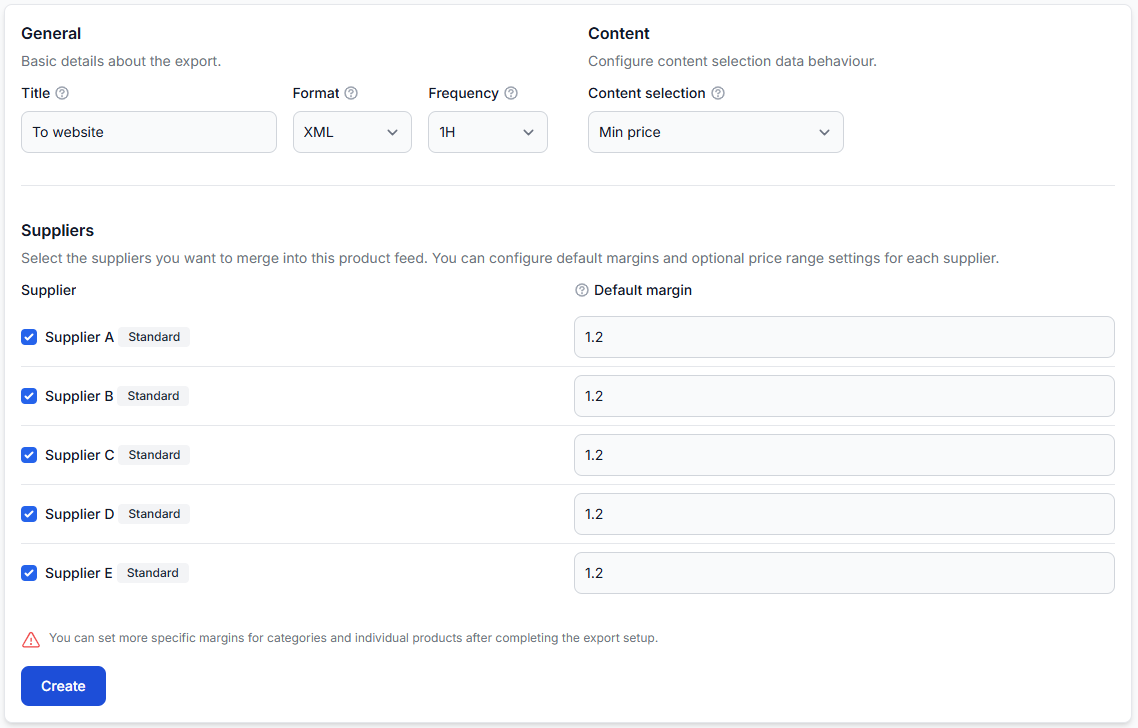
Exports: create and configure xml export projections
Interfaces· Export· Product data· Xml templates
The Exports section lets you create separate XML feeds from the same merged supplier catalog. Each export can use its own suppliers, margins, product filters, transformation rules, discounts, schedule, and XML structure.
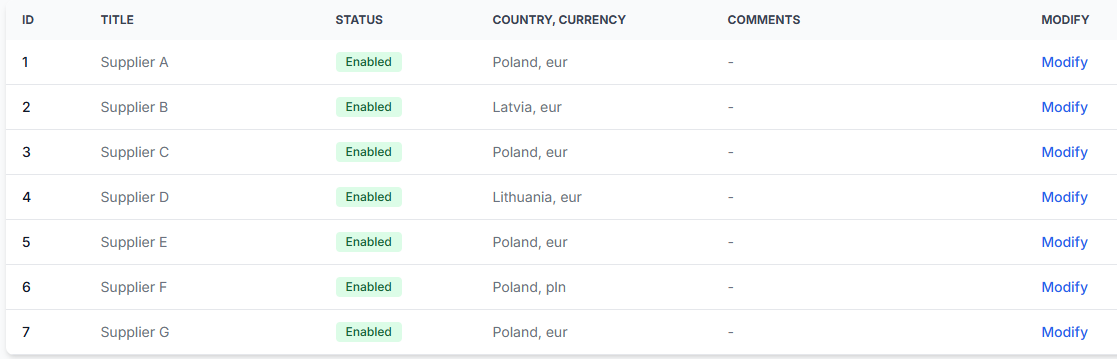
How B2blix feed imports, standardizes, and exports supplier data
Support questions· Product overview· Supplier data· Export
Understand the complete B2BLIX Feed workflow, from importing supplier files and creating a standardized catalog to applying channel-specific rules and generating separate XML exports.
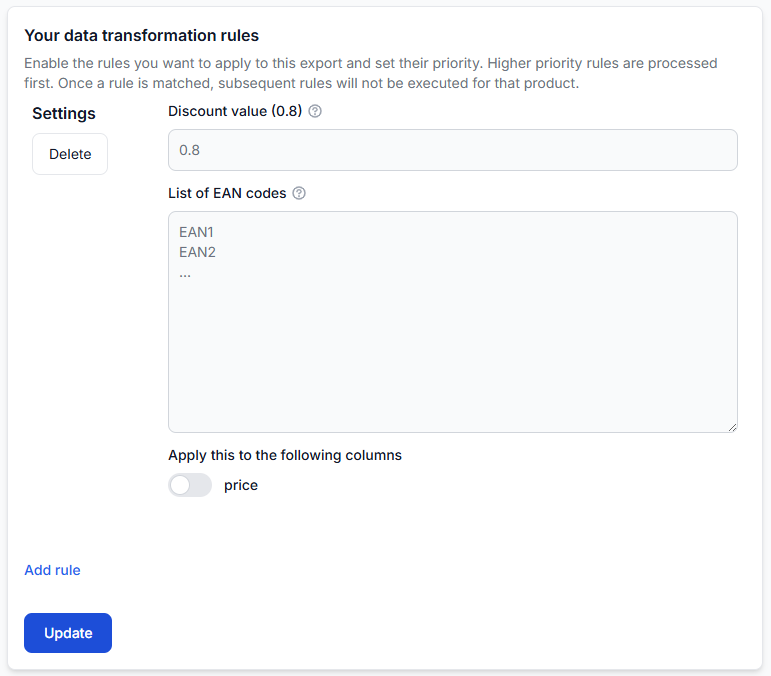
How discounts and campaign prices are applied in exports
Support questions· Campaign pricing· Export· Discounts
Apply campaign discounts to selected products without changing their normal pricing rules. Learn when the discount is applied, how multiple discount lists work, and how to verify the final exported price.
How supplier markups and advanced pricing rules work
Support questions· Pricing· Transformation rules· Export
Learn how to apply a basic markup for each supplier and use more specific pricing formulas for selected categories, brands, products, price ranges, VAT treatment, rounding, and sales channels.
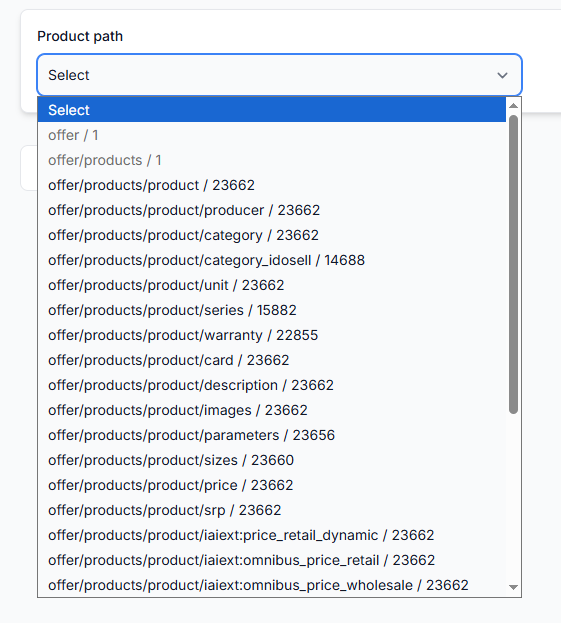
How to change a supplier url or feed structure without breaking exports
Support questions· Supplier maintenance· Mapping· Export
Learn how to replace a supplier URL or migrate to a changed XML or JSON structure while reducing the risk of missing products, incorrect values, or incomplete exports.
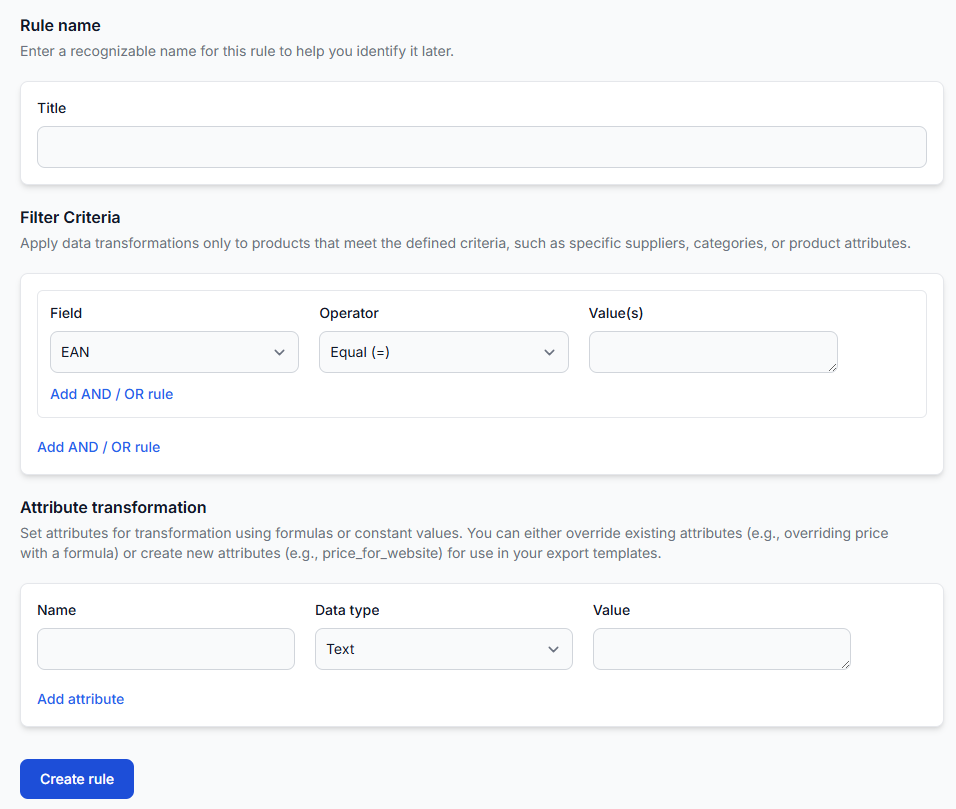
How to clean, normalize, and enrich inconsistent supplier content
Support questions· Content quality· Data transformations· Export
A practical workflow for improving inconsistent supplier product data without unintentionally changing prices, stock, or other commercial information.
How to configure delivery time and other exported attributes
Support questions· Export· Data transformations· Attribute mapping
Learn how to add delivery time, stock, titles, descriptions, weight, dimensions, prices, and other destination-specific values to a B2BLIX Feed XML export.
How to create reusable channel-specific attributes without overwriting source data
Support questions· Transformation design· Data transformations· Export
Learn when to replace an existing product attribute and when to create a separate channel-specific value. This guide also explains naming, rule priority, reuse across exports, and checking the final XML result.
How to create separate exports for countries, languages, and sales channels
Support questions· Multi-channel export design· Export· Testing
Learn when to create separate exports and how to reuse one supplier catalog without mixing destination-specific products, prices, content, schedules, or XML structures.
How to prepare, test, and connect a marketplace export
Support questions· Export· Testing· Launch
Prepare a destination-specific export, test representative products, review the generated XML, and connect the verified export URL to your marketplace or other sales platform.
How to replace or retire a supplier without losing catalog coverage
Support questions· Supplier lifecycle· Export· Synchronization
Replace or retire a supplier safely by checking export dependencies, preparing the replacement in parallel, testing its mapped data, and reviewing which products will disappear when the old supplier is removed.
How to translate product content and build multilingual exports
Support questions· Translation· Data transformation rules· Export
Use supplier language settings and data transformation rules to translate selected product titles, descriptions, or other content for multilingual XML exports.
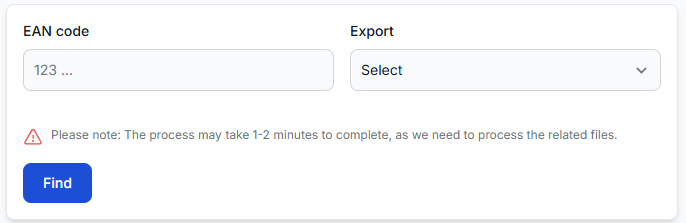
How to troubleshoot rejected feeds, missing marketplace products, and data differences
Support questions· Troubleshooting· Export· Marketplace
Trace an affected product from the supplier source through B2BLIX and into the destination to find where it was rejected, excluded, changed, or delayed.
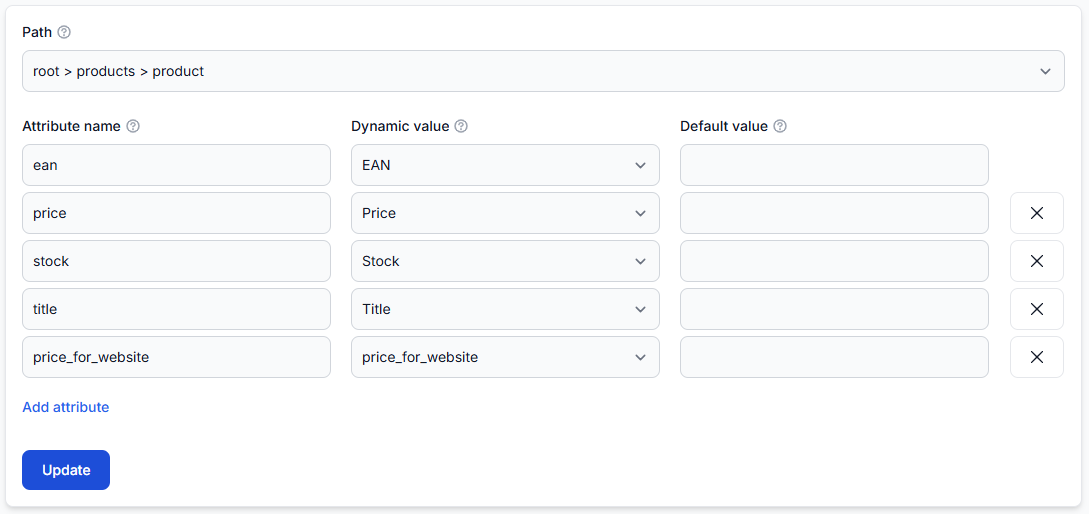
How to turn a destination xml specification into a b2blix export template
Support questions· Xml template design· Export· Data transformations
Learn how to convert a marketplace, website, or partner xml specification into a practical B2BLIX export template, including product paths, output fields, values, transformations, and validation.
Why the same ean can have different values in different exports
Support questions· Export· Troubleshooting· Data transformations
Learn how to compare one product across two B2BLIX exports and identify which supplier selection, margin, filter, transformation, content, template, or timing difference produced the result.