Why B2blix can show different data in different places
Reports, Product Checker, and other B2BLIX views may temporarily show different information because marketplace monitoring and synchronization calculations run at different times.
Why the information may look inconsistent
This article is relevant when the same product appears to have a different seller, BuyBox position, price, or calculation result in different parts of B2blix.
A temporary mismatch does not always mean that the data or calculation is incorrect. B2blix collects marketplace information, imports seller data, performs calculations, and prepares synchronization results through separate processes. These processes may run at different times.
Short answer
Different pages may represent different moments in time or different stages of the workflow.
For example, a synchronization can calculate a price while your shop is the observed BuyBox seller. Marketplace data may then be collected again after another seller takes the BuyBox. A later Product Checker view can therefore show a different seller from the one used during the earlier synchronization.
The first thing to compare is the observation time, synchronization time, and marketplace shown in each view.
Do not change live pricing settings based only on one apparent mismatch. First verify the timestamps, marketplace, calculation details, and export result. A calculated or exported price is not necessarily live until it has been accepted and applied by the marketplace.
How the different types of data work
When comparing pages, it helps to identify what kind of information each page is showing:
- Observed marketplace data is the latest information B2blix collected about the product, competing sellers, prices, and BuyBox position.
- Imported seller data comes from your configured XML, CSV, Google Sheets file, URL feed, or supported integration. It may include your current price, stock, EAN, and price limits.
- BuyBox calculation data shows the result produced from the information and settings available when that calculation was performed.
- Synchronization or export data shows what B2blix prepared for the selected output method during a particular synchronization run.
- The live marketplace price is the price currently applied by the marketplace. It may differ from a calculated or exported value until the marketplace processes the update.
Because these stages are separate, a newer marketplace observation does not rewrite the historical result of an earlier synchronization report.
What to check in your account
1. Confirm that you are comparing the same product and marketplace
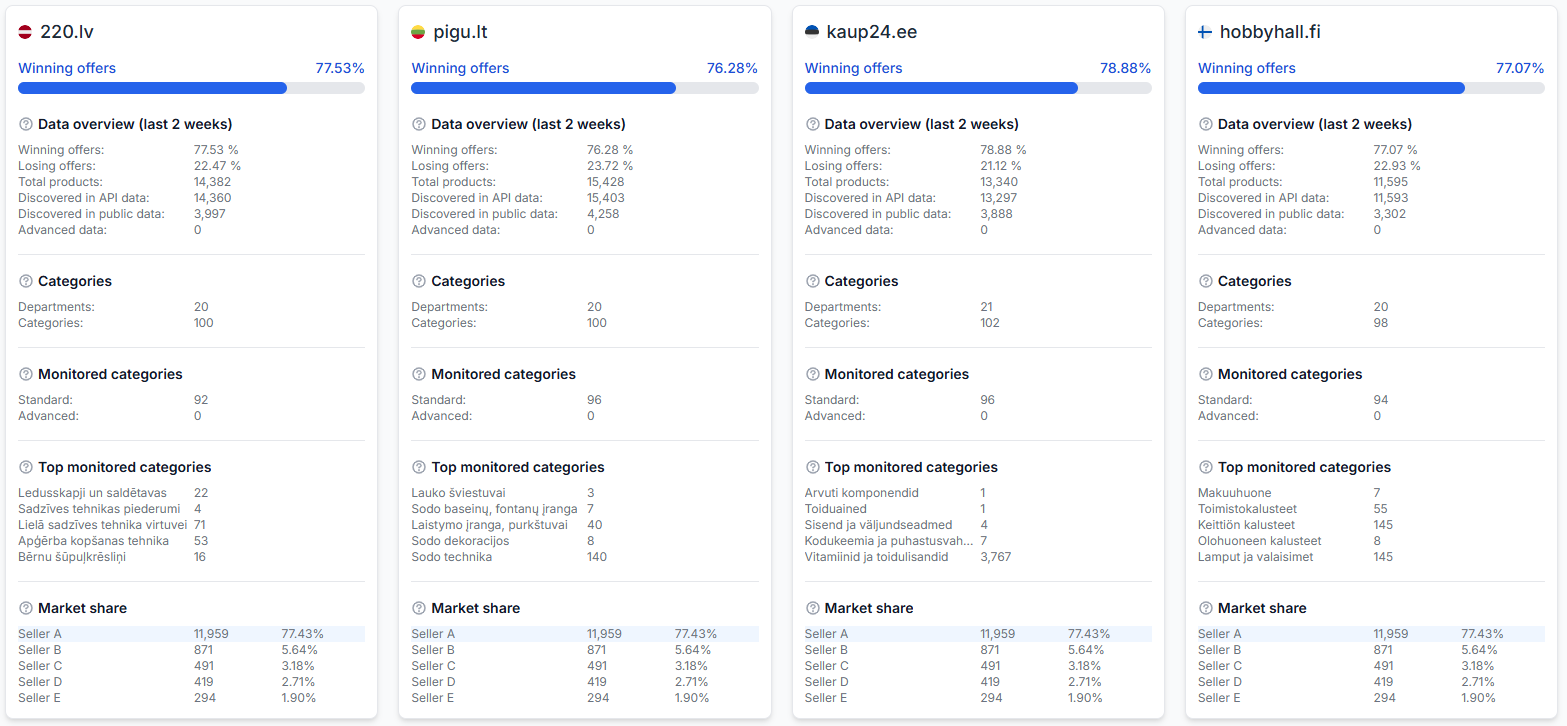
Check that both views refer to the same EAN and the same marketplace: 220.lv, Pigu.lt, Kaup24.ee, or HobbyHall.fi.
The same EAN can have a different seller position, competitive price, or observation time on each marketplace.
2. Check the latest product-level information
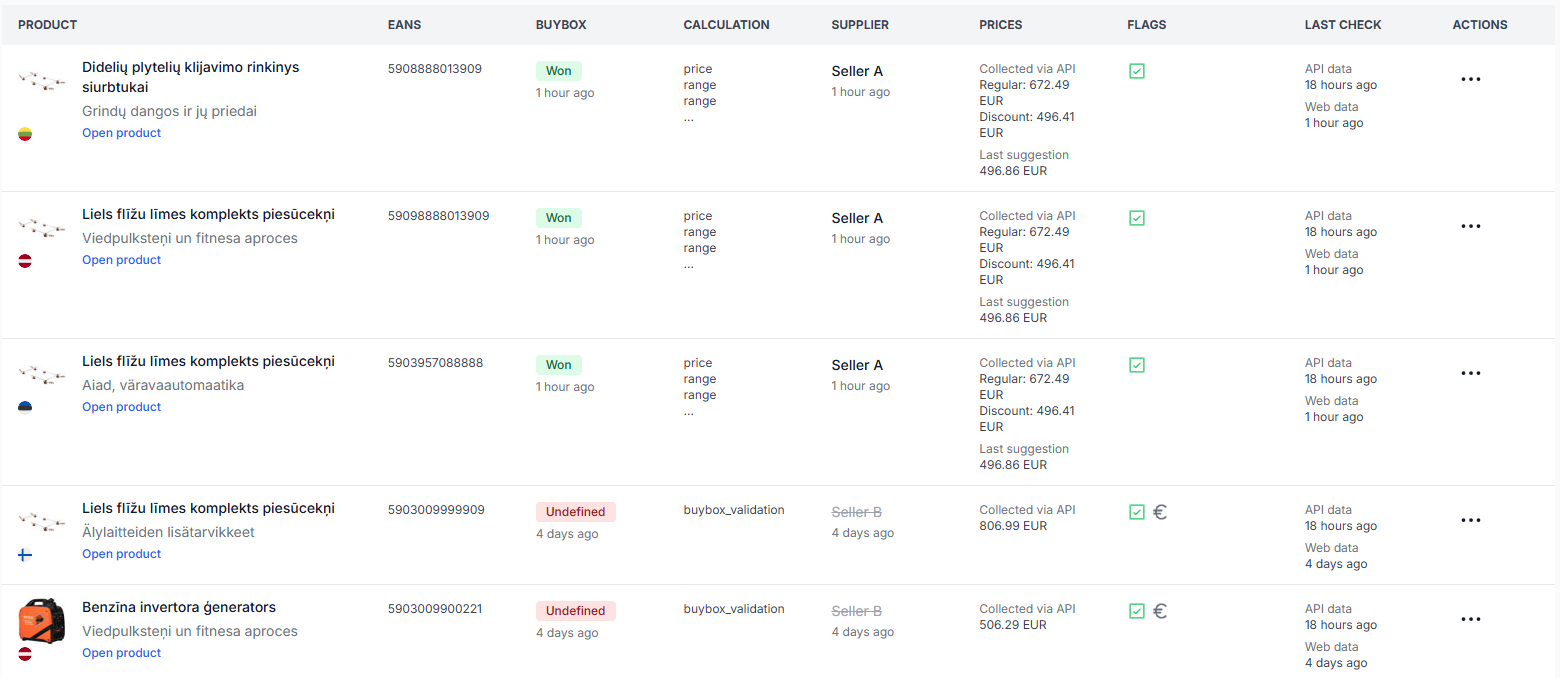
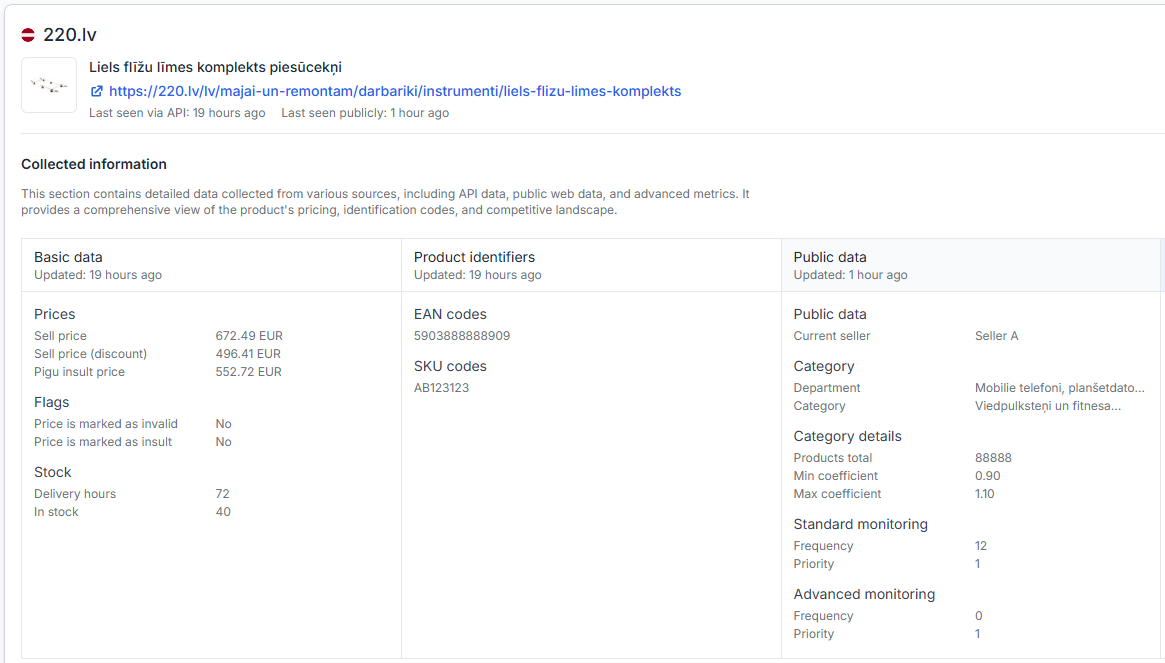
Use Product Checker to review the available product information, recent marketplace observations, price limits, calculation decisions, calculated price, and export information.
To check this in your account, open Product Checker. To understand the information shown there, read Product Checker: Review product data, price calculations, and exports.
Look especially for:
- The marketplace being reviewed.
- The time of the latest known marketplace observation.
- The observed BuyBox seller and price.
- The minimum and maximum price limits used.
- The selected pricing strategy.
- The calculated price and available export information.
3. Check when the synchronization was processed
Synchronization reports show previous runs and their processing results. Use the report time to determine whether the synchronization happened before or after the marketplace observation shown elsewhere.
To check this in your account, open Synchronization reports. To understand the report details, read Synchronization reports: Review import, BuyBox calculation, and export results.
Check the report’s:
- Start or processing time.
- Status.
- Number of received and matched products.
- BuyBox calculation results.
- Price actions and export results.
4. Compare the latest product listing
The All products page can help you check the latest available product details, BuyBox status, observed seller, prices, and timestamps across your discovered catalog.
To check this in your account, open All products. For details about the table and its fields, read All products page.
5. Check your configured timing
Monitoring and synchronization are separate. Monitoring collects marketplace information, while synchronization imports your product data, evaluates products, calculates prices, and prepares the configured output.
To review your synchronization configuration, open Synchronization settings. For an explanation of the available controls, read Sync settings: Configure product import and price export.
Verify the current settings before changing anything. A shorter synchronization interval does not necessarily mean that newer marketplace observations will always be available at exactly the same moment.
Common reasons for different values
- The views were updated at different times. One page may contain a newer marketplace observation, while another shows the result of an earlier calculation.
- The BuyBox seller changed between observations. Marketplace competition can change after a synchronization has already been completed.
- You are comparing different marketplaces. The same product can have different prices and sellers on 220.lv, Pigu.lt, Kaup24.ee, and HobbyHall.fi.
- The imported product data changed. A newer source file may contain a different base price, stock value, minimum price, or maximum price from the data used in an earlier report.
- The calculated price has not become the live marketplace price. A value can be calculated or included in an export before it is processed and applied by the marketplace.
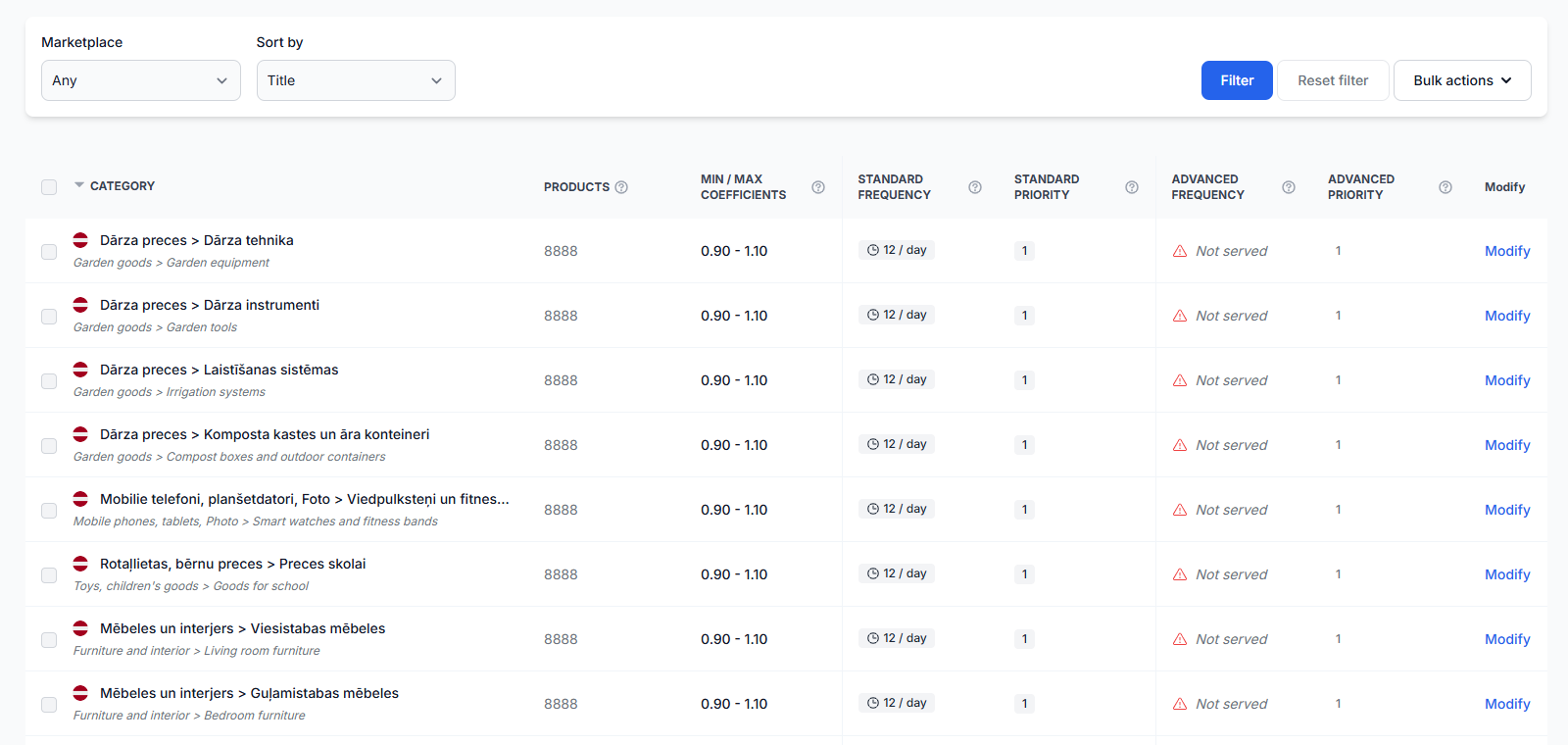
- The product is monitored on a different schedule. Category and individual-product monitoring settings can affect how recently marketplace information was collected.
Example
At 10:00, a synchronization uses an observation showing that your shop has the BuyBox at EUR 20.00. Based on your configured strategy, B2blix calculates that the price should remain unchanged.
At 10:15, new marketplace information is collected and another seller is now shown at EUR 19.90. Product Checker may display this newer observation, while the 10:00 synchronization report continues to show the information and calculation used during that earlier run.
Both records can be correct because they describe different moments.
What to do next
- Confirm the EAN and marketplace in every view you are comparing.
- Compare the marketplace observation time with the synchronization report time.
- Use Product Checker to review the product-level observation, limits, calculation, and export information.
- Check synchronization reports to confirm what happened during the relevant run.
- Verify your monitoring and synchronization configuration before changing pricing settings.
- If the timestamps are different, compare the product again after the next configured monitoring and synchronization cycles.
If the same product and marketplace still show conflicting information with comparable timestamps, collect the EAN, marketplace, relevant report time, and the pages where the difference appears. These details make the issue easier to investigate without exposing account credentials or private product feeds.