How winning percentage is calculated
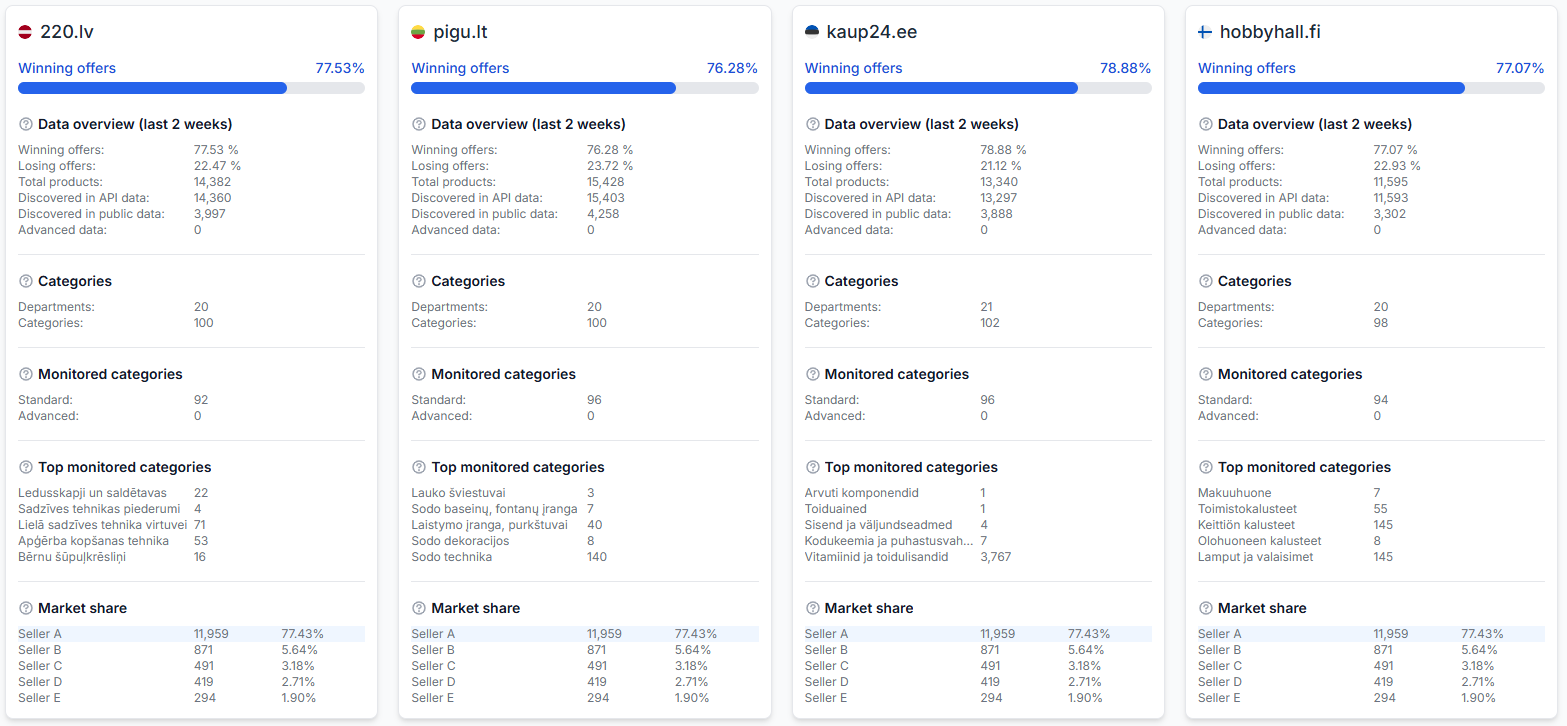
The winning percentage shows the approximate share of recently observed product offers where your shop was identified as the current BuyBox seller.
What the winning percentage tells you
The winning percentage helps you understand your recent BuyBox position across the product offers monitored by B2BLIX. It compares the number of offers identified as won with the total number of recent offers that can be included in the calculation.
This article is useful when the percentage does not match your own product count, changes unexpectedly, or appears lower than expected.
Short answer
The winning percentage is calculated using this formula:
Winning percentage = won offers ÷ total recent offers × 100
- Total recent offers are product offers found in web data with a last seen value no older than 168 hours.
- Won offers are those same recent offers where the observed current seller matches the shop associated with your B2BLIX account.
Because 168 hours equals seven days, an offer may remain part of the calculation for a limited period after its latest observation.
The winning percentage is an approximate monitoring metric. It reflects recently observed marketplace data and should not be treated as a guaranteed live BuyBox position. The marketplace situation may change after the latest observation.
How the calculation works
B2BLIX first identifies product offers that have sufficiently recent web observations. These offers form the possible total for the percentage calculation.
For each included offer, B2BLIX checks the latest known BuyBox seller. If that seller matches your configured marketplace shop identity, the offer is counted as won.
| Metric | What is counted |
|---|---|
| Total offers | Offers found in web data and last seen within the previous 168 hours |
| Won offers | Included offers where the current observed seller matches your shop |
| Winning percentage | Won offers divided by total included offers, multiplied by 100 |
The total is not necessarily the same as the number of products in your imported file, marketplace account, or complete B2BLIX product list. Only offers that have the required recent and usable data can contribute to this metric.
Why the percentage is approximate
Some discovered products may be ignored or unavailable for the calculation when:
- There is no matching product in the available API data.
- The matching product is not active in the API data.
- No usable BuyBox information is available from the API or web observation.
- The latest web observation is older than 168 hours.
- The observed seller cannot be matched correctly to your configured marketplace shop identity.
This means a product can exist in your catalog without being included in the current winning-percentage total.
What to check in your account
1. Review the statistics page
When you are logged in, open Statistics. To understand the indicators shown on that page, read Statistics dashboard: understanding your account metrics.
Check the totals for the relevant marketplace. Different marketplaces can have different discovered offers, observation times, and BuyBox results.
2. Verify your marketplace shop names
B2BLIX must be able to recognize your shop as the seller shown in the marketplace observation. Incorrect or missing marketplace profile names can prevent an offer from being identified as won.
To verify these values, open Marketplace slugs in your account. For field-level instructions, read Marketplace slugs: add or update your shop profile names.
Before changing anything, compare each configured value with the public shop name or profile identifier used on the corresponding marketplace.
3. Check the affected products
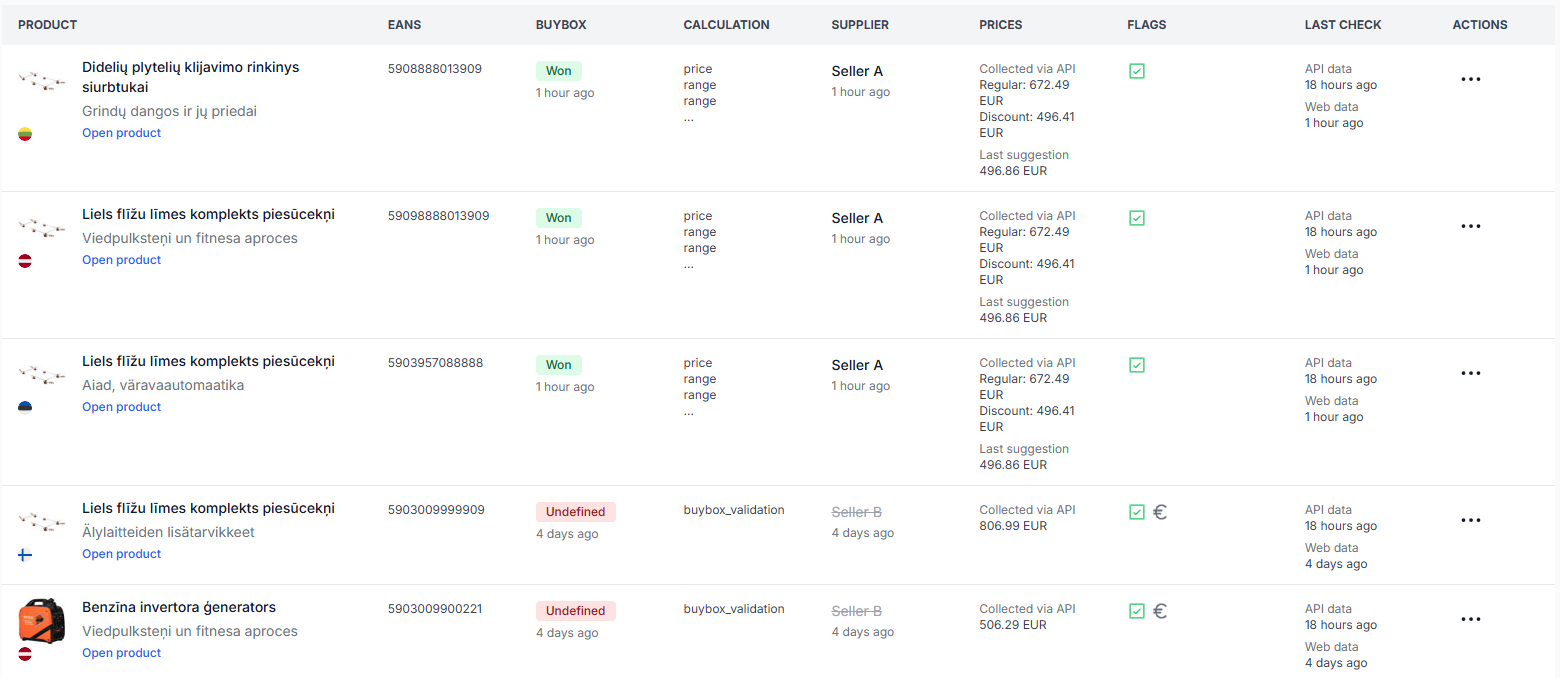
Open All products to review the latest known BuyBox status, observed seller, marketplace, and observation time for individual products. The All products page guide explains the available product information.
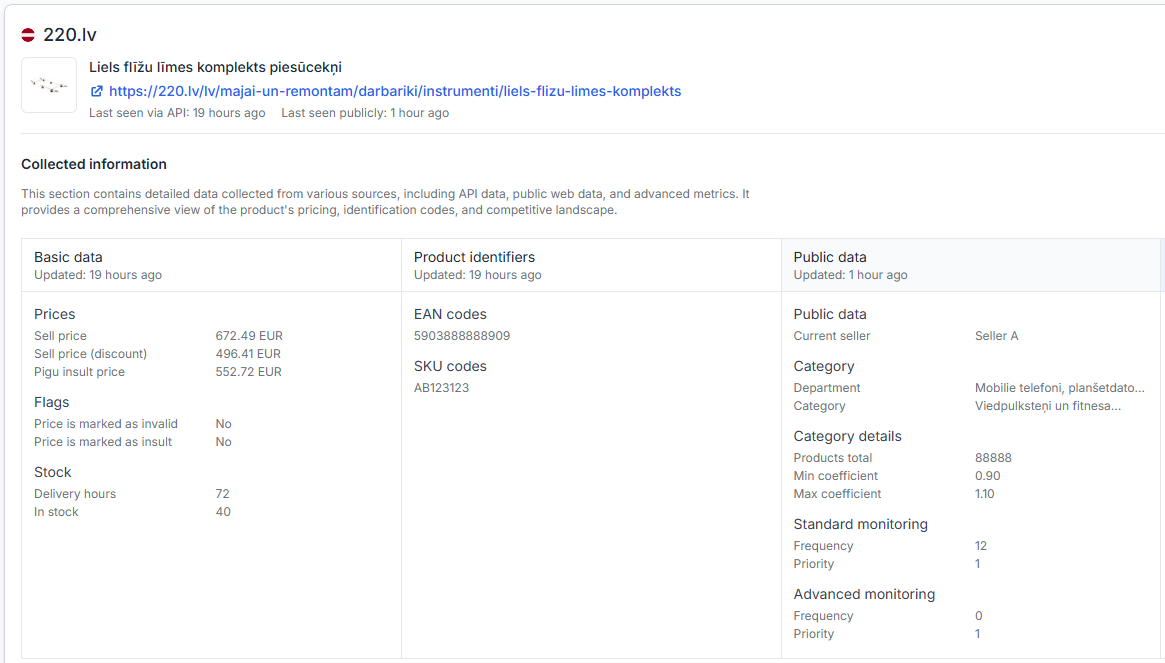
For a detailed investigation of one EAN, open Product Checker. Use the Product Checker guide to understand the product data, latest observations, calculation details, and export information shown there.
For each product you investigate, check:
- Whether the correct marketplace and EAN were found.
- The latest observation time.
- Whether BuyBox information is available.
- Which seller was identified as the current BuyBox seller.
- Whether your product is active and matched in the available account data.
Common scenarios
Your imported product count is higher than the statistics total
This can happen because imported products and recently observed marketplace offers are different groups. A product without recent web data or usable BuyBox information may not be included in the winning-percentage calculation.
You appear to be winning on the marketplace, but B2BLIX does not count the offer as won
Check the latest observation time and the observed seller name. If your marketplace shop name is not configured correctly, B2BLIX may not be able to associate the observed seller with your account.
The percentage changes even though you did not change your prices
The metric can change when new observations are collected, older observations pass the 168-hour limit, competing sellers change their offers, or additional products become eligible for the calculation.
The percentage differs between marketplaces
Each marketplace has its own offers, seller identities, observation times, and BuyBox situations. A product can be won on one marketplace and lost, unavailable, or not recently observed on another.
Example
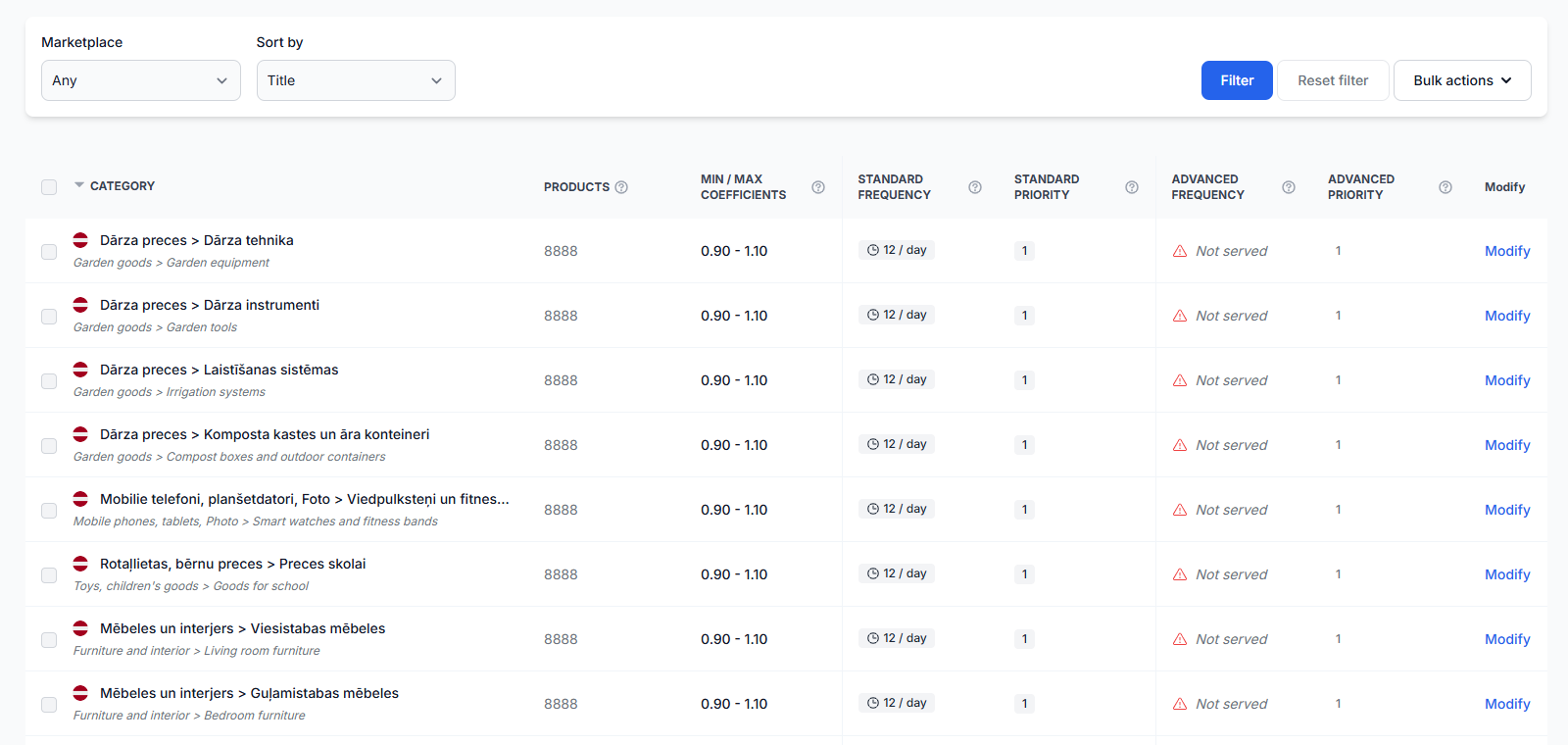
Suppose B2BLIX has 200 product offers with web observations from the previous 168 hours.
- 80 offers show your shop as the current seller.
- 120 offers show another seller or do not have won status for your shop.
The calculation is:
80 ÷ 200 × 100 = 40%
Your winning percentage would therefore be approximately 40%. A separate product with an observation older than 168 hours would not be added to either the total or the won count.
What to do next
- Open the statistics page and identify the affected marketplace.
- Compare the won count with the total recent-offer count rather than your complete imported catalog.
- Verify that your marketplace shop names are correct before changing any other settings.
- Review unexpected products in all products or product checker.
- Check whether their observations are recent and whether usable BuyBox information is available.
- Allow for normal changes when observations enter or leave the 168-hour calculation period.
Do not change live pricing, export, or synchronization settings only to correct a statistics percentage. First confirm whether the difference is caused by observation age, missing BuyBox data, product matching, or marketplace shop identification.