How old or duplicate products are cleaned from B2BLIX
Learn why removed products may still appear in B2BLIX, how automatic product cleanup works, and what to check before reporting an outdated or duplicate product.
Why an old product may still appear
This article is relevant when you have removed a product from your source file or integration, but the product is still visible in B2BLIX. It also applies when you see records that appear to be old or duplicated.
B2BLIX does not normally remove a product immediately after it disappears from one import. The system keeps the record for a limited period and removes it automatically when the product is no longer seen in the product database.
Short answer
Old products are cleaned automatically after they have not been seen for a period of time. No manual removal is normally required.
Cleanup may take longer when many outdated records must be processed. Therefore, a product can remain visible for some time after you remove it from your current import source.
Important: Before changing synchronization or export settings, confirm that the product has actually been removed from your current source. An outdated record in B2BLIX does not necessarily mean that a price is still being exported or that the marketplace still has the same offer.
How automatic cleanup works
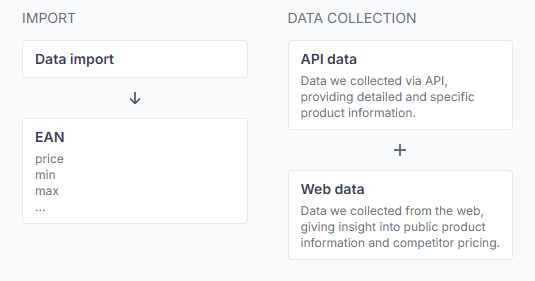
During synchronization, B2BLIX receives the seller’s current product data. Products that continue to appear in the source are treated as active. Products that are no longer found become candidates for automatic cleanup.
The removal process runs separately from the product import itself. This means:
- A successful import does not always remove an old record immediately.
- The old product may remain visible while the cleanup process is pending.
- Large groups of outdated products may take longer to clear.
- The same EAN may have separate information for different marketplaces, so multiple marketplace records are not automatically duplicates.
The exact cleanup schedule is an internal system process and may change as the service is improved. Sellers should not depend on a fixed deletion time.
What to check in your account
1. Confirm that the product is no longer in your source
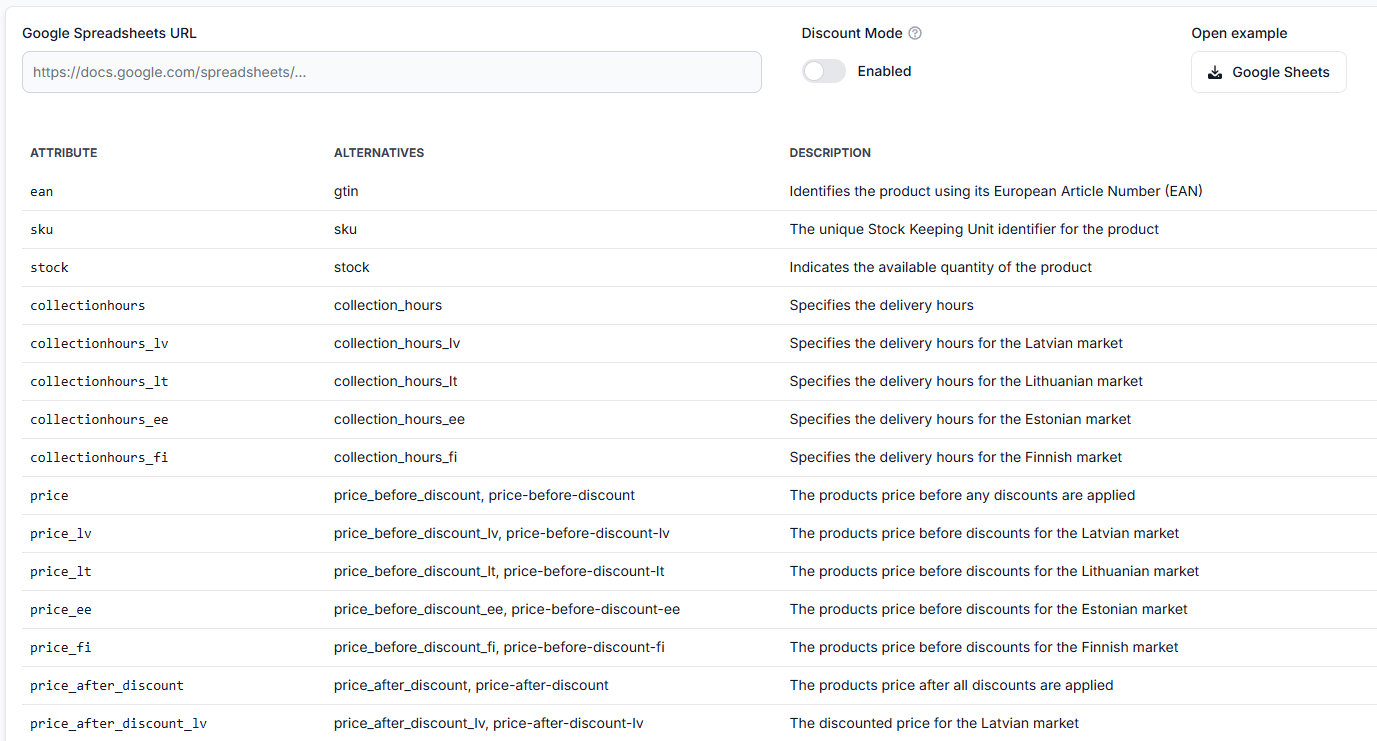
Check the XML, CSV, Google Sheet, feed, or integration used for synchronization. Search for the product’s EAN and SKU.
If the product is still present in the source, B2BLIX may continue importing it. Removing it from a marketplace page alone does not remove it from the source connected to B2BLIX.
2. Check the latest synchronization result
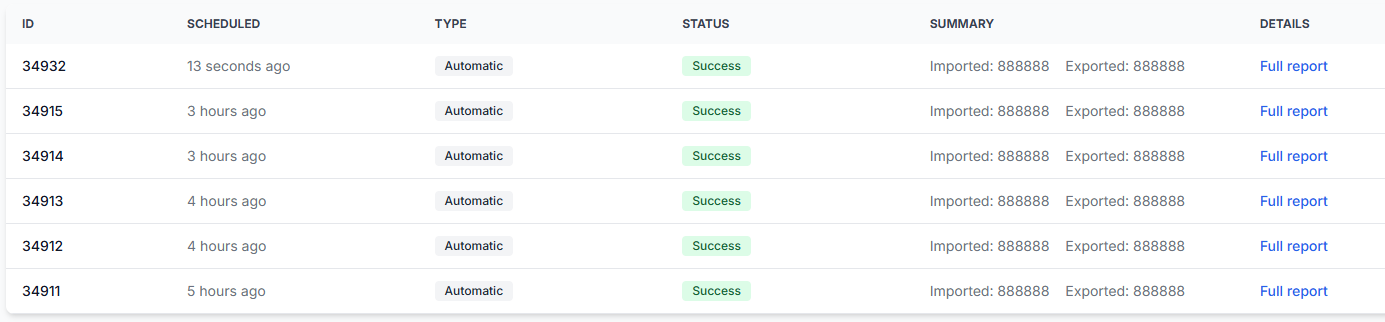
Confirm that B2BLIX has successfully received and processed the updated source after the product was removed.
To check this in your account, open Synchronization Reports. To understand the report details, read Synchronization Reports: review import, BuyBox calculation, and export results.
Look for a recent successful synchronization. If the latest synchronization failed or used an older source version, the product may not yet be recognized as removed.
3. Review the product record
Search for the EAN in the product list and check which marketplace, supplier data, timestamps, and current status are shown.
To review your products, open All Products. For an explanation of the information shown there, read All Products page.
4. Check one EAN in detail
If you are unsure whether the product is still being calculated or exported, review the product-level details.
Open Product Checker. For help interpreting the product data, calculation, and export information, read Product Checker: review product data, price calculations, and exports.
Common situations
- The product was removed only recently. The automatic cleanup period has not finished yet.
- The product is still in the import source. B2BLIX continues to see it as an active product.
- The latest synchronization did not complete. The updated source has not been fully processed.
- Many old products are waiting for cleanup. Removing a large number of records can take longer than removing one product.
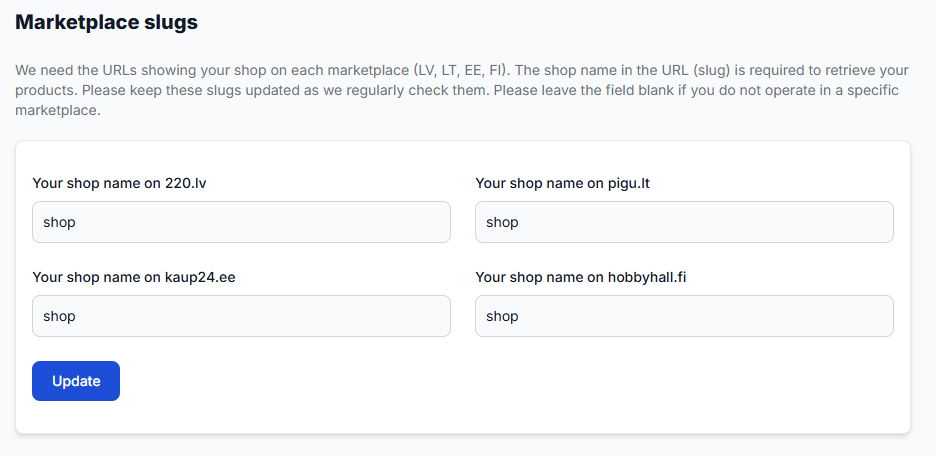
- The entries belong to different marketplaces. A product found on 220.lv, Pigu.lt, Kaup24.ee, or HobbyHall.fi may have separate marketplace records even when the EAN is the same.
Example
A seller removes EAN 4750000000001 from the product feed on Monday. The next synchronization successfully imports the updated feed without that EAN.
The product may still appear temporarily in All Products because cleanup does not happen during the same import step. After the product has remained unseen for the required period and the cleanup process runs, the outdated record is removed automatically.
What to do next
- Confirm that the EAN is absent from the current product source.
- Check that at least one recent synchronization completed successfully after the removal.
- Review the EAN in All Products and Product Checker.
- Allow time for automatic cleanup to complete.