Practical Pigu BuyBox guides
Explore practical guides to importing products, setting min/max price limits, choosing repricing strategies, configuring monitoring, and exporting updates through XML or API.
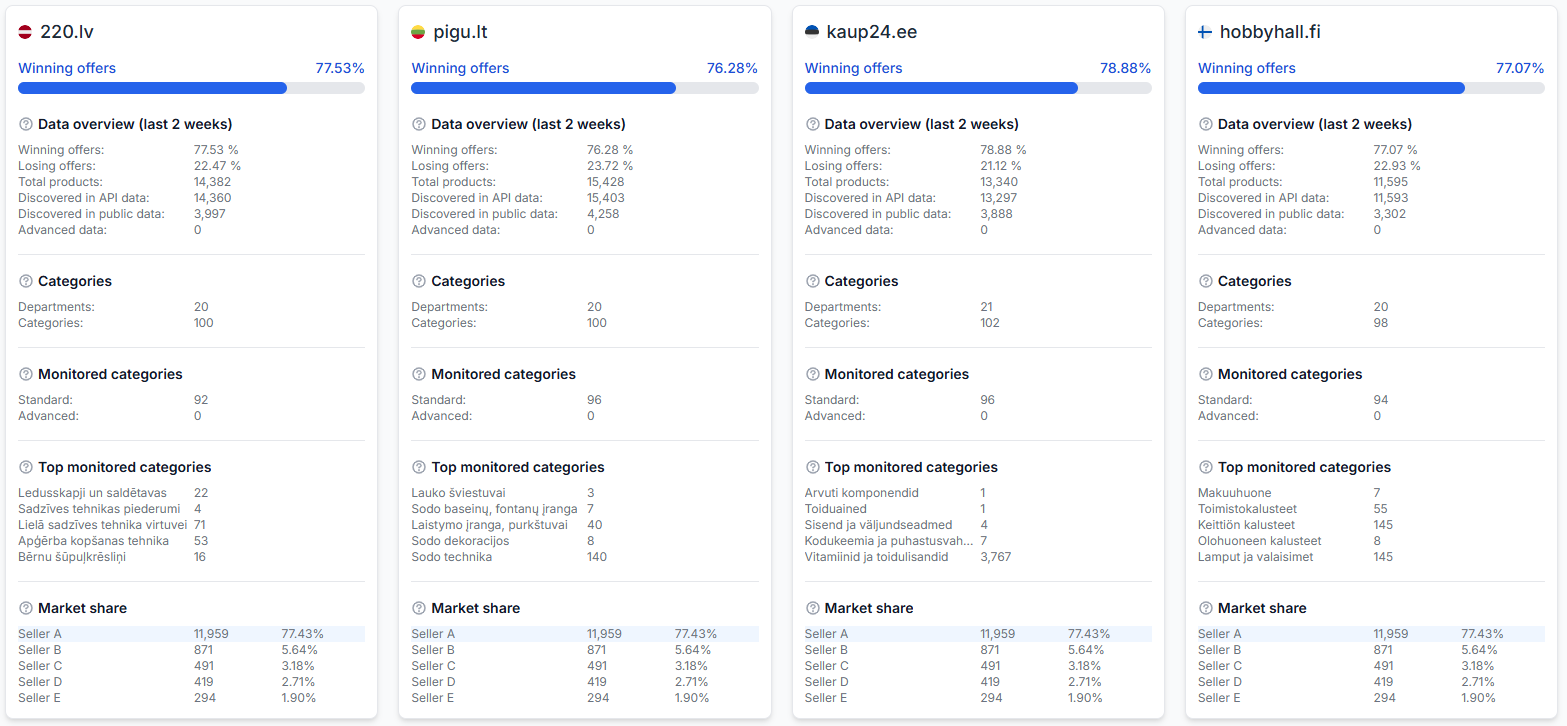
How to troubleshoot missing marketplace statistics or data
Support questions· Troubleshooting· Marketplace slugs· Statistics
Learn how to check and correct marketplace slug settings when B2BLIX cannot discover your products or display marketplace statistics.

How to use b2blix with an existing pigu xml feed
Support questions· Export to pigu· Xml integration· Synchronization
Learn how to place B2BLIX between your existing product feed and Pigu, what to verify before enabling price exports, and how to check that products and calculated prices are being processed correctly.
How winning percentage is calculated
Support questions· Statistics· Buybox status· Troubleshooting
The winning percentage shows the approximate share of recently observed product offers where your shop was identified as the current BuyBox seller.
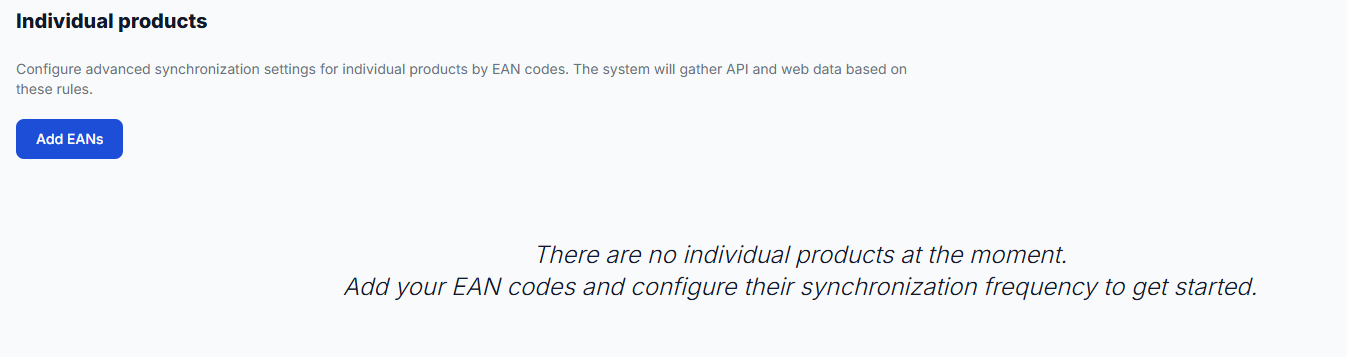
Individual products: set product-specific monitoring frequencies
Interfaces· Individual products· Monitoring· Ean codes
Learn how to add individual products, choose their monitoring frequency, review existing settings, and control usage costs when using advanced product-level monitoring.
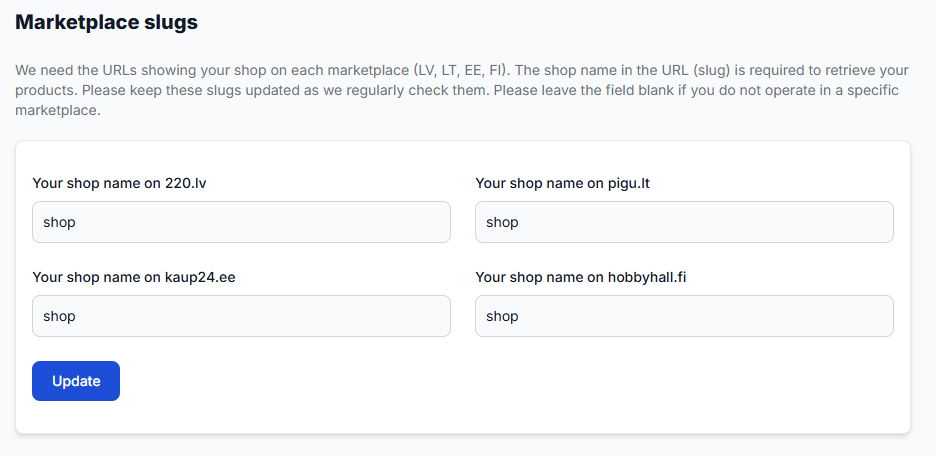
Marketplace slugs: add or update your shop profile names
Interfaces· Marketplace profiles· Shop slugs· Onboarding
Use the Marketplace Slugs page to enter the shop name shown in your seller profile URL for each marketplace where you sell. Keep these values current so B2BLIX can correctly associate marketplace information with your shop.