Practical Pigu BuyBox guides
Explore practical guides to importing products, setting min/max price limits, choosing repricing strategies, configuring monitoring, and exporting updates through XML or API.
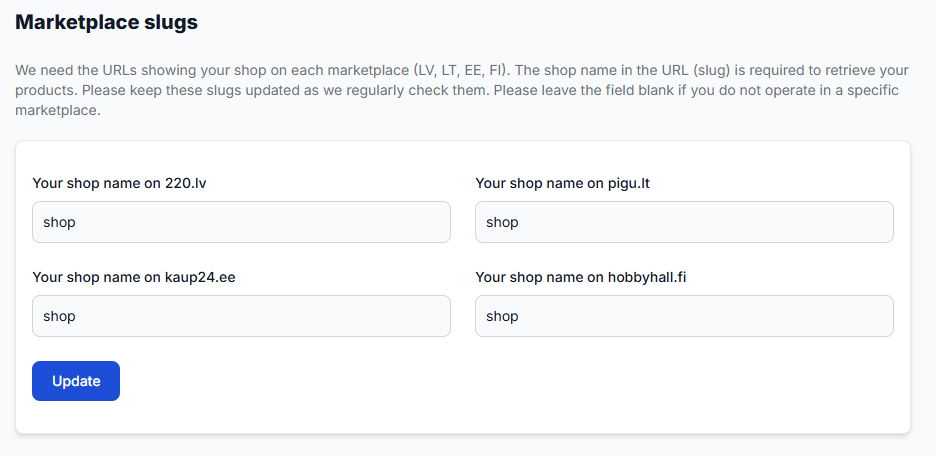
How to enable marketplaces and use marketplace-specific fields
Support questions· Marketplace setup· Synchronization· Min/max prices
Learn how to provide separate prices, minimum and maximum limits, and delivery hours for 220.lv, Pigu.lt, Kaup24.ee, and HobbyHall.fi, and what to check when a new marketplace is not appearing.
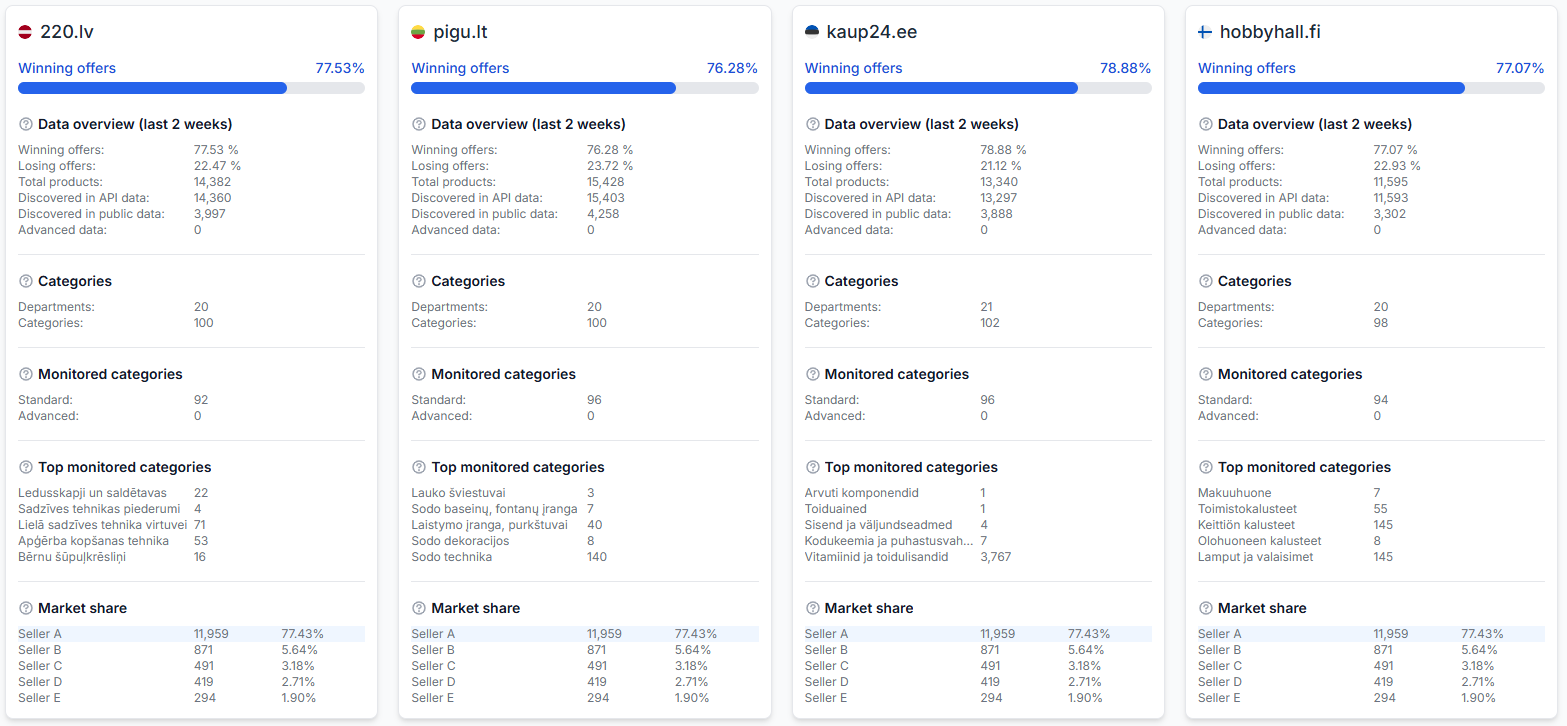
How to evaluate market differences between countries
Support questions· Optimization· Marketplace comparison· Statistics
This guide explains how to investigate country-level performance differences in B2BLIX and which marketplace-specific settings and product details you should verify before making changes.
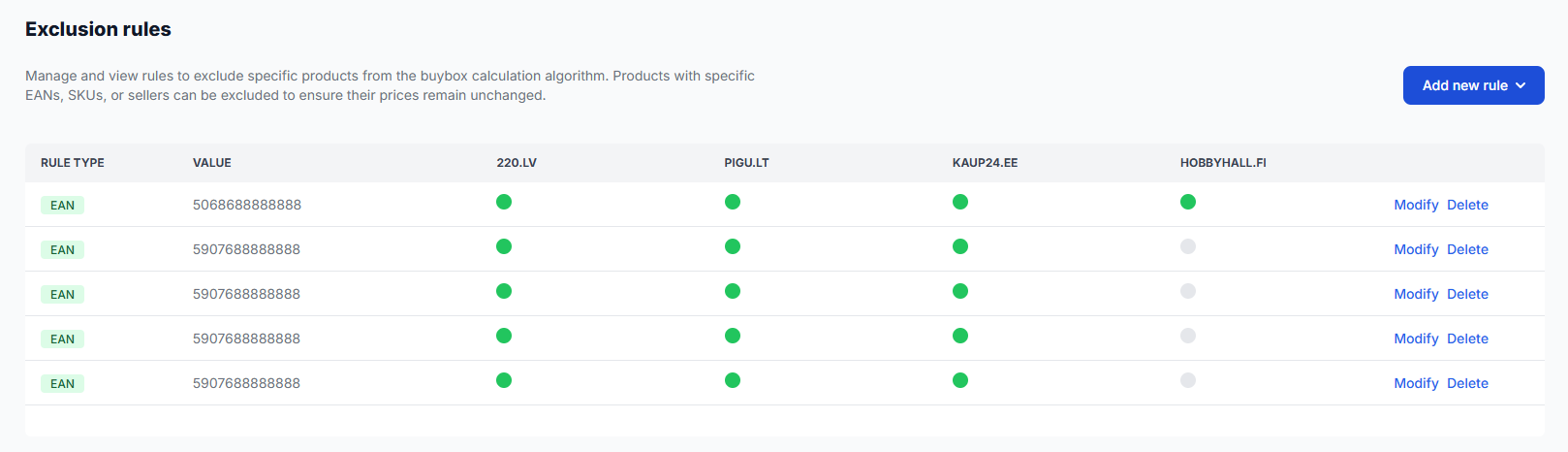
How to exclude products from repricing calculations
Support questions· Exclusion rules· Repricing· Monitoring & costs
Use BuyBox exclusion rules when you want selected products to remain outside automatic repricing calculations. This is different from disabling marketplace monitoring to reduce data-collection costs.
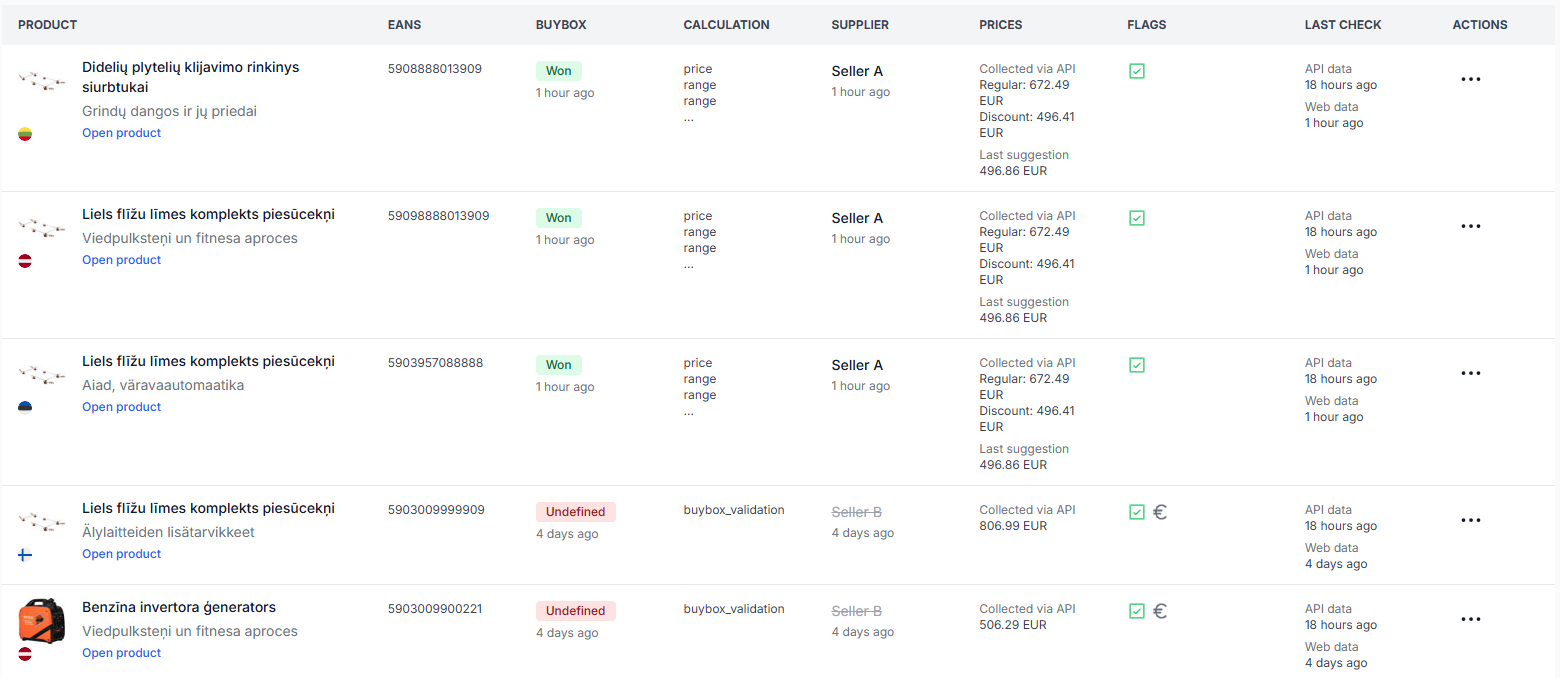
How to export product data from B2BLIX
Support questions· Export· All products· Csv
Learn how to create a product export from the All Products page, download the generated CSV file, and use it as a starting point for spreadsheet workflows.

How to fix pigu xml import, mapping, structure, or rejected-feed problems
Support questions· Xml export· Pigu mapping· Troubleshooting
Troubleshoot rejected XML feeds, missing attribute mapping, unreadable file structures, and imports that do not update in Pigu. Learn how to verify the B2BLIX export, recreate the Pigu import connection, and review the result.