Practical Pigu BuyBox guides
Explore practical guides to importing products, setting min/max price limits, choosing repricing strategies, configuring monitoring, and exporting updates through XML or API.
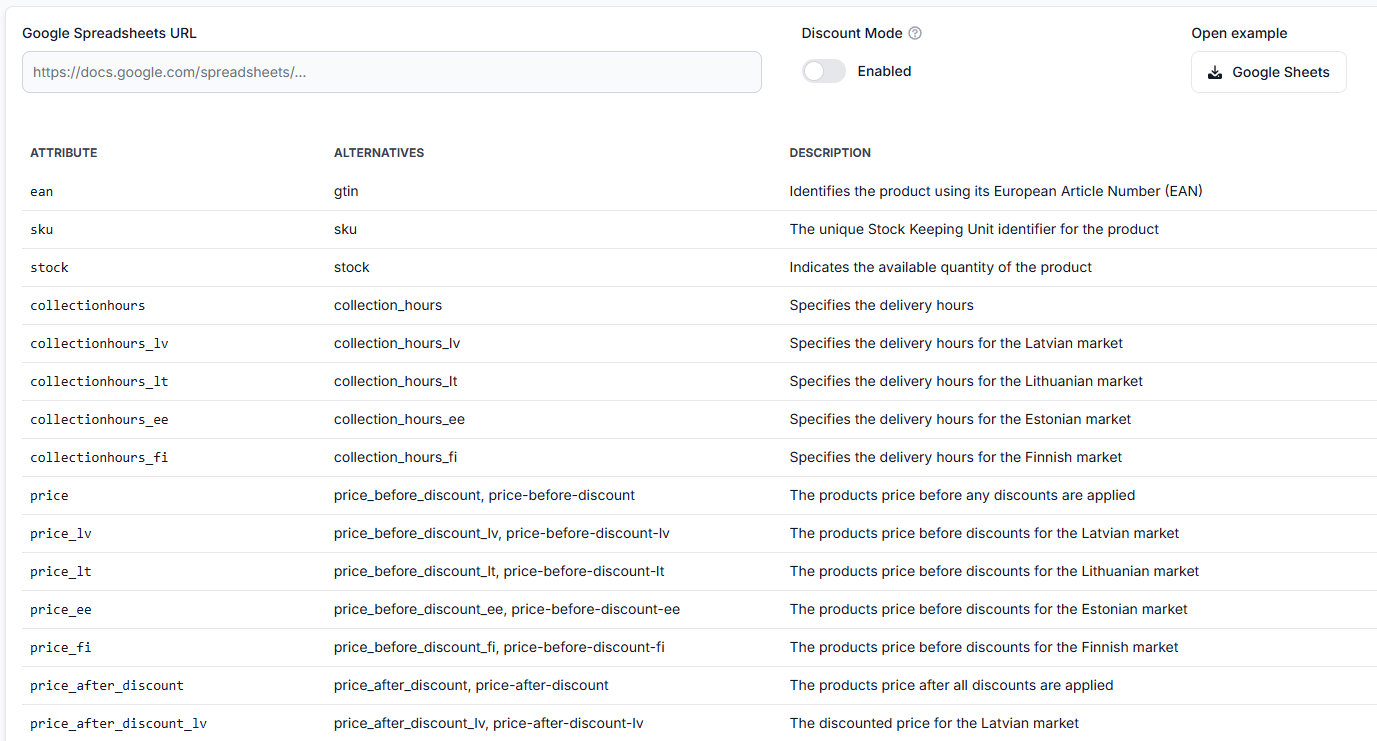
How to set up google sheets import for buybox repricing
Support questions· Google sheets· Synchronization· Setup
This guide explains how to create and connect a Google Spreadsheet for B2BLIX BuyBox repricing, including required product data, sharing permissions, synchronization testing, and XML export setup.

How to set up product import into B2blix
Support questions· Import & synchronization· Product feed· Setup
Learn how to connect a Google Sheet, XML feed, CSV feed, or PIM-generated data source to B2BLIX and verify the import before enabling regular synchronization or price updates.
How to start using the Pigu BuyBox algorithm
Support questions· Getting started· Synchronization· Buybox algorithm
This guide explains how to prepare a new B2BLIX Pigu BuyBox account safely, test the workflow, and verify calculated prices before enabling marketplace updates for a wider catalog.
How to test and validate BuyBox repricing before live updates
Support questions· Testing· Synchronization· Min/max prices
Learn how to test B2BLIX BuyBox calculations with a small Google Spreadsheet, identify missing or incorrect price limits, and review results before enabling live synchronization.
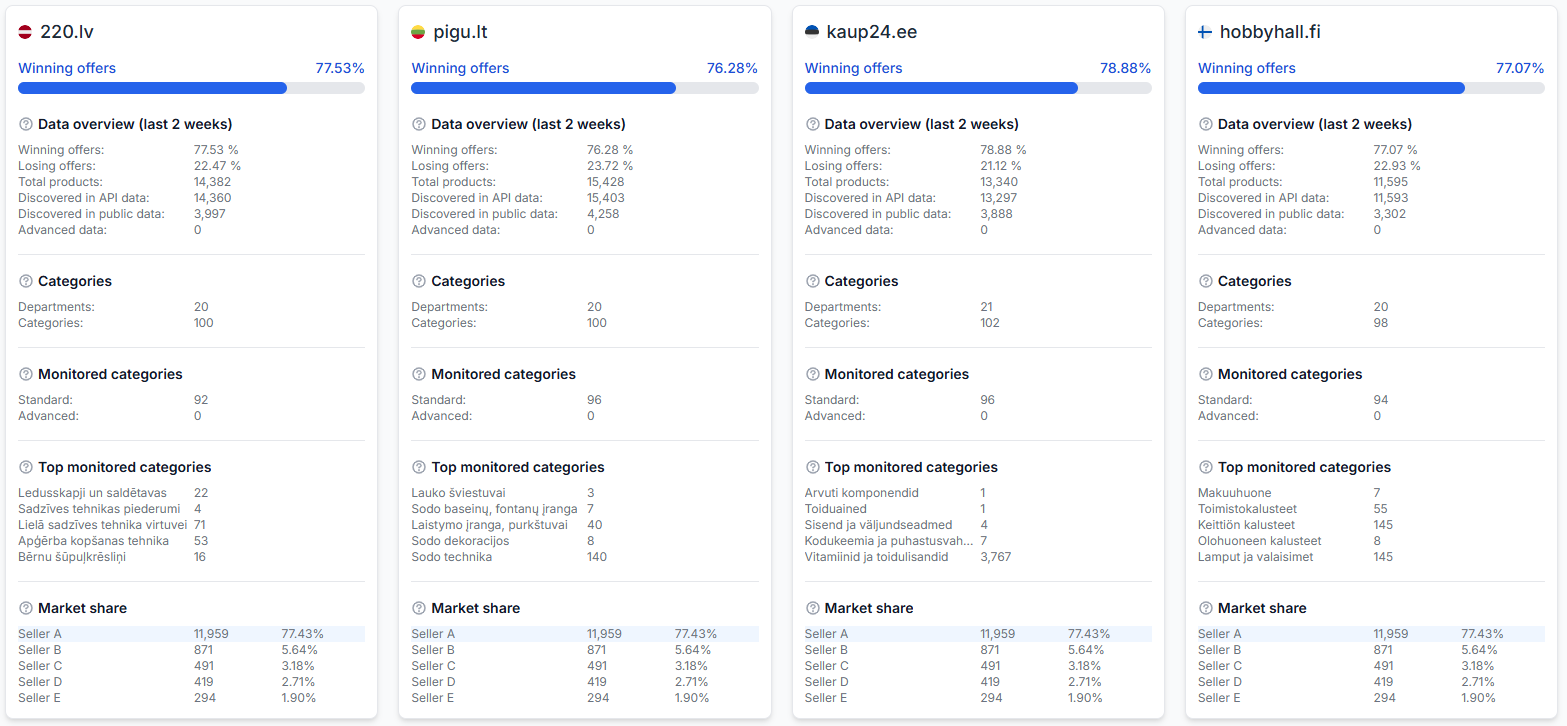
How to troubleshoot api data, stock, and collection-hours synchronization
Support questions· Export to pigu· Api synchronization· Troubleshooting
Learn why the “Exported” value may be empty when using API synchronization and what to check when API data, stock, or collection hours are not updating.