Practical Pigu BuyBox guides
Explore practical guides to importing products, setting min/max price limits, choosing repricing strategies, configuring monitoring, and exporting updates through XML or API.
How old or duplicate products are cleaned from B2BLIX
Support questions· Import & synchronization· Product cleanup· Troubleshooting
Learn why removed products may still appear in B2BLIX, how automatic product cleanup works, and what to check before reporting an outdated or duplicate product.
How price increases work when you are already winning the buybox
Support questions· Pricing algorithm· Price raising· Advanced monitoring
Understand how B2BLIX can raise a product price while you are already winning the BuyBox, including second-place price logic, gradual increases, and maximum price protection.
How product-level exclusion from paid data collection works
Support questions· Monitoring & costs· Exclusion rules· Ean
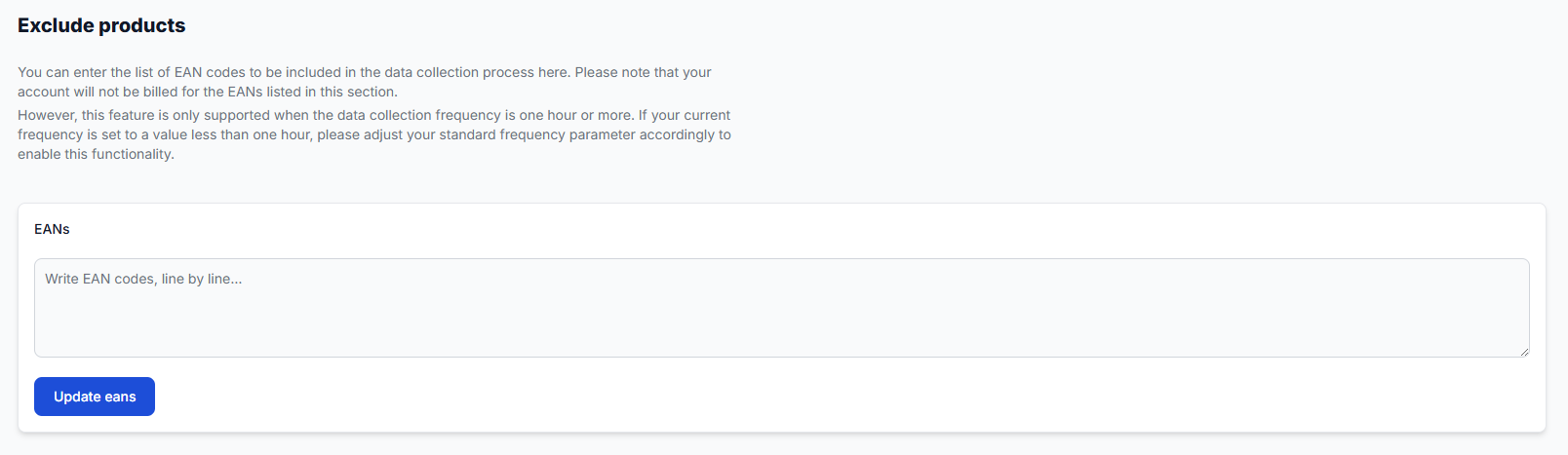
Learn how to submit a limited list of EANs for data collection exclusion, what must be confirmed before the exclusion takes effect, and how this differs from standard BuyBox repricing exclusions.
How stock affects buybox calculation and xml export
Support questions· Synchronization· Xml export· Troubleshooting
Learn how B2BLIX handles products with zero stock, when stock changes can be sent to Pigu, and how to verify stock or delivery-hour values in the exported XML. This guide explains the difference between BuyBox price calculation and stock export. It also provides practical checks for products that remain active, inactive, or out of stock after synchronization.
How the algorithm behaves when another seller wins the buybox
Support questions· Buybox algorithm· Min/max prices· Troubleshooting
Learn how B2BLIX reacts when your offer is not currently winning, which settings control the calculated price, and what to check before publishing price changes.
How to activate the pigu buybox service and connect credentials
Support questions· Getting started· Access credentials· Service activation
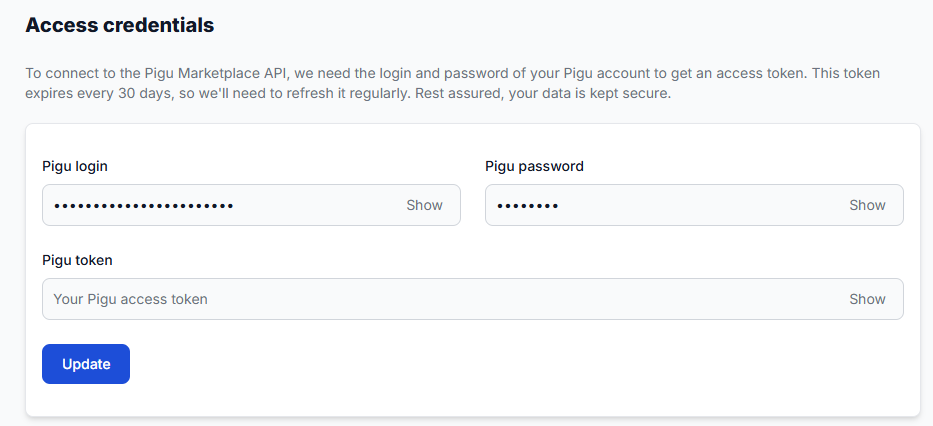
Learn how to activate B2BLIX Pigu BuyBox, connect your Pigu account, and choose between using your login credentials or a manually generated API token. This guide explains why account access is required, what information to prepare during activation, and what to check if the Pigu connection cannot be established.
How to configure and choose the buybox price step
Support questions· Buybox algorithm· Price step· Strategy configuration
Learn where to configure the BuyBox price step, how its marketplace-level scope works, and how to choose a value that balances competitiveness with margin protection.
How to configure category monitoring, frequency, data freshness, and a limited rollout
Support questions· Category monitoring· Data freshness· Limited rollout
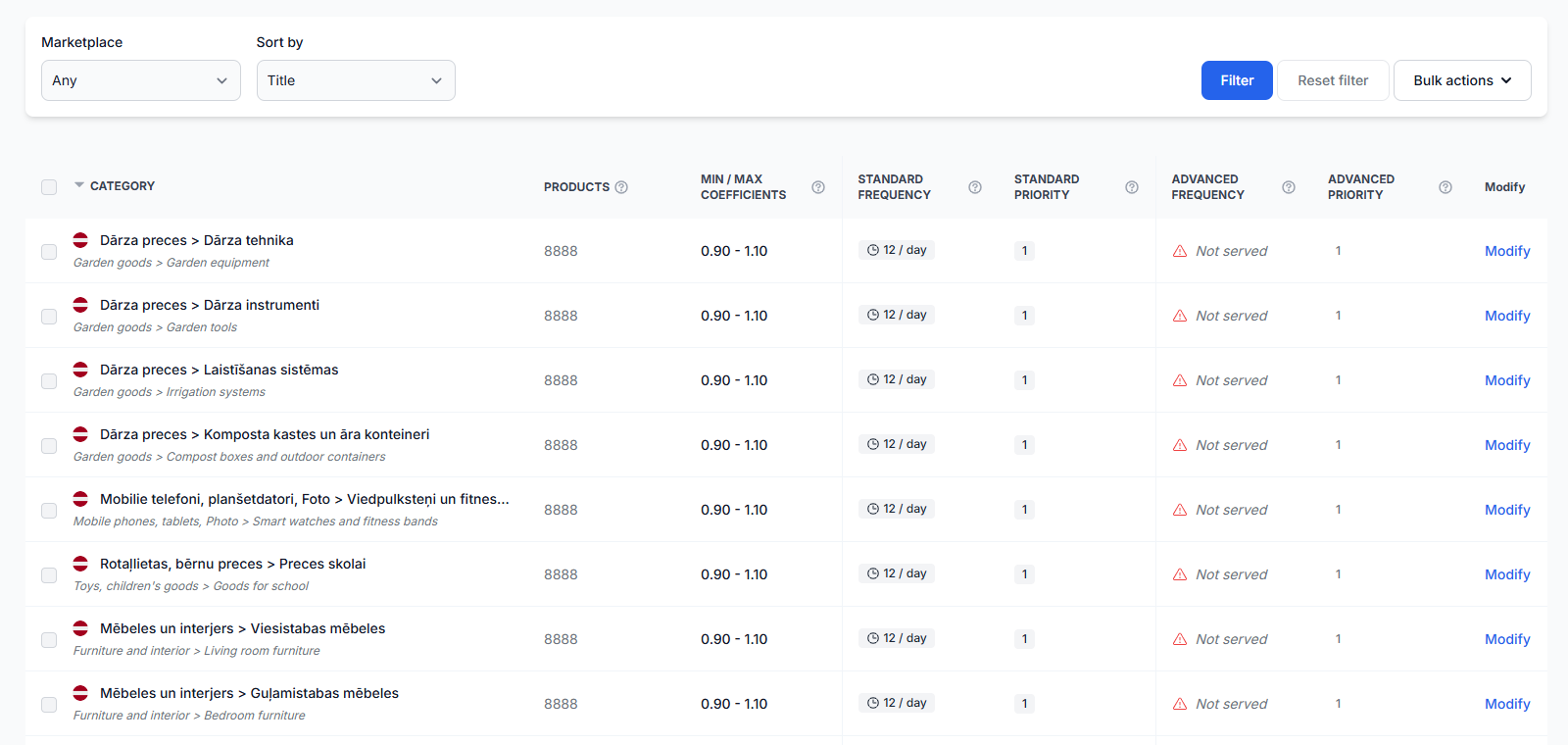
Learn how to enable category monitoring, choose practical data collection frequencies, keep marketplace observations fresh, and control usage costs while introducing BuyBox repricing gradually.
How to connect and use the B2BLIX XML feed in Pigu
Support questions· Xml export· Pigu import· Synchronization
Copy your permanent B2BLIX XML export URL into Pigu’s stock and price import settings, confirm the field mapping, and verify that Pigu can read the feed.
How to enable live price updates and export prices to pigu
Support questions· Export to pigu· Synchronization· Go-live
Learn how to review calculated prices safely, choose XML or API export, and connect B2BLIX price updates to your Pigu account.
How to enable marketplaces and use marketplace-specific fields
Support questions· Marketplace setup· Synchronization· Min/max prices
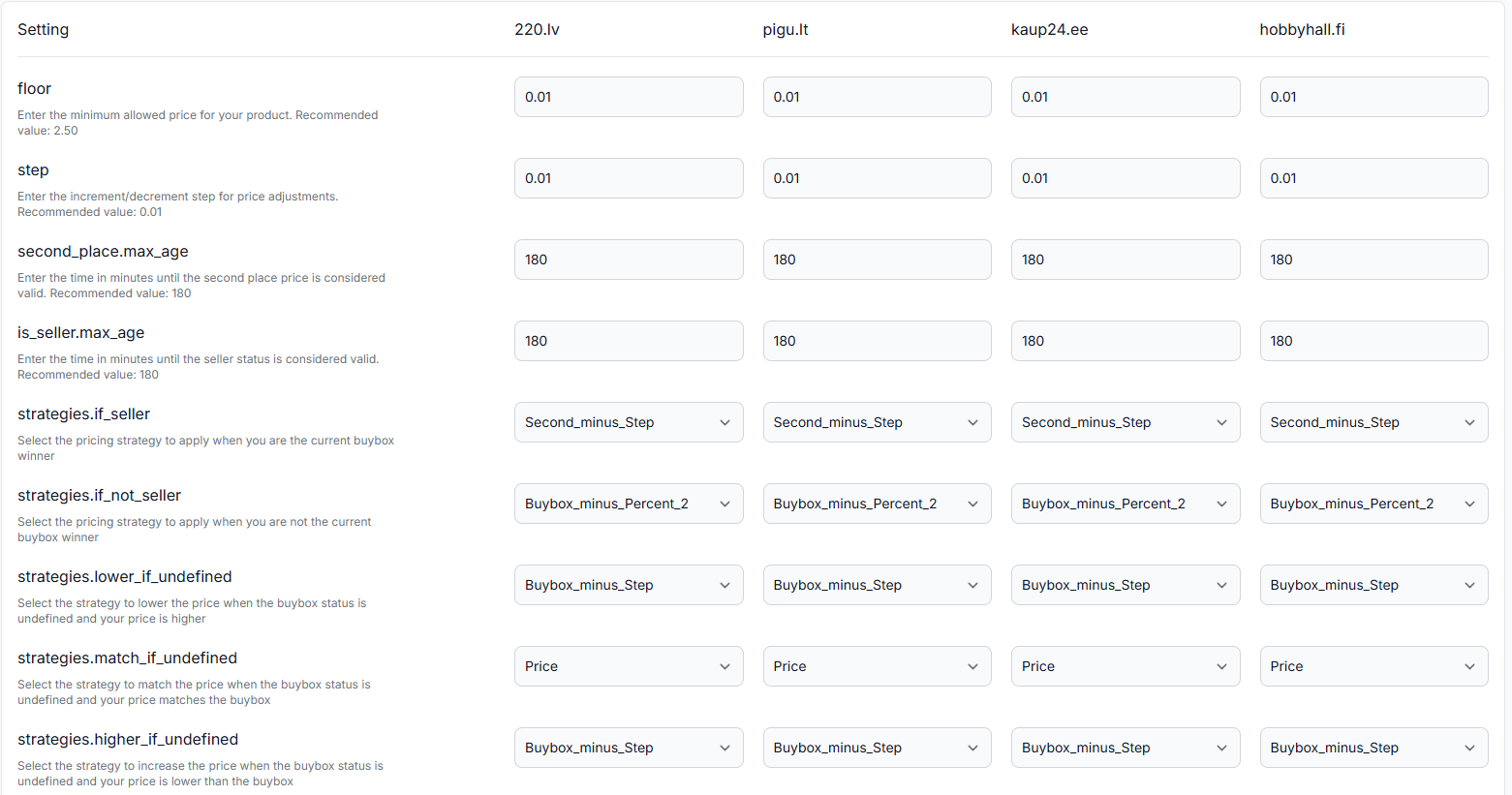
Learn how to provide separate prices, minimum and maximum limits, and delivery hours for 220.lv, Pigu.lt, Kaup24.ee, and HobbyHall.fi, and what to check when a new marketplace is not appearing.
How to evaluate market differences between countries
Support questions· Optimization· Marketplace comparison· Statistics
This guide explains how to investigate country-level performance differences in B2BLIX and which marketplace-specific settings and product details you should verify before making changes.
How to exclude products from repricing calculations
Support questions· Exclusion rules· Repricing· Monitoring & costs
Use BuyBox exclusion rules when you want selected products to remain outside automatic repricing calculations. This is different from disabling marketplace monitoring to reduce data-collection costs.
How to export product data from B2BLIX
Support questions· Export· All products· Csv
Learn how to create a product export from the All Products page, download the generated CSV file, and use it as a starting point for spreadsheet workflows.
How to fix pigu xml import, mapping, structure, or rejected-feed problems
Support questions· Xml export· Pigu mapping· Troubleshooting
Troubleshoot rejected XML feeds, missing attribute mapping, unreadable file structures, and imports that do not update in Pigu. Learn how to verify the B2BLIX export, recreate the Pigu import connection, and review the result.