Practical Pigu BuyBox guides
Explore practical guides to importing products, setting min/max price limits, choosing repricing strategies, configuring monitoring, and exporting updates through XML or API.
Individual products: set product-specific monitoring frequencies
Interfaces· Individual products· Monitoring· Ean codes
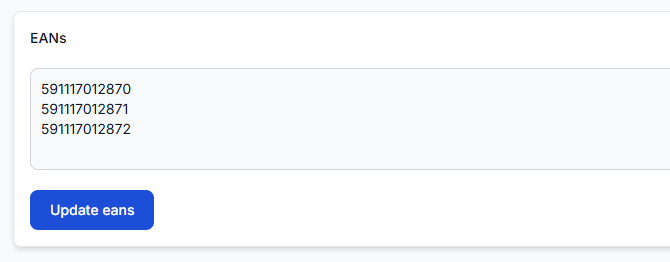
Learn how to add individual products, choose their monitoring frequency, review existing settings, and control usage costs when using advanced product-level monitoring.
Marketplace slugs: add or update your shop profile names
Interfaces· Marketplace profiles· Shop slugs· Onboarding
Use the Marketplace Slugs page to enter the shop name shown in your seller profile URL for each marketplace where you sell. Keep these values current so B2BLIX can correctly associate marketplace information with your shop.
Product checker: review product data, price calculations, and exports
Interfaces· Product checker· Price calculation· Xml export
This guide explains how to search by EAN, select the correct marketplace, interpret the collected product data, follow the calculation process, and verify an exported XML result.
Standard vs advanced buybox monitoring frequency
Support questions· Monitoring· Advanced monitoring· Configuration
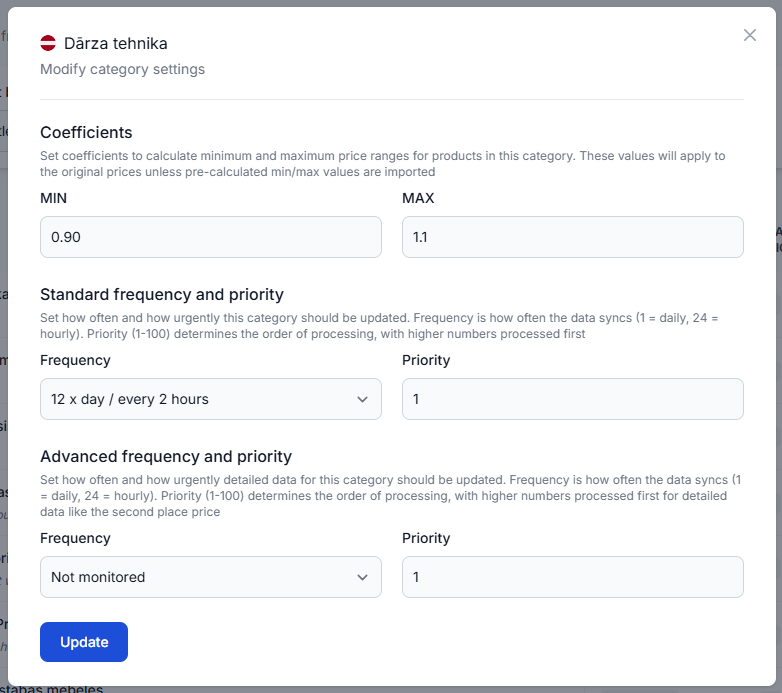
Learn how standard and advanced BuyBox monitoring differ, when advanced monitoring is useful, and how to configure priority categories or individual EANs without adding unnecessary monitoring costs.
Statistics dashboard: understanding your account metrics
Interfaces· Statistics· Monitoring· Synchronization
The statistics dashboard provides a read-only summary of marketplace performance, monitored catalog coverage, competitor activity, and recent account processes.
Sync settings: configure product import and price export
Interfaces· Synchronization· Product data· Export
Use this guide to configure your product feed, synchronization interval, XML or API output, discount mode, and public export URL safely.
Sync tester and google sheets file structure
Interfaces· Synchronization testing· Google sheets· Product data
The Sync Tester checks whether a Google Sheets product file has the correct structure and shows how B2BLIX would process a small set of products. It generates a test XML result without directly publishing prices to a marketplace.
Synchronization reports: review import, BuyBox calculation, and export results
Interfaces· Synchronization· Buybox results· Export
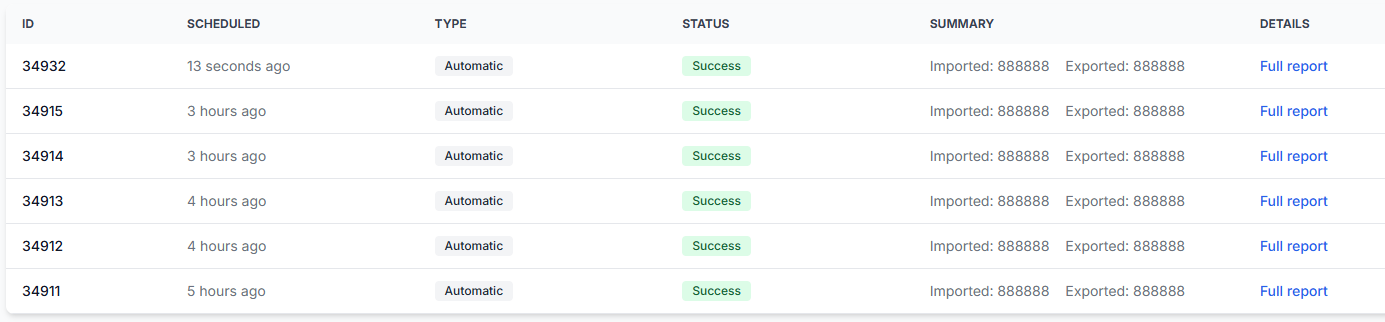
Learn how to read the B2BLIX synchronization reports page, understand its processing statistics, and identify products that require attention before calculated prices are published.
Understanding the buybox schema
Interfaces· Buybox schema· Pricing strategies· Data freshness
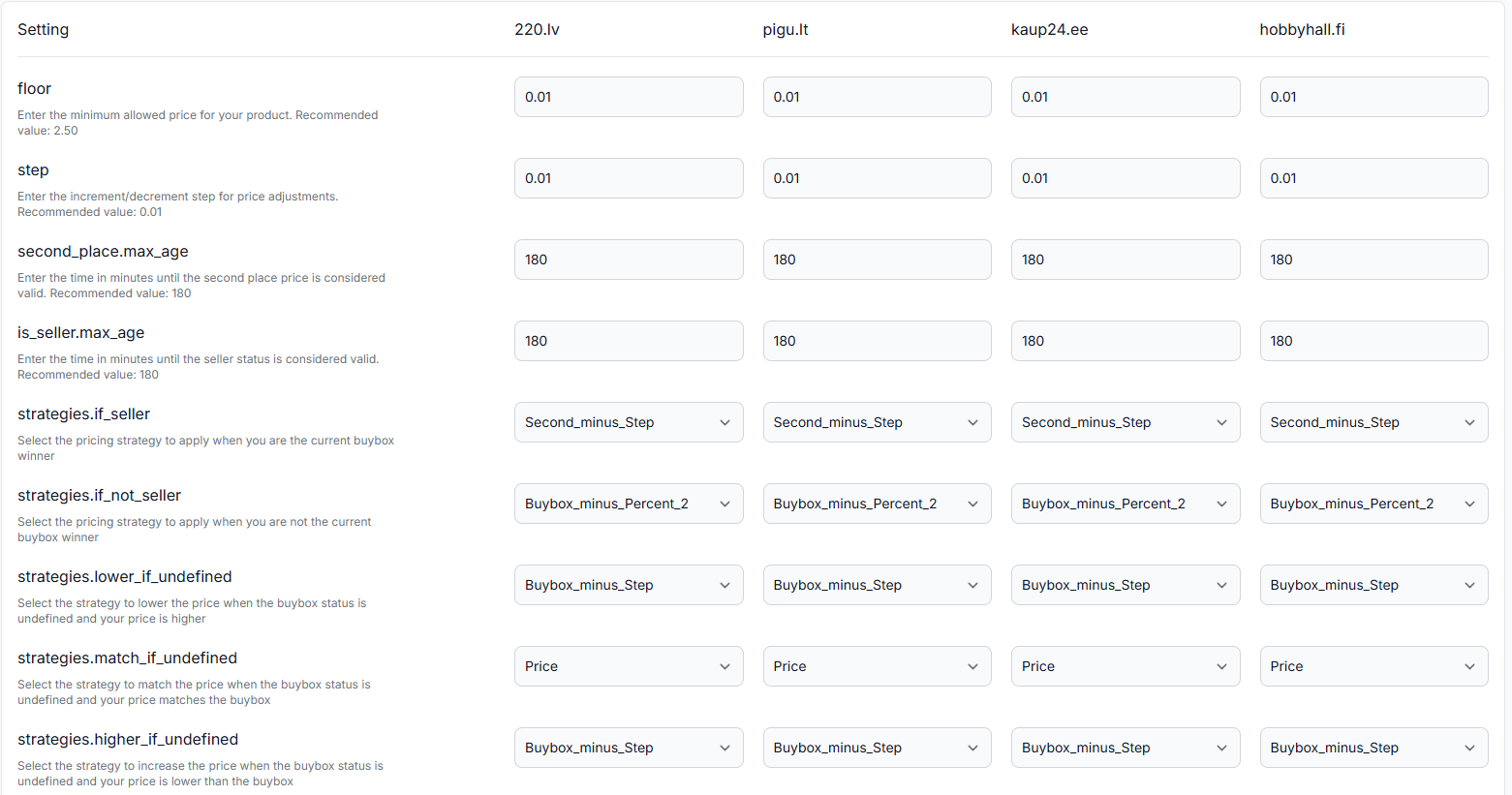
Learn how to read the B2BLIX BuyBox Schema, including data import, marketplace data collection, seller-status segmentation, data freshness, and the general purpose of each strategy group.
Using the BuyBox simulator
Interfaces· Buybox simulator· Pricing strategies· Price calculation
The BuyBox simulator lets you test pricing strategies with real marketplace product data without changing or publishing your live prices. Learn how to enter product prices, select BuyBox strategies, run a simulation, and interpret the suggested price and calculation process.
What B2blix can and cannot control in pigu
Support questions· Export to pigu· Synchronization· Troubleshooting
Understand which parts of price monitoring, calculation, export, marketplace processing, and product visibility are controlled by B2BLIX and which are controlled by Pigu.
What to check if prices are updated in b2blix but not visible on pigu
Support questions· Export to pigu· Synchronization· Troubleshooting
Check Product Checker, the generated XML or API export, synchronization reports, and Pigu import timing when a calculated price is not yet visible on the marketplace.
Why a lower price may still lose the buybox
Support questions· Buybox algorithm· Delivery time· Troubleshooting
Learn how delivery time can affect BuyBox ownership, what to check in B2BLIX, and how to test a stronger pricing strategy without exceeding your minimum and maximum price limits.
Why a product may not win the buybox because of min/max or strategy limits
Support questions· Pricing algorithm· Min/max prices· Troubleshooting
Learn how price limits and pricing strategies affect BuyBox calculations, what to check for a non-winning product, and how to review the calculation before changing live pricing settings.
Why B2blix can show different data in different places
Support questions· Troubleshooting· Data freshness· Product checker
Reports, Product Checker, and other B2BLIX views may temporarily show different information because marketplace monitoring and synchronization calculations run at different times.