How product-level exclusion from paid data collection works
Learn how to submit a limited list of EANs for data collection exclusion, what must be confirmed before the exclusion takes effect, and how this differs from standard BuyBox repricing exclusions.
When this article is relevant
This article is relevant when you want B2BLIX to stop collecting marketplace data for a small number of specific products so that they are not included in paid monitoring activity.
Product-level exclusion from paid data collection is not the same as excluding a product from automatic repricing. The two controls have different purposes and should not be treated as interchangeable.
Short answer
You can submit a limited list of product EANs for exclusion from paid data collection. After saving the EAN list, you must notify B2BLIX so that the exclusion can be reviewed and activated for your account.
Important: Do not assume that data collection has stopped immediately after entering the EANs. The paid data collection exclusion must be confirmed as active for your account before you rely on it for monitoring cost control.
How the exclusion works
B2BLIX normally collects marketplace information for monitored products. This information is used to provide updated observations and support BuyBox calculations.
Under a product-level data collection exclusion, B2BLIX can ignore an agreed, limited list of EANs during paid marketplace data collection. This is intended for a relatively small selection of products rather than as the main way to manage monitoring across a large catalog.
For example, an account may request the exclusion of approximately one hundred specific products that do not need marketplace monitoring. The accepted amount and activation must be agreed for the account.
Products excluded from collection will not receive refreshed marketplace observations through that collection process. This can affect the availability and freshness of competitive information for those EANs.
Data collection exclusion and repricing exclusion are different
| Type of exclusion | Purpose | How it is applied |
|---|---|---|
| Paid data collection exclusion | Stops selected EANs from being included in paid marketplace data collection. | Submit the EAN list and notify B2BLIX. The exclusion requires account-level activation and confirmation. |
| Automatic repricing exclusion | Prevents selected products from being processed by the automatic repricing algorithm. | Create an EAN exclusion rule in the BuyBox exclusion rules section. |
If your goal is only to stop automatic repricing, open Exclusion rules and choose Add new rule > EAN list. You can then paste multiple EAN codes at once.
To understand the standard repricing exclusion controls, read BuyBox exclusion rules.
What to check before submitting EANs
- Confirm your goal. Decide whether you want to stop paid marketplace data collection, automatic repricing, or both.
- Check the EAN codes. Make sure each value is the correct product EAN used to identify the item on the marketplace.
- Keep the list focused. This arrangement is intended for a limited number of selected products, not for excluding most of a large catalog.
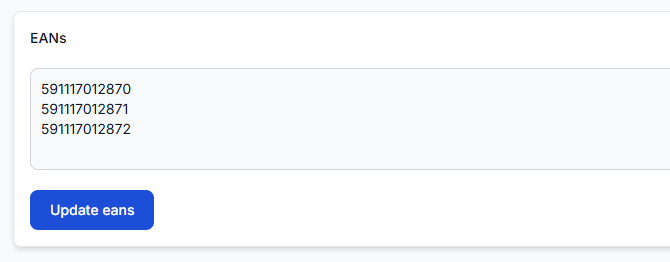
- Save the list in your account. Enter one EAN per line and update the list.
- Request activation. Notify B2BLIX after the list has been saved so the paid data collection exclusion can be activated for the account.
- Wait for confirmation. Continue to treat the products as monitored until you receive confirmation that the exclusion is active.
To submit the product list, open Exclude products when you are logged in. To understand the fields on that page, read Exclude products from BuyBox repricing.
The interface guide explains the page and its controls. The additional activation requirement described in this article applies specifically to exclusion from paid data collection.
Common causes of confusion
- The EANs were added as repricing rules only. This can stop automatic repricing but does not automatically confirm exclusion from paid data collection.
- The list was saved but activation was not requested. The account-specific data collection exclusion requires an additional activation step.
- The seller expects the exclusion to cover a large catalog. For broader cost control, monitoring frequencies and category selection are normally more appropriate.
- The wrong product identifiers were entered. Products are generally matched by EAN, so an incorrect or missing EAN may not identify the intended product.
- The seller expects old marketplace information to remain current. Once collection stops, B2BLIX does not receive refreshed observations for the excluded EANs through that process.
Example
A seller has several thousand marketplace products but does not need competitive monitoring for one hundred low-priority EANs. The seller enters those EANs in the exclusion list and asks B2BLIX to activate paid data collection exclusion for them.
After activation is confirmed, those selected EANs are ignored for the agreed data collection process. The rest of the catalog continues to follow its configured category or product-level monitoring schedules.
Managing costs for a larger number of products
If you need to reduce monitoring activity across many products, adjust monitoring settings instead of relying on a large EAN exclusion list.
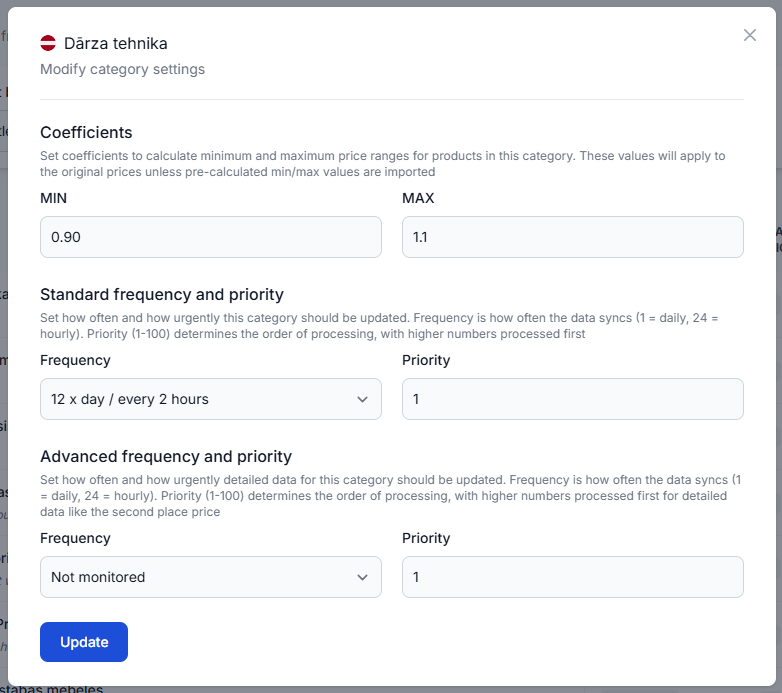
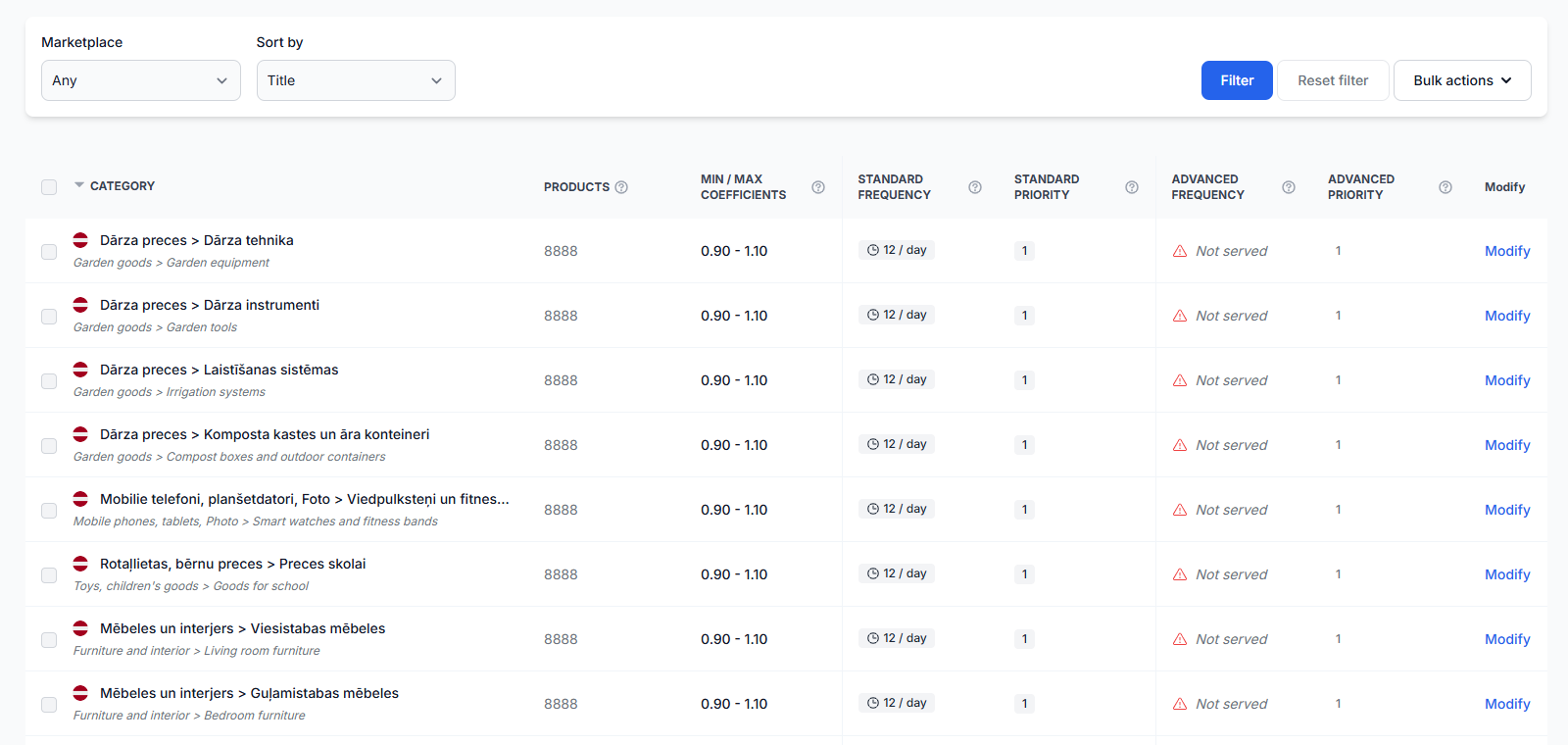
For category-level control, open Category management. For an explanation of category monitoring settings, read Category management: monitoring frequencies and price coefficients.
For selected products that need a different monitoring schedule, open Individual products. To understand this workflow, read Individual products: set product-specific monitoring frequencies.
What to do next
- Prepare a focused list containing the exact EANs you want to exclude.
- Verify that you need paid data collection exclusion rather than only automatic repricing exclusion.
- Enter and save the EAN list in the relevant account section.
- Notify B2BLIX that the list is ready for activation.
- Do not rely on the exclusion for monitoring cost control until activation has been confirmed.
- For broader catalog cost management, review your category and individual-product monitoring frequencies.