How to configure category monitoring, frequency, data freshness, and a limited rollout
Learn how to enable category monitoring, choose practical data collection frequencies, keep marketplace observations fresh, and control usage costs while introducing BuyBox repricing gradually.
When this guide is relevant
This guide is useful when products have no recent BuyBox information, calculations appear to be based on old marketplace data, or you want to control monitoring costs before enabling B2BLIX for a larger catalog.
After B2BLIX discovers your marketplace categories, you must choose which categories should be monitored. A discovered category is not automatically monitored unless its standard frequency is set to a value greater than zero.
Short answer
Open Category Management and set a positive standard monitoring frequency for each category that B2BLIX should monitor.
- Frequency greater than zero: B2BLIX collects updated marketplace information for products in that category.
- Frequency equal to zero: regular category monitoring is disabled.
- Higher frequency: marketplace information is usually refreshed more often, but usage costs may increase.
- Lower frequency: costs may be lower, but calculations can rely on older observations.
A practical starting point for many categories is a refresh approximately every 2–3 hours. Important or highly competitive categories may need hourly monitoring, while slower categories may only need one or two checks per day.
Important: Category monitoring is a chargeable data collection process. Increasing the frequency or enabling many categories can increase usage-based costs. Review the selected categories and frequencies before applying changes in bulk.
How category monitoring works
B2BLIX uses recently collected marketplace information to understand the latest known seller, BuyBox position, and competitive prices for a product. The BuyBox calculation can then compare that observation with your imported product data, price limits, and selected strategy.
Monitoring is scheduled rather than universally instantaneous. The selected frequency controls how often B2BLIX should attempt to refresh the category information. An individual collection attempt may occasionally be unsuccessful, so the configured interval should be treated as the intended schedule rather than a guarantee that every product will be refreshed at an exact time.
B2BLIX charges only for successful data collection actions.
Newly discovered categories normally start without regular monitoring. You must enable a frequency before B2BLIX begins collecting marketplace information for products in those categories.
Monitoring and synchronization are different
Category monitoring and synchronization control separate parts of the workflow:
- Category monitoring collects updated marketplace information, such as the latest known seller and competitive price.
- Synchronization imports your current product data, evaluates products using the available marketplace observations, calculates prices, and prepares an XML export or supported marketplace update.
A frequent synchronization schedule cannot create fresh marketplace information if category monitoring is disabled. In the same way, fresh monitoring data will not automatically produce or publish a new price unless the configured synchronization workflow runs.
Cost warning: Setting synchronization frequency to Never does not necessarily stop chargeable data collection. Categories with active monitoring frequencies can continue to be monitored until their frequency is changed to zero.
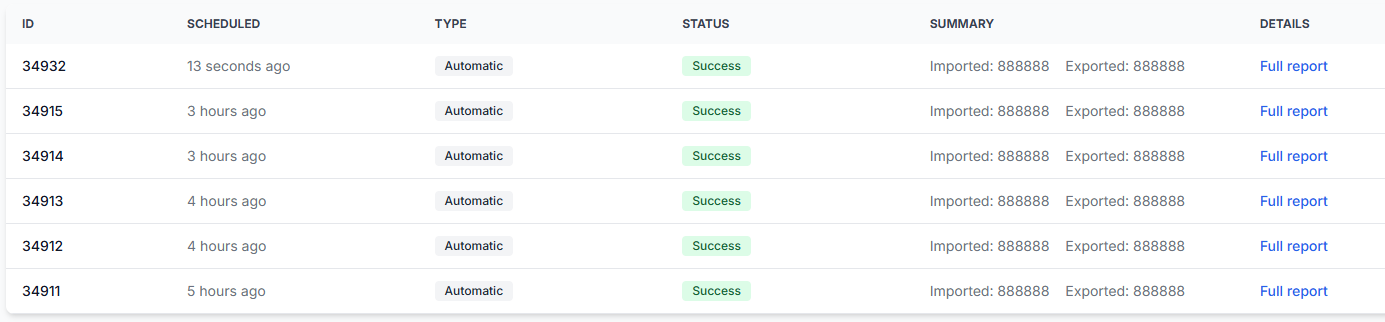
To review your synchronization schedule and output method, open Sync Settings when you are logged in. To understand the available controls, read Sync settings: configure product import and price export.
How to choose a monitoring frequency
There is no single frequency that is correct for every category. The appropriate schedule depends on how quickly competitor prices change, how important the products are, and how much monitoring usage you want to allocate to them.
| Category situation | Possible starting frequency | What to consider |
|---|---|---|
| Bestsellers or highly competitive products | Approximately once per hour | Fresher observations may improve pricing responsiveness, but usage will be higher. |
| Normal active categories | Approximately every 2–3 hours | This is a practical starting point for many sellers and should be adjusted after testing. |
| Slow-moving or less competitive categories | Once or twice per day | A lower frequency may be sufficient when marketplace prices rarely change. |
| Selected priority products | A product-specific schedule | Use individual monitoring instead of increasing the frequency for an entire large category. |
Some supported configurations may allow selected products to be monitored at intervals as short as approximately 15 minutes. Minute-by-minute monitoring is not supported.
Start with a reasonable frequency and review the product observations before increasing it. A shorter interval is useful only when the additional freshness is valuable enough to justify the additional usage.
What to check in your account
1. Confirm that the product category is monitored
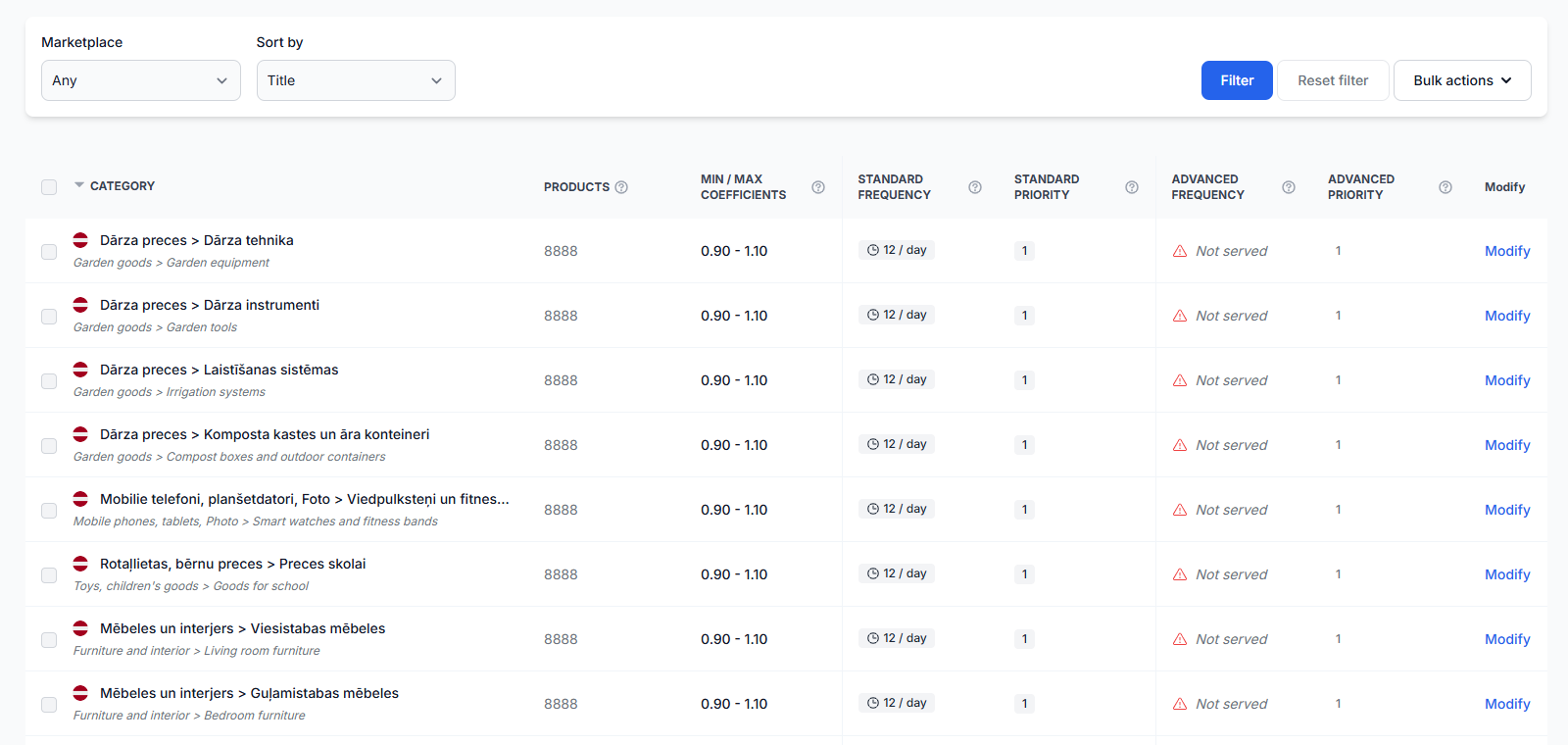
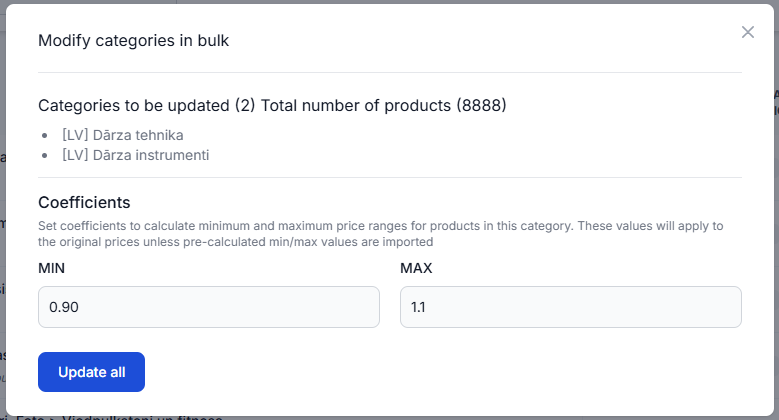
Find the product’s category and verify that its standard frequency is greater than zero. Categories may be configured individually or selected and updated in bulk.
To check this in your account, open Category Management. To understand the fields and bulk actions on that page, read Category management: monitoring frequencies and price coefficients.
2. Check the correct marketplace
Categories are discovered separately for 220.lv, Pigu.lt, Kaup24.ee, and HobbyHall.fi. A category enabled for one marketplace does not automatically confirm that the corresponding category is monitored for another marketplace.
Use the marketplace filter in Category Management and check the relevant local marketplace before changing the frequency.
3. Confirm that the category is relevant
Review discovered categories before enabling them. If a category is irrelevant, incorrectly associated with your current catalog, or no longer needed, leave its frequency at zero.
This prevents unnecessary categories from generating monitoring usage.
4. Match data freshness settings to the monitoring schedule
A BuyBox calculation should not treat an old marketplace observation as if it were current. Where your configuration uses the is_seller.max_age setting, its permitted age should normally be slightly longer than the corresponding standard monitoring interval.
For example, when a category is monitored once per hour, the permitted observation age should not expire before the next scheduled refresh would normally occur.
Do not reduce freshness limits without first checking the category frequency. A very strict freshness limit combined with infrequent monitoring can leave products without sufficiently recent information for normal calculation.
To review calculation and freshness-related settings, open BuyBox Settings. For an explanation of that page, read BuyBox settings page.
5. Use individual monitoring when only a few products need faster updates
Do not increase the frequency for a large category only because a small number of products are especially important. Selected EANs can be assigned an individual monitoring schedule that overrides the broader category schedule.
To configure this, open Individual Products. To understand how to add EANs and assign their collection frequency, read Individual products: set product-specific monitoring frequencies.
6. Verify the latest product observation
If a product still has no calculation or appears to use old information after monitoring is enabled, review the product at EAN level. Check its category, latest observation time, known marketplace data, price limits, calculation result, and export status.
To investigate one product, open Product Checker. For help interpreting the details, read Product checker: review product data, price calculations, and exports.
How to start with a limited rollout
A limited rollout helps you confirm that monitoring, calculations, price limits, and exports behave as expected before using the service across the full catalog.
- Select one marketplace and a small number of important categories.
- Leave unrelated categories at frequency = 0.
- Set a moderate monitoring frequency, such as every 2–3 hours.
- Confirm the minimum and maximum prices for the selected products.
- Run monitoring and synchronization without immediately enabling broad automatic publication.
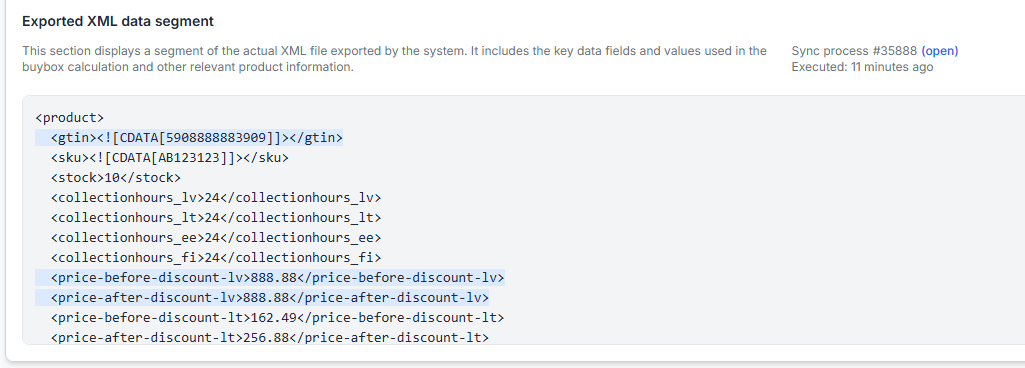
- Review representative products in Product Checker or inspect the generated XML output.
- Increase category coverage or frequency only after the results are satisfactory.
Live price warning: A calculated or exported price is not necessarily live on the marketplace. It becomes live only after it has been submitted through the selected workflow and accepted and applied by the marketplace.
Common causes of missing or outdated BuyBox calculations
- The category frequency is zero. The category has been discovered, but regular marketplace monitoring has not been enabled.
- The wrong marketplace category was configured. Monitoring was enabled for one local marketplace but not for the marketplace where the product is being checked.
- The category was discovered recently. Monitoring still needs to be configured before regular collection begins.
- The monitoring interval is too long for the niche. Competitor prices change faster than the selected collection schedule.
- The freshness limit is stricter than the collection schedule. Observations become too old for calculation before the next normal refresh.
- Synchronization is not running. Fresh marketplace information may exist, but no recent synchronization has imported the seller’s data and calculated the next price.
- Only a few products need priority monitoring. Increasing the entire category frequency would create unnecessary usage when individual product monitoring would be more suitable.
Example
A seller has 5,000 products across several categories. Most competitor prices change slowly, but one bestseller category changes frequently.
The seller enables hourly monitoring for the bestseller category, sets the remaining active categories to every three hours, and leaves irrelevant categories at zero. Two especially important EANs receive a faster individual monitoring schedule.
Synchronization runs separately to import the seller’s current prices, calculate suggestions using the latest available observations, and prepare the selected output. This provides fresher information for priority products without applying the highest monitoring frequency to the entire catalog.
What to do next
- Open Category Management and identify categories with a frequency of zero.
- Enable monitoring only for categories that are currently relevant to your catalog.
- Use every 2–3 hours as a practical starting point, then adjust by category importance and competition.
- Use individual product monitoring for selected EANs that need faster updates.
- Check Sync Settings separately and confirm when calculations and exports should run.
- Review several products in Product Checker before expanding the rollout or enabling broader marketplace updates.
- Return unused categories to frequency zero when they no longer need to be monitored.