How the algorithm behaves when another seller wins the buybox
Learn how B2BLIX reacts when your offer is not currently winning, which settings control the calculated price, and what to check before publishing price changes.
What happens when another seller is winning?
This article explains the pricing logic used when the latest known marketplace information shows that another seller is currently winning the buybox.
In this situation, B2BLIX can use a losing-case strategy to make your offer more competitive. A common strategy is to calculate a price slightly below the observed buybox price.
Short answer
When your offer is not winning, the recommended strategy is BuyBox price minus step. B2BLIX takes the latest known buybox price and subtracts the configured pricing step, such as €0.01.
The result is limited by the product’s available minimum price and maximum price. The algorithm will not intentionally calculate a price outside that permitted range.
The marketplace, not B2BLIX, selects the buybox winner. A more competitive price may improve your position, but it does not guarantee that your offer will win.
How the losing-case strategy works
B2BLIX evaluates the latest known situation separately for each product and marketplace. The algorithm can switch between two general situations:
- Your offer is winning: the winning-case strategy is applied.
- Another seller is winning: the losing-case strategy is applied.
For the losing case, a strategy such as BuyBox price minus step works as follows:
- B2BLIX checks the latest known buybox price.
- It subtracts the configured pricing step.
- It checks the result against the product’s permitted price boundaries.
- It prepares the calculated price for review, export, or publication according to your synchronization settings.
If the calculated target would be lower than the product’s minimum price, the minimum price limits the calculation. This protects the product from being repriced below the permitted boundary.
Important: This strategy can lower prices. Verify your minimum and maximum prices before enabling automatic exports or marketplace updates. A calculated or exported price is not necessarily live until it has been accepted and applied by the marketplace.
What to check in your account
1. Check the losing-case strategy and step
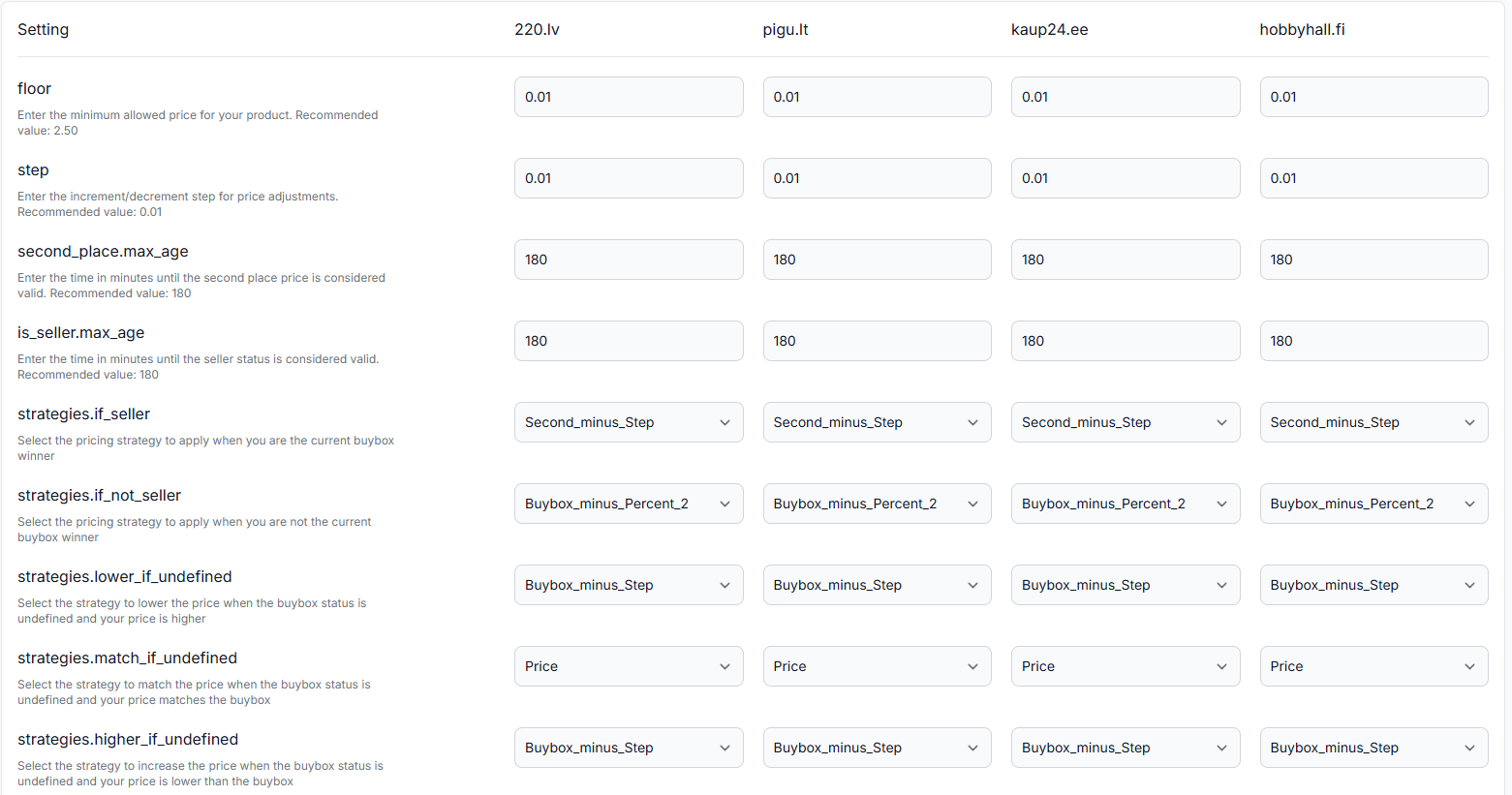
Confirm which strategy is selected for situations where your offer is not winning. Also check the configured step, because it determines how far below the observed buybox price the algorithm will try to move.
To check this in your account, open BuyBox Settings.
To understand the fields on that page, read BuyBox settings page.
2. Verify the product’s price limits
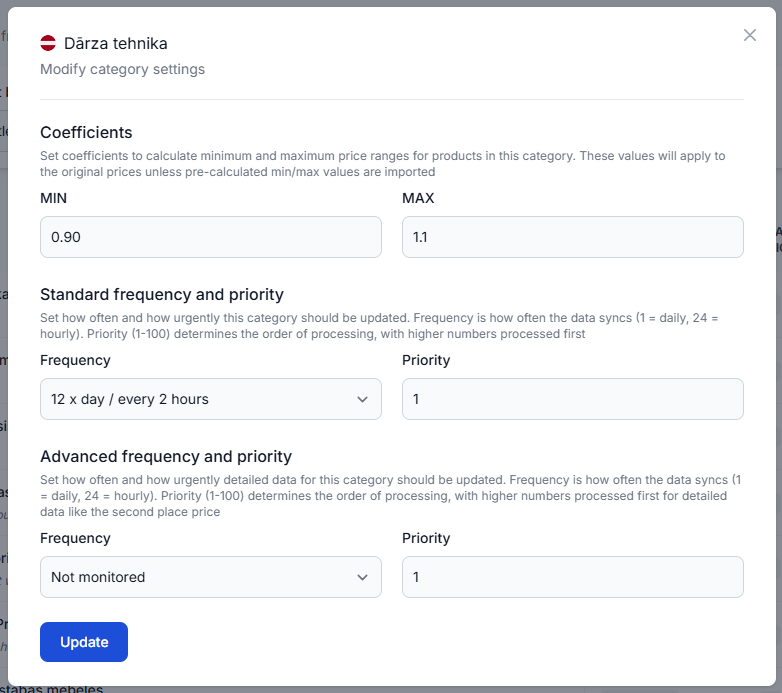
Check that the product has suitable minimum and maximum prices. Product-level limits supplied in your imported data take precedence over limits derived from category-level coefficients.
Do not reduce the minimum price only because another seller is winning. First verify that the new boundary still protects your required margin and other selling costs.
3. Review the calculation for the affected product
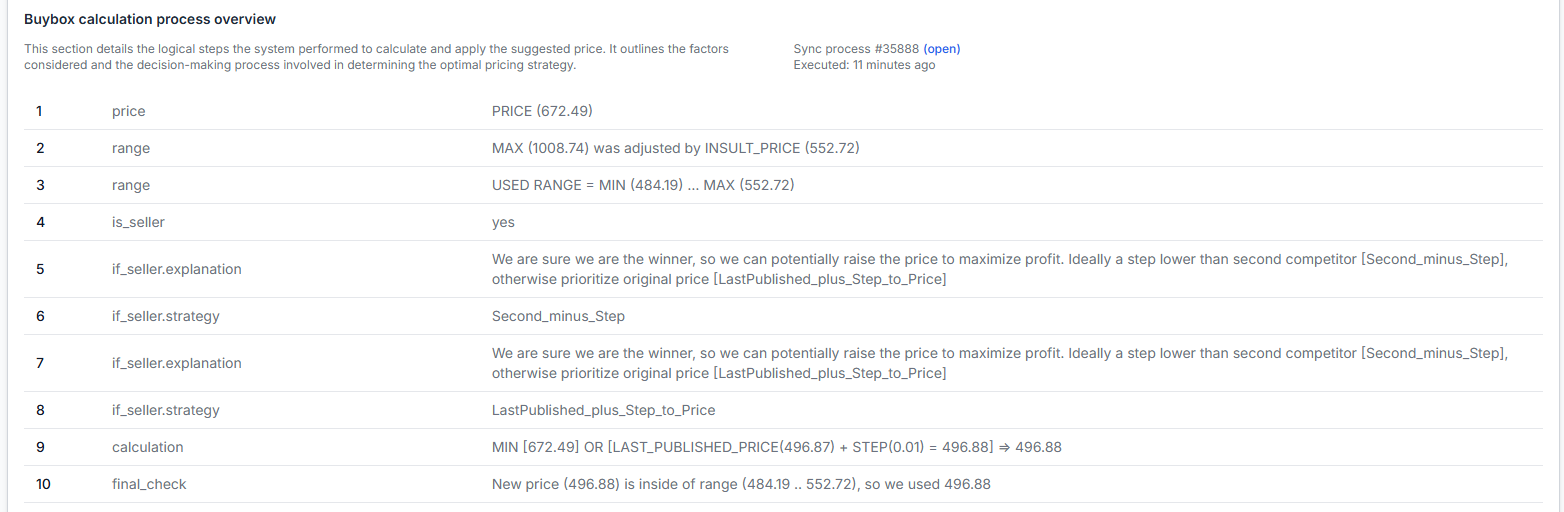
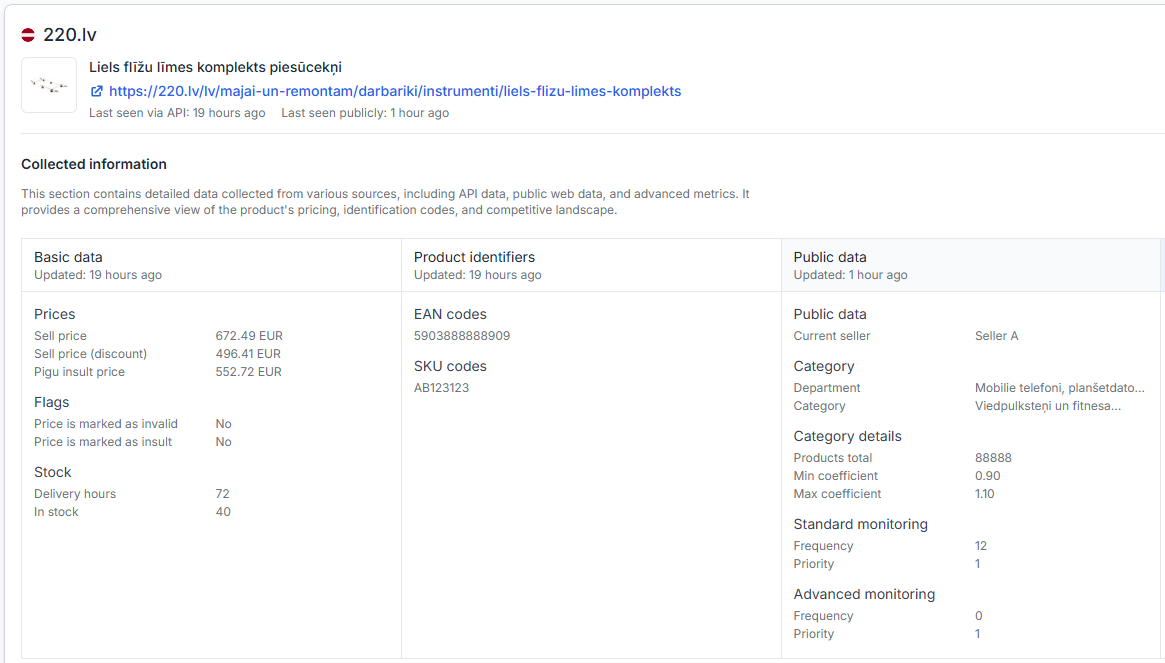
Use the Product Checker to review the latest known marketplace information, the observed seller and price, the available price limits, the selected strategy, the calculated price, and the export status.
To check this in your account, open Product Checker.
To understand the information shown there, read Product checker: review product data, price calculations, and exports.
4. Test the situation before publishing
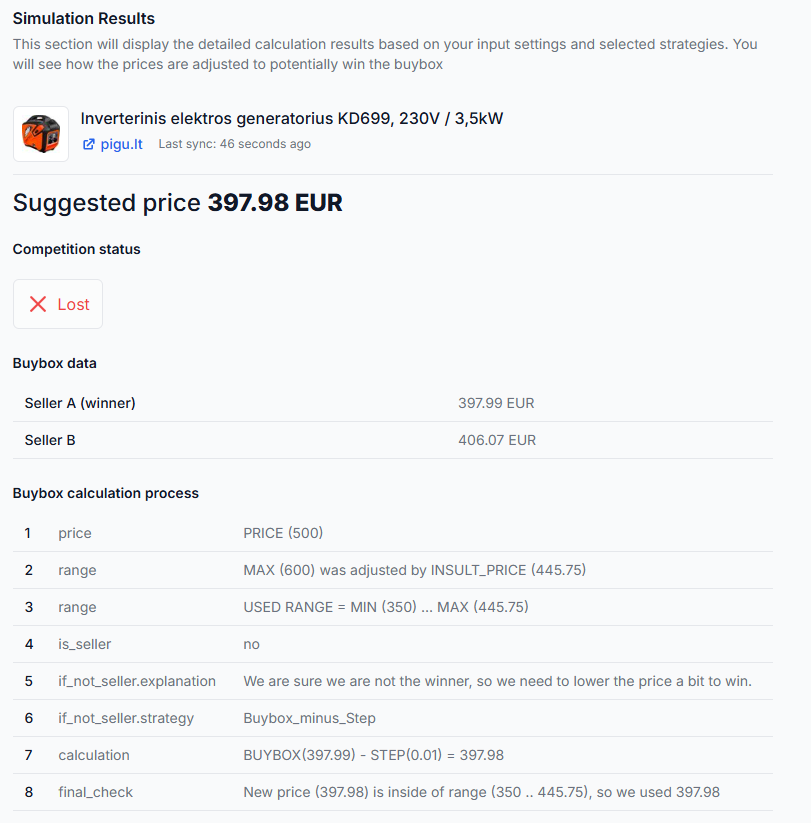
The buybox simulator can be used to test a representative product situation without depending on a live publication workflow. Enter the marketplace, prices, limits, and strategy settings to see how the calculation may behave.
To test this in your account, open BuyBox Simulator.
For instructions, read Using the buybox simulator.
5. Confirm whether the price was exported
A correct calculation does not by itself confirm that the price was sent to the marketplace. Monitoring, calculation, export, and the marketplace applying the update are separate stages.
To review recent processing and export results, open Synchronization Reports.
For details about the report stages, read Synchronization reports: review import, buybox calculation, and export results.
Common reasons the result may not be what you expected
- The minimum price prevents a further reduction. The calculated target may be below your permitted minimum, so B2BLIX cannot apply the full step.
- The configured step is different from the expected step. For example, the account may use a larger or smaller adjustment than €0.01.
- A different losing-case strategy is selected. The account may be configured to match the buybox price or use another available adjustment instead of moving below it.
- The latest observation is no longer current. Marketplace positions can change between monitoring runs. The calculation is based on the latest information available to B2BLIX at processing time.
- The product was calculated but not published. Export may be disabled, the synchronization may not have completed, or the marketplace may not yet have applied the submitted price.
- Price is not the only buybox factor. A lower price does not guarantee a winning position because the marketplace controls the final selection.
Example
Assume the following product situation:
- Observed buybox price: €20.00
- Your offer is not winning
- Selected strategy: BuyBox price minus step
- Configured step: €0.01
- Minimum price: €19.00
- Maximum price: €21.00
The calculated price may be €19.99. This is €0.01 below the observed buybox price and remains within the permitted range.
If the minimum price were €20.00, the algorithm could not calculate €19.99 because that would be below the permitted minimum.
What to do next
- Open BuyBox Settings and verify the losing-case strategy and pricing step.
- Confirm that the affected product has correct minimum and maximum prices.
- Review the product in Product Checker to see which observation and settings were used.
- Test the same situation in the BuyBox Simulator when you need to verify the expected calculation safely.
- Check Synchronization Reports when the calculation is correct but the marketplace price has not changed.
For a safer rollout, test the strategy with a limited product group or without automatic publication. Review the calculated results before enabling wider price exports or API updates.