Can I use multiple Pigu accounts in one B2BLIX account?
Learn how to organise B2BLIX access when your business operates more than one Pigu seller account and what to verify before connecting an account.
When this article is relevant
This article is for sellers who manage two or more Pigu seller accounts and want to use the B2BLIX BuyBox service with each account.
This can apply when a business has separate seller accounts for different companies, shops, teams, or marketplace operations.
Short answer
No. One B2BLIX account should not be used for multiple Pigu seller accounts.
B2BLIX is designed to link:
- one Pigu seller account
- to one B2BLIX account
If you have multiple Pigu seller accounts, create or use a separate B2BLIX account for each Pigu account.
Keep each Pigu connection separate. This helps prevent account credentials, products, marketplace observations, calculations, and synchronization results from being associated with the wrong seller account.
How the account connection works
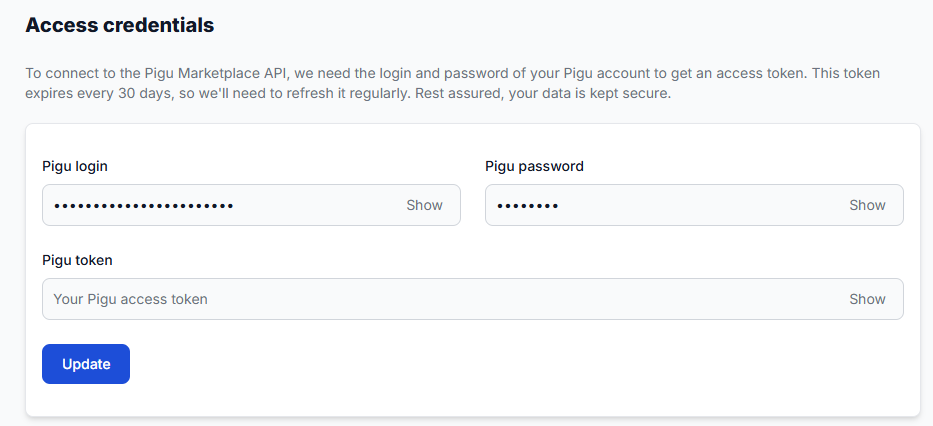
The B2BLIX account stores the access information required to connect to a specific Pigu seller account. B2BLIX then uses the connected account together with the seller’s product information and marketplace shop identifiers.
Keeping a one-to-one connection makes it clear which seller account belongs to:
- the imported product catalogue
- the marketplace shop profiles
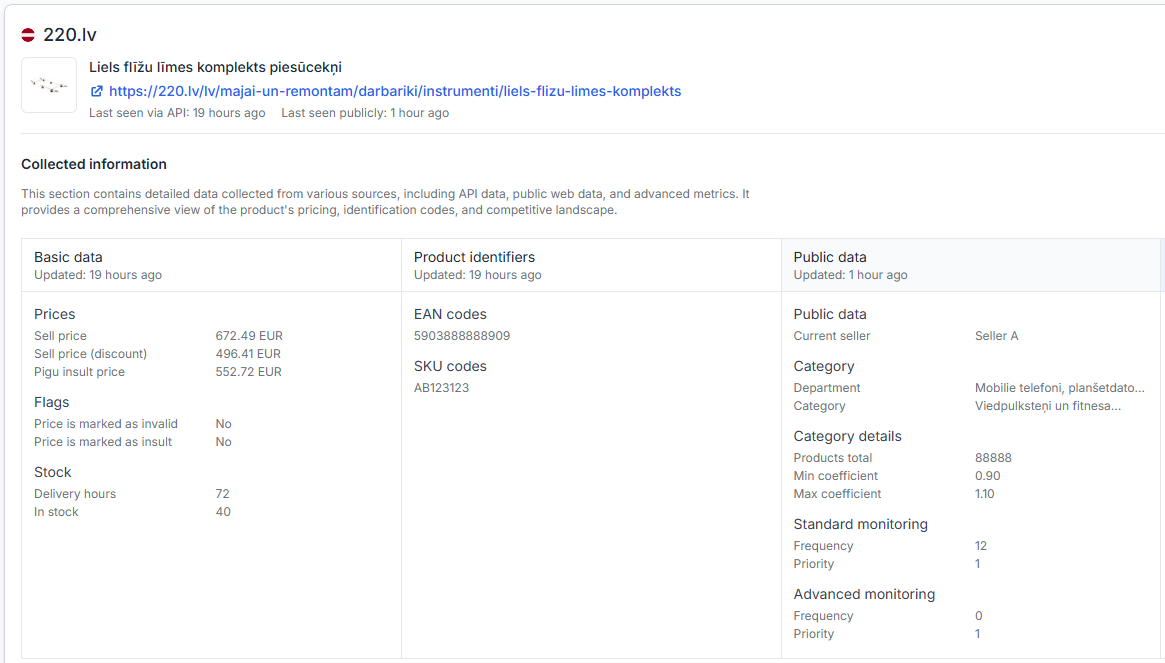
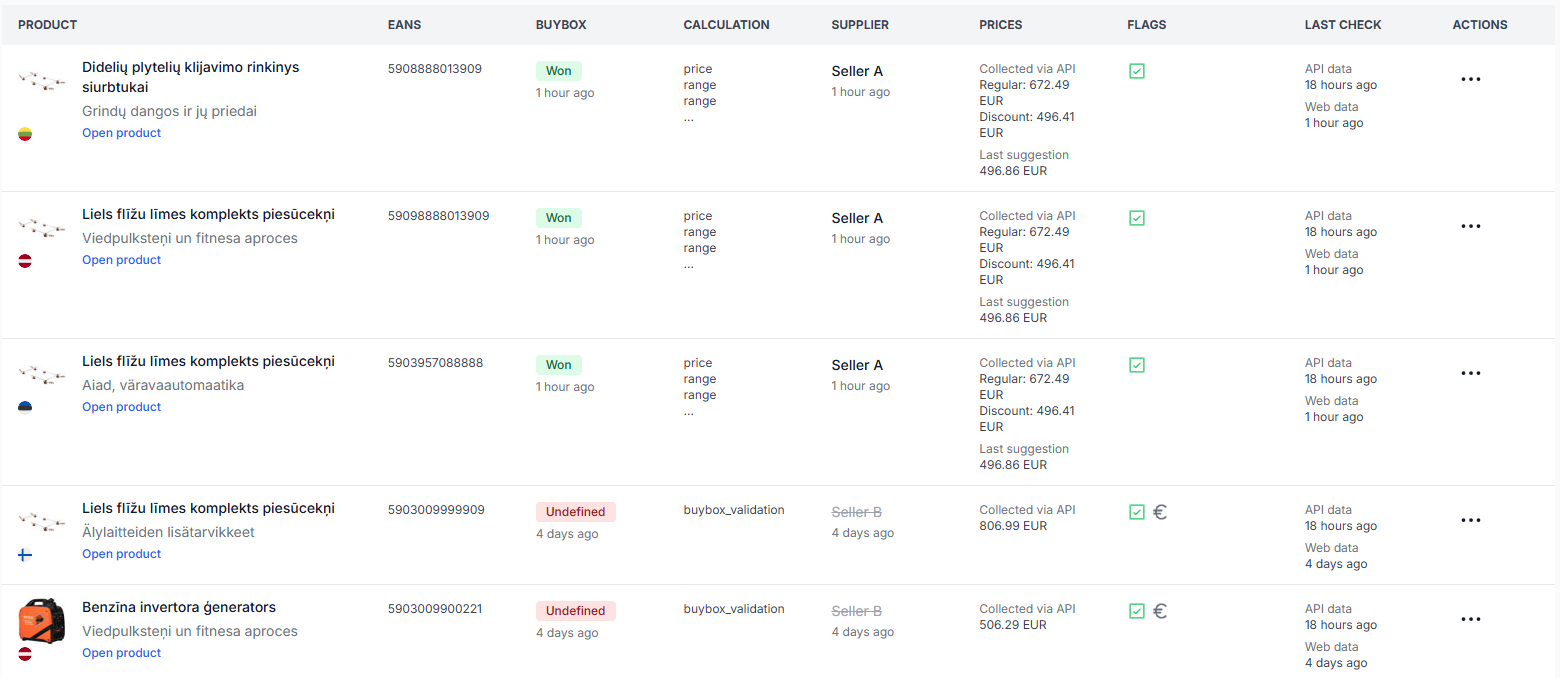
- the discovered products and offers
- the BuyBox calculations
- the synchronization and export results
A separate B2BLIX account also keeps the configuration and activity of each Pigu seller account independent.
What to check in each B2BLIX account
-
Confirm which Pigu seller account should be connected.
Before entering or updating any connection details, make sure you are working in the correct B2BLIX account.
-
Check the access credentials.
Each B2BLIX account should contain the credentials for only its corresponding Pigu seller account.
-
Check the marketplace shop profile names.
Where applicable, verify that the shop identifiers for 220.lv, Pigu.lt, Kaup24.ee, and HobbyHall.fi belong to the same seller account.
-
Keep product sources and synchronization settings separate.
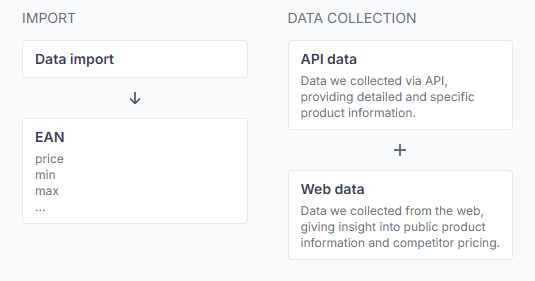
Make sure each B2BLIX account imports and exports data for the intended Pigu seller account.
To check the connection in your account, open Access credentials. To understand the fields on that page, read Access credentials for the Pigu connection.
To verify your marketplace shop identifiers, open Marketplace slugs. For an explanation of these fields, read Marketplace slugs: add or update your shop profile names.
Common scenarios
One company has two separate Pigu seller accounts
Use two B2BLIX accounts. Connect each B2BLIX account to only one of the Pigu seller accounts.
A seller operates on several Pigu Group marketplaces
You do not necessarily need a separate B2BLIX account only because the seller operates on 220.lv, Pigu.lt, Kaup24.ee, or HobbyHall.fi. The important question is whether those marketplace operations belong to the same connected Pigu seller account.
Different teams manage different seller accounts
Use a separate B2BLIX account for each seller account so that credentials, configuration, product data, and reports remain clearly separated.
The wrong Pigu account may be connected
First verify which B2BLIX account you are logged in to and review the Access credentials and Marketplace slugs sections. Do not share credentials in screenshots, messages, or public documents.
Example
A business has two Pigu seller accounts: one for Shop A and another for Shop B.
- B2BLIX Account A should connect only to the Pigu account for Shop A.
- B2BLIX Account B should connect only to the Pigu account for Shop B.
Each B2BLIX account should then use the product source, shop identifiers, pricing settings, and synchronization configuration intended for its own seller account.
What to do next
If you manage more than one Pigu seller account, prepare one B2BLIX account for each connection. In every account, verify the access credentials, marketplace shop identifiers, and product synchronization source before enabling regular processing or price publication.
Contact B2BLIX support when you are unsure which Pigu account is currently connected, need help separating an existing setup, or cannot determine which credentials and marketplace profiles belong to each account. Do not send passwords or access tokens in an unprotected message.