B2BLIX Pigu BuyBox guides
Getting started
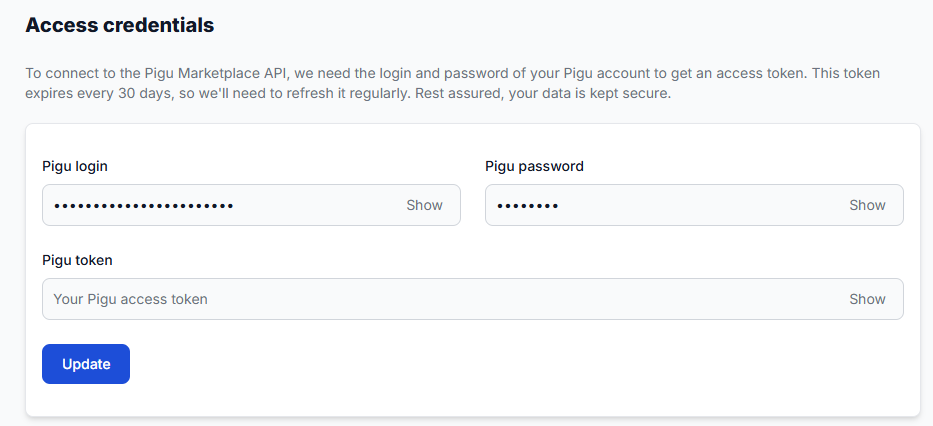
Can I use multiple Pigu accounts in one B2BLIX account?
Support questions· Getting started· Account setup· Access credentials
Learn how to organise B2BLIX access when your business operates more than one Pigu seller account and what to verify before connecting an account.
Getting started with B2blix pigu buybox
Getting started
This guide explains how to complete the first B2BLIX Pigu BuyBox setup: connect your seller account, prepare your product data, enable marketplace monitoring, test the calculations, and choose how prices will be sent to Pigu.
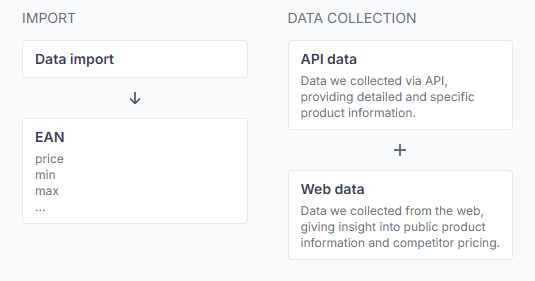
How B2BLIX Pigu Buybox works
Support questions· Getting started· Buybox algorithm· Synchronization
This guide explains how B2BLIX monitors marketplace offers, calculates prices within seller-defined limits, and prepares updates for Pigu Group marketplaces.
How to activate the pigu buybox service and connect credentials
Support questions· Getting started· Access credentials· Service activation
Learn how to activate B2BLIX Pigu BuyBox, connect your Pigu account, and choose between using your login credentials or a manually generated API token. This guide explains why account access is required, what information to prepare during activation, and what to check if the Pigu connection cannot be established.

How to start using the Pigu BuyBox algorithm
Support questions· Getting started· Synchronization· Buybox algorithm
This guide explains how to prepare a new B2BLIX Pigu BuyBox account safely, test the workflow, and verify calculated prices before enabling marketplace updates for a wider catalog.