How to activate the pigu buybox service and connect credentials
Learn how to activate B2BLIX Pigu BuyBox, connect your Pigu account, and choose between using your login credentials or a manually generated API token. This guide explains why account access is required, what information to prepare during activation, and what to check if the Pigu connection cannot be established.
When this guide is relevant
Use this guide when you are activating B2BLIX Pigu BuyBox for the first time or need to reconnect an existing Pigu account.
During activation, B2BLIX asks for your marketplace shop names and the access information required to establish a connection with Pigu. This connection allows the service to read the product and offer information needed for monitoring and BuyBox price calculations.
Short answer
To activate the service, log in to B2BLIX, find the Pigu BuyBox service card, open Service overview, and select the available Enable or Activate action.
During setup, enter:
- Your shop profile name for each marketplace where you sell.
- Your valid Pigu login credentials, or a manually generated Pigu API access token.
After activation, the initial data collection process starts automatically.
Important: Check that the shop names and credentials are correct before completing activation. Incorrect access information can prevent B2BLIX from collecting the data required for monitoring and calculations. Activating the service does not guarantee the BuyBox or automatically confirm that a calculated price is live on the marketplace.
Why B2BLIX needs pigu access information
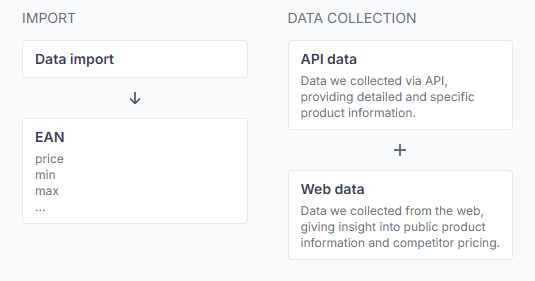
Pigu provides API access through a valid account connection. B2BLIX uses this connection to obtain product lists, offer information, and pricing data that may not be available from public marketplace pages.
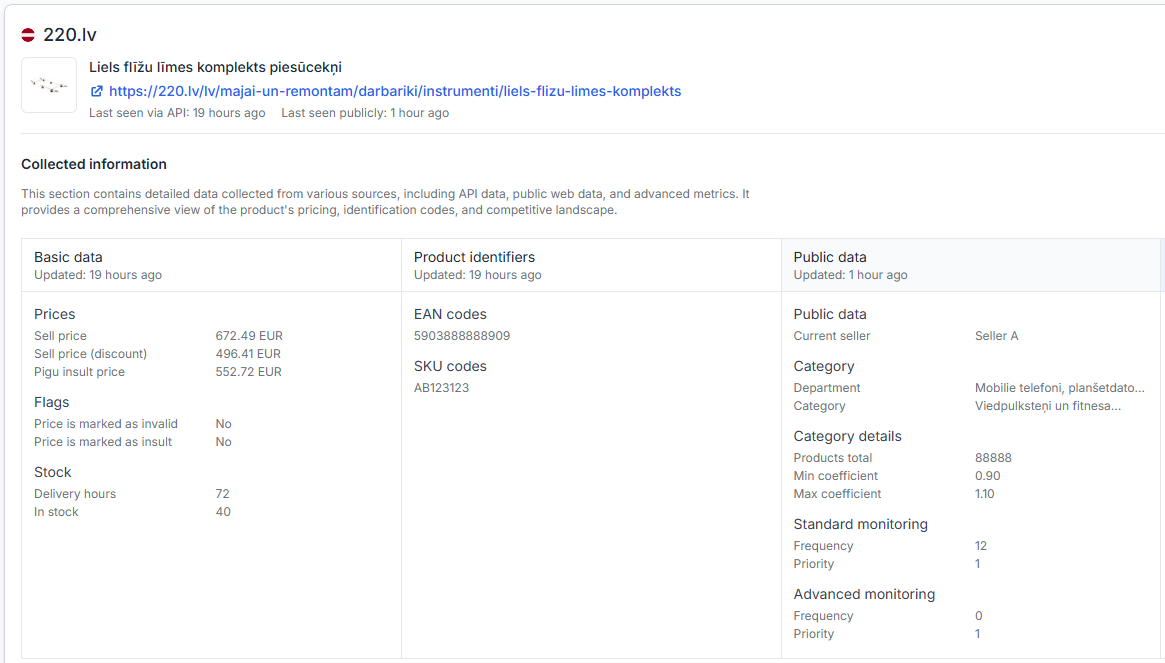
The API connection is used for read-only access to the required Pigu product and offer data. B2BLIX also uses available public marketplace information when monitoring competitive offers and calculating prices.
Monitoring, price calculation, and publication are separate processes. Connecting the account allows B2BLIX to collect the required data, but a calculated or exported price is not necessarily live until it has been accepted and applied by the marketplace.
Choose how to connect your pigu account
Option 1: Use your pigu login and password
B2BLIX can use your valid Pigu login and password to request and refresh the API access token required for the connection.
A Pigu API token is valid for a limited period, normally 30 days. Providing valid login credentials allows the connection token to be refreshed automatically when required.
Option 2: Provide an api token manually
If you do not want to provide your Pigu password, you can enter a generated Pigu API access token instead.
This option requires additional maintenance. You must track when the token expires and replace it with a new valid token. If the token expires and is not updated, B2BLIX may no longer be able to collect the required API data.
How to activate the service
- Log in to your B2BLIX account.
- Open the main dashboard.
- Find the Pigu BuyBox service card.
- Click Service overview.
- Read the service description and select Enable or Activate.
- Enter your shop profile names for the marketplaces where you sell.
- Enter your Pigu login credentials or a valid API token.
- Complete the activation process.
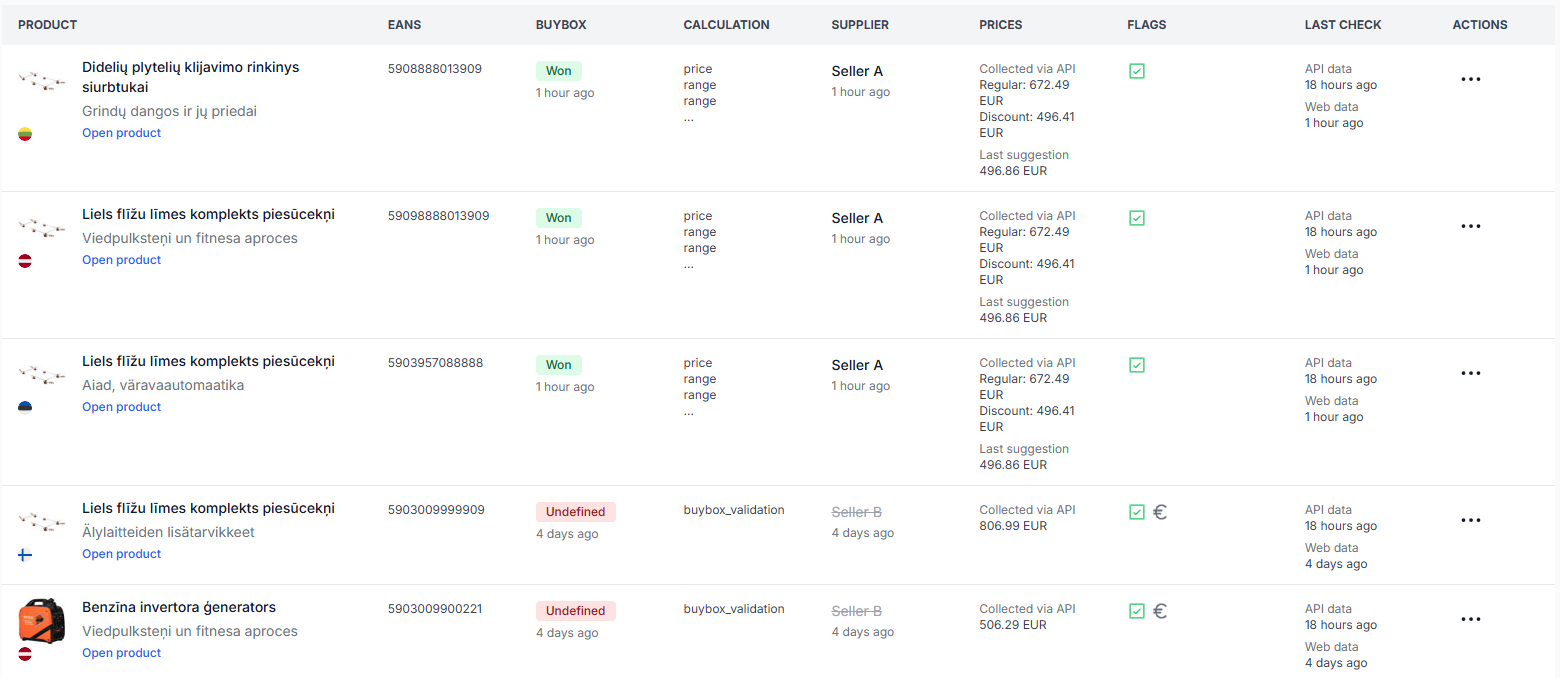
After activation, B2BLIX starts collecting the information needed to discover your products and monitor their marketplace position. New products and categories may not appear immediately because they must first be found on the marketplace and then discovered by B2BLIX.
What to check in your account
1. Check your access credentials
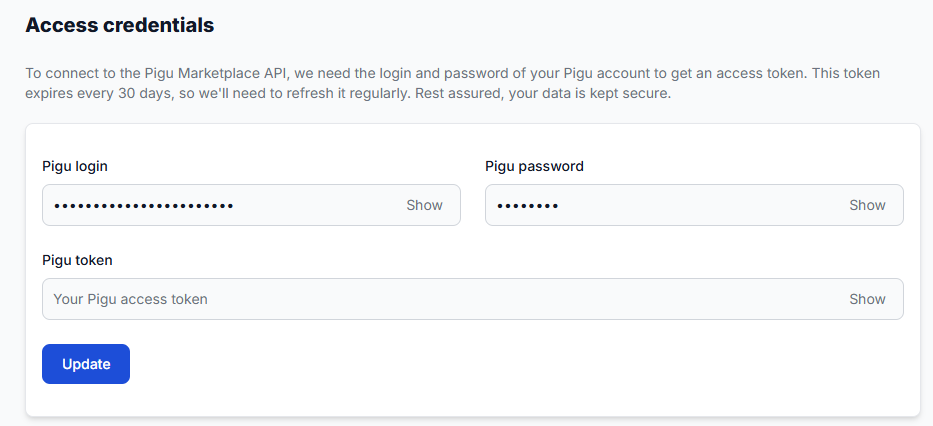
Open the credentials page and confirm that the entered login, password, or token is current and belongs to the correct Pigu seller account.
To check this in your account, open Access credentials. To understand the fields on that page, read Access credentials for the Pigu connection.
2. Check your marketplace shop names
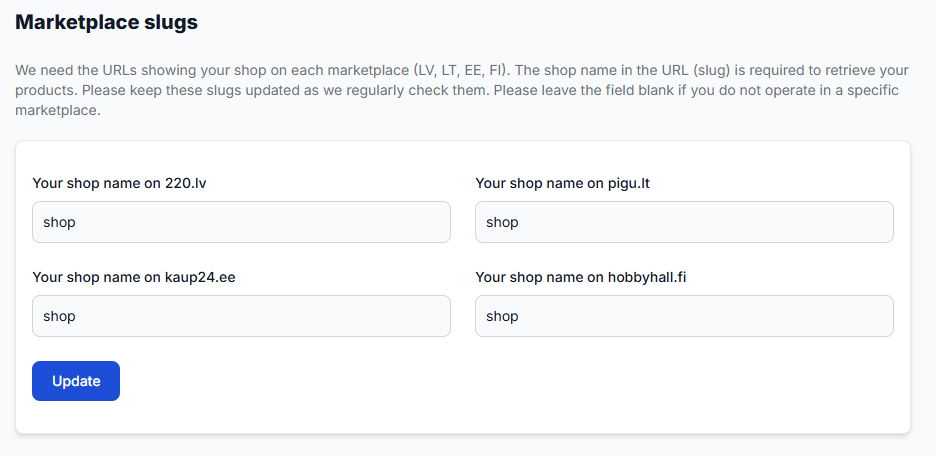
Your shop profile names help B2BLIX associate marketplace offers with your seller account. Enter the shop name exactly as it appears on each relevant marketplace.
To check this in your account, open Marketplace slugs. To understand the fields on that page, read Marketplace slugs: add or update your shop profile names.
3. Confirm that data collection has started
After activation, allow time for the first collection process to run. You can then review account-level activity and discovered marketplace information.
When you are logged in, open Statistics. For an explanation of the displayed account metrics, read Statistics dashboard: understanding your account metrics.
Common activation and connection problems
- The login or password is incorrect. Confirm that you can use the same details to access the correct Pigu seller account.
- The API token has expired. Generate a new token and update it in Access credentials.
- The token was copied incorrectly. Check for missing characters, additional spaces, or an incomplete value.
- The marketplace shop name does not match. Compare the entered value with the public shop profile name shown on the marketplace.
- Only some marketplaces were configured. Check that a shop name has been entered for each marketplace where you expect B2BLIX to identify your offers.
- Products have not been discovered yet. The initial collection process may still be running, or the products may not yet have been found on the marketplace.
Example
A seller operates under the shop name Example Shop on 220.lv and Pigu.lt. During activation, the seller enters that profile name for both marketplaces and connects a valid Pigu account.
B2BLIX can then use the API connection to collect the required product and offer information and use the shop names to distinguish the seller’s offers from competing offers. If the seller uses a manually generated token, the connection will need to be updated when that token expires.
What to do next
- Confirm that the service is shown as active.
- Check that all required marketplace shop names are entered correctly.
- Verify that the credentials or API token are valid.
- Review the Statistics page after the first data collection has had time to run.
- Before enabling a wider repricing workflow, start with a limited product group and verify your minimum and maximum prices.
Contact B2BLIX support if the credentials are valid but the connection still cannot be established, if a newly entered token is rejected, or if no account data appears after the initial collection process. Do not send passwords or access tokens in an unsecured message; describe the error and the affected marketplace instead.