How category coefficients affect price calculation
Learn how category mapping, inherited coefficients, and product-level price limits affect BuyBox calculations, and what to check when a discount does not change the final price.
Why your xml discount may not produce the expected price
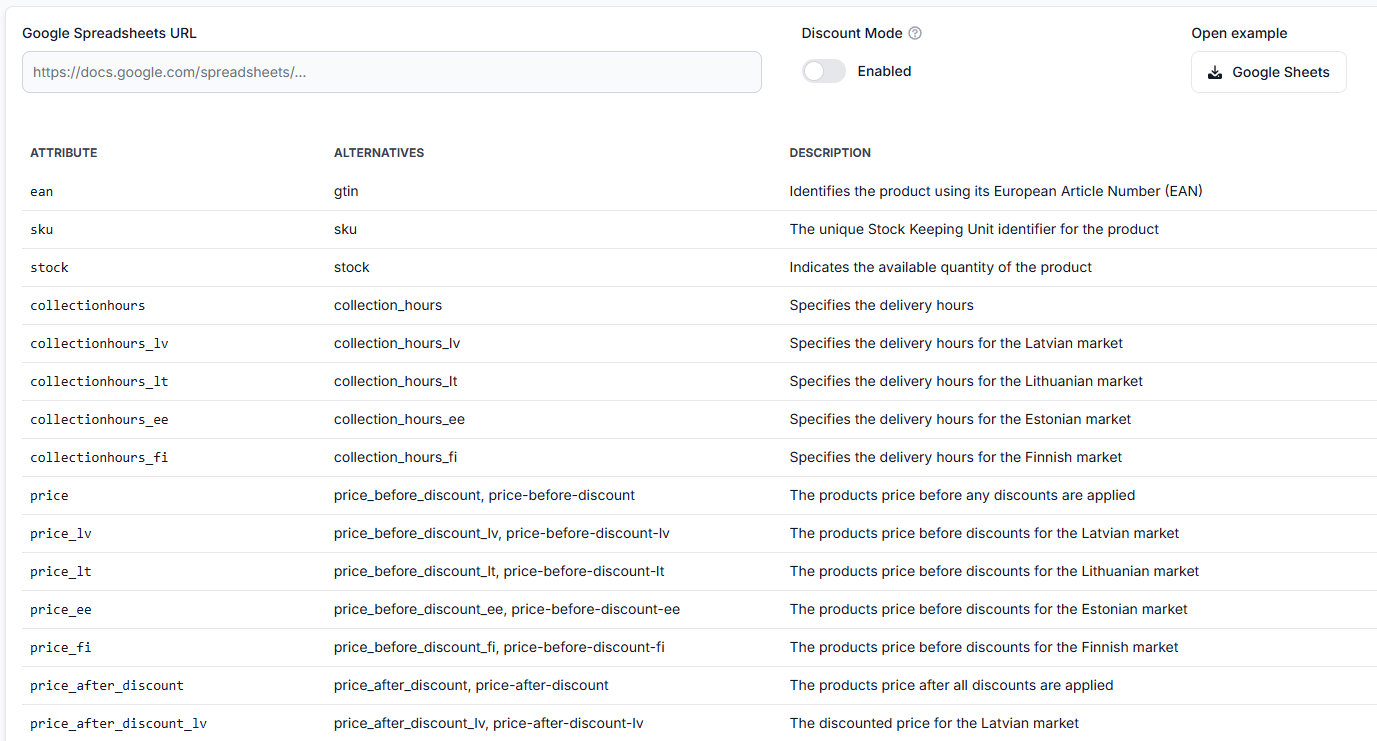
This article is relevant when a product has the correct price or discount in your XML feed, but B2BLIX calculates a different price than you expected.
The XML value may be correct. The difference can come from the category assigned to the product and the coefficients configured for that category.
Short answer
A discount from your XML is one input in the calculation. It does not always become the final calculated price by itself.
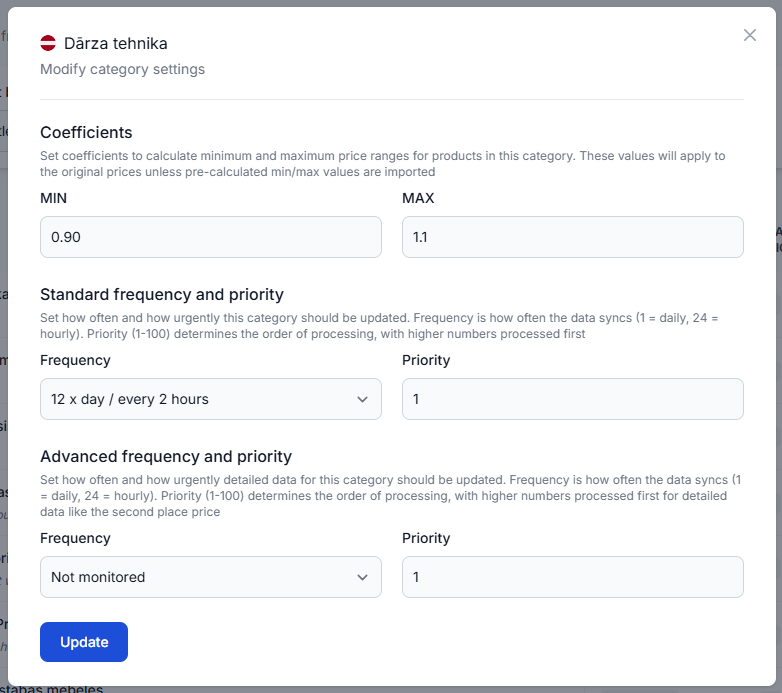
When product-level minimum and maximum prices are not provided, B2BLIX can use category coefficients to derive the permitted price range from the product’s base price. The selected BuyBox strategy then calculates a price within that range.
If the product belongs to a deeper marketplace category that does not have the expected coefficient, the calculation may use different category settings. In this situation, the required coefficients may need to be inherited from a parent category.
Warning: Changing category coefficients can affect calculated and exported prices for multiple products. Check the affected category, product price limits, and a sample calculation before applying the change to a wider catalog or publishing new prices.
How category coefficients are used
The calculation can involve several separate values:
- Imported price or discount: The product information received from your XML or another connected source.
- Product-level minimum and maximum prices: Explicit limits supplied for a specific product.
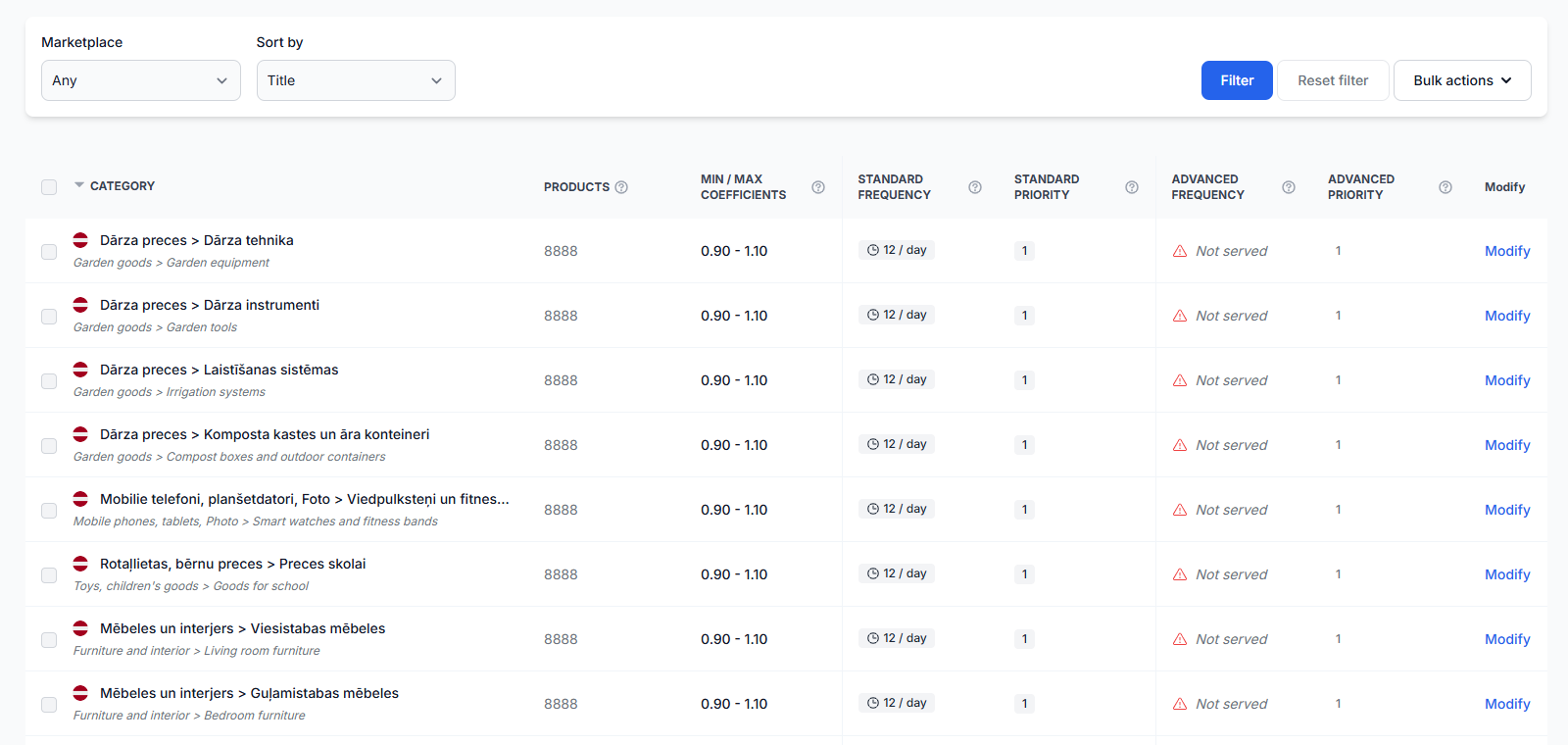
- Category coefficients: Values used to derive price limits from the product’s base price when explicit product limits are not available.
- BuyBox strategy: The configured action for the latest known competitive situation.
- Calculated price: The result produced by B2BLIX within the permitted price range.
Explicit product-level minimum and maximum prices take precedence over category-derived limits. Therefore, changing a category coefficient may not affect a product that already has its own price limits in the imported data.
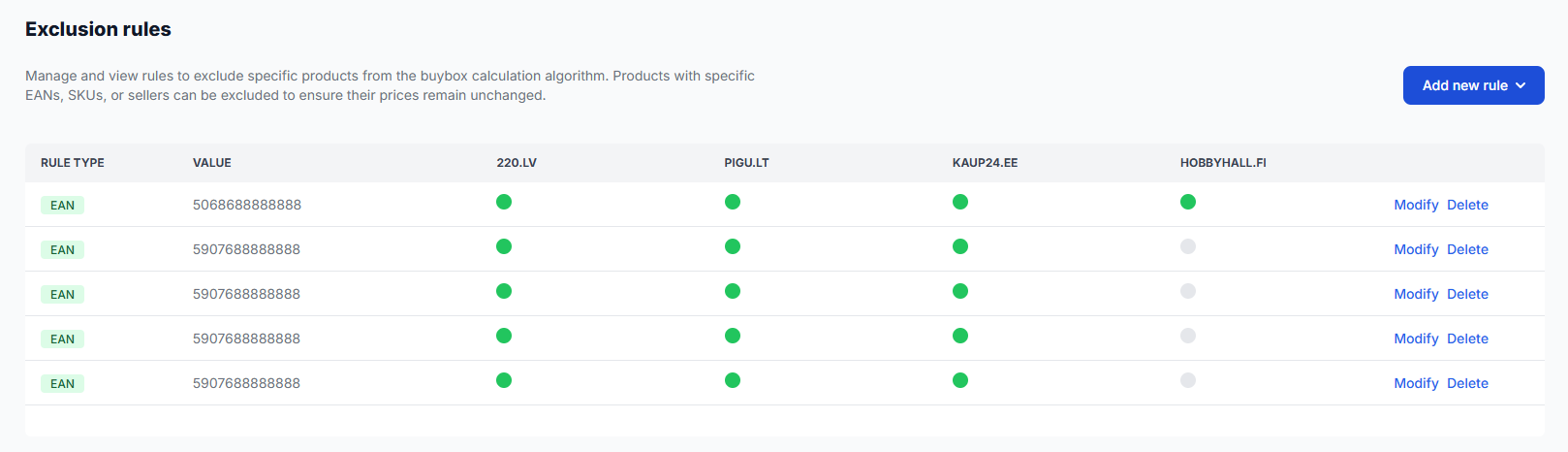
Categories are managed separately for each marketplace. A category configuration for 220.lv does not automatically mean that the equivalent category on Pigu.lt, Kaup24.ee, or HobbyHall.fi has the same settings.
What to check in your account
1. Check one affected product
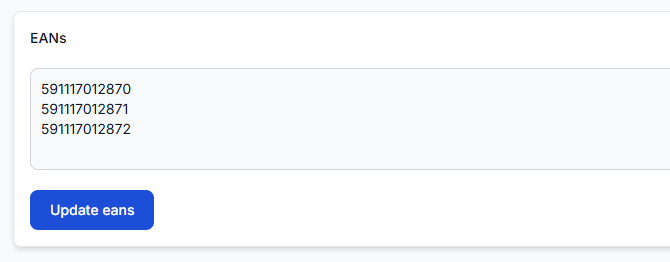
Start with one EAN that shows the unexpected calculation. Review its imported data, marketplace category, price limits, selected strategy, calculated price, and export information.
To check this in your account, open Product Checker. To understand the information shown there, read Product checker: review product data, price calculations, and exports.
Confirm the following:
- The expected XML price or discount was imported.
- The product is assigned to the expected marketplace category.
- The minimum and maximum prices match your intended limits.
- The calculation uses the expected strategy.
- You are reviewing the result for the correct marketplace.
2. Check the exact category
Open Category Management and find the category assigned to the affected product. A product may belong to a more specific category than the one you originally configured.
To check this in your account, open Category Management. To understand category coefficients and available category controls, read Category management: monitoring frequencies and price coefficients.
Verify:
- The correct marketplace is selected.
- The product’s specific category is available.
- The intended coefficient is configured for that category.
- A deeper category should inherit the coefficient from its parent category.
3. Check for product-level price limits
If the imported product data contains explicit minimum or maximum prices, those values take precedence over category-derived limits.
In that case, changing the category coefficient alone will not replace the product-level limits. Review the imported data and decide whether the explicit limits or the category-based limits should control that product.
4. Review the next calculation result
After correcting the category configuration, run the relevant calculation or synchronization again and review the result before publishing it.
When you are logged in, open Synchronization Reports to review the latest processing and export results. For details about the report information, read Synchronization reports: review import, BuyBox calculation, and export results.
A calculated or exported price is not necessarily the live marketplace price. It becomes live only after it has been sent through the configured output method and accepted and applied by the marketplace.
Common reasons for an unexpected result
- The product belongs to a deeper category. The configured coefficient may be attached to a parent category rather than the product’s specific category.
- Category inheritance is not configured as expected. The deeper category may not yet be using the parent category’s coefficient.
- The coefficient was changed for another marketplace. Marketplace categories and their settings are managed separately.
- The product has explicit price limits. Product-level minimum and maximum values override category-derived values.
- The imported discount is not the final pricing rule. The permitted price range and selected BuyBox strategy can produce a different result.
- You are reviewing an earlier calculation. Check the calculation and synchronization information after the category configuration has been updated.
Example
A seller imports a product with a discounted price in the XML. The product does not have explicit minimum and maximum prices, so B2BLIX must derive its permitted range using category coefficients.
The seller configured the coefficient for a broad parent category. However, the product belongs to a deeper Pigu category that is not using that parent configuration. As a result, the expected category limits are not applied to the calculation.
After the deeper category is configured to inherit the appropriate parent coefficient, the seller runs the calculation again and checks the new result in Product Checker before exporting it.
What to do next
- Select one affected EAN and review it in Product Checker.
- Confirm the imported price, category, minimum and maximum limits, strategy, and calculated price.
- Open Category Management for the correct marketplace.
- Check whether the product belongs to a deeper category and whether the intended coefficient is inherited from its parent.
- Verify that product-level minimum or maximum prices are not overriding the category-derived limits.
- Run the calculation or synchronization again and review the result before enabling or continuing live price publication.
Category coefficients help define safe calculation limits, but they do not guarantee a BuyBox position. The marketplace determines the winning offer, and the result can depend on factors beyond the calculated price.