Api export limits, intervals, and large-catalog delays
Understand why API price updates may take longer for large catalogs, how marketplace request limits affect publishing, and what to check when calculated prices are not yet live.
Why can api price updates take longer?
This article is relevant when B2BLIX has calculated new prices, but the changes appear on Pigu, 220.lv, Kaup24.ee, or HobbyHall.fi later than expected.
Api publishing speed depends partly on the number of products being processed. A small catalog can usually be handled more frequently than a catalog containing tens or hundreds of thousands of products.
Short answer
B2BLIX automatically adjusts the API export interval according to the total number of products in your account. As the catalog grows, the system may use a longer interval so that the export can be processed safely and within marketplace API limits.
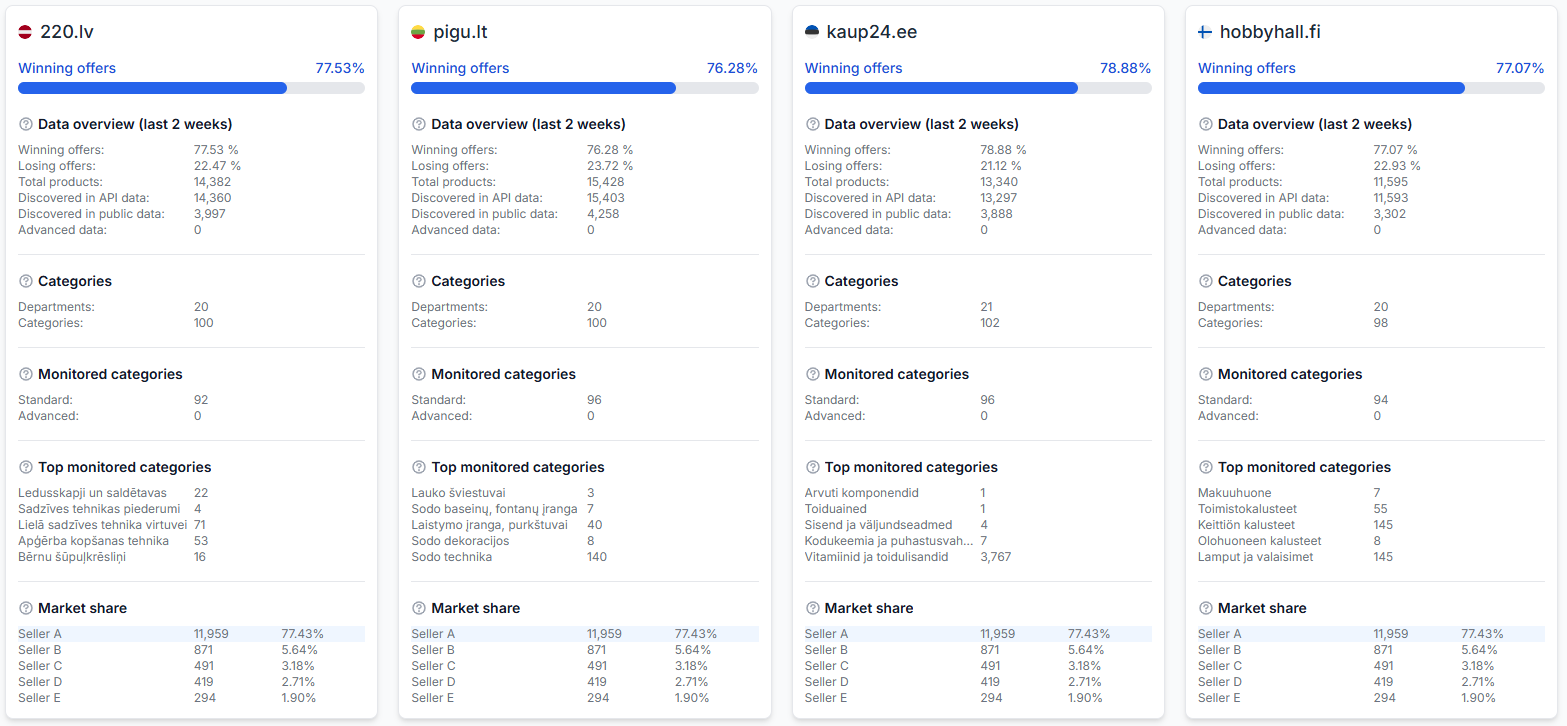
The product count is considered across all connected Pigu Group marketplaces, not separately for each marketplace.
If the catalog becomes too large for the supported API publishing process, B2BLIX may switch the output back to XML. XML calculation results can still be correct even when live API publishing is delayed or unavailable for the full catalog.
A calculated or prepared price is not necessarily live on the marketplace. The price becomes live only after it has been exported, accepted, and applied by the marketplace. Check the synchronization report before assuming that a calculated price was published successfully.
How api request limits affect exports
Pigu applies request limits to its API. For example, its API documentation has described a limit of 500 requests per 10 seconds for the offer-update process.
B2BLIX respects marketplace API limits. This means the service cannot send an unlimited number of product updates at once, even when many prices are ready for publication.
These limits help protect the marketplace service from excessive traffic. They do not mean that every account can always publish 500 product changes every 10 seconds. Actual processing time can also depend on catalog size, the number of marketplaces, the response time of the marketplace API, and the number of updates waiting in the publishing queue.
Marketplace API limits can change. The current Pigu API documentation should be treated as the authoritative source for the latest request limit.
How catalog size changes the export interval
B2BLIX uses product-volume ranges to determine an appropriate API export interval. The exact internal thresholds are not published because they may be adjusted as the service and marketplace integrations change.
In practice, the process works as follows:
- A smaller catalog can use a shorter API export interval.
- When the total product count increases, B2BLIX automatically selects a longer interval.
- The total includes products from all connected Pigu Group marketplaces.
- Very large catalogs can require more time to complete each publishing queue.
- If the catalog exceeds the supported API volume, the output may be changed to XML.
A longer interval does not necessarily indicate an error. It can be the expected result of processing a larger number of products while respecting API limits.
What to check in your account
1. Confirm your current export method
Check whether your account is configured to publish prices through the API or generate an XML output. Also review the configured synchronization frequency and update settings.
To check this in your account, open Synchronization Settings.
To understand the fields on that page, read Sync Settings: Configure Product Import and Price Export.
Before changing the export method or frequency, verify how many products your source currently contains and whether the same source includes products for several marketplaces.
2. Review the latest synchronization report
The synchronization report helps you distinguish between calculation and publication. Check whether the latest run completed, how many products were processed, and whether the export reported warnings or errors.
To check this in your account, open Synchronization Reports.
To understand the report statuses and item summaries, read Synchronization Reports: Review Import, BuyBox Calculation, and Export Results.
3. Check one affected product
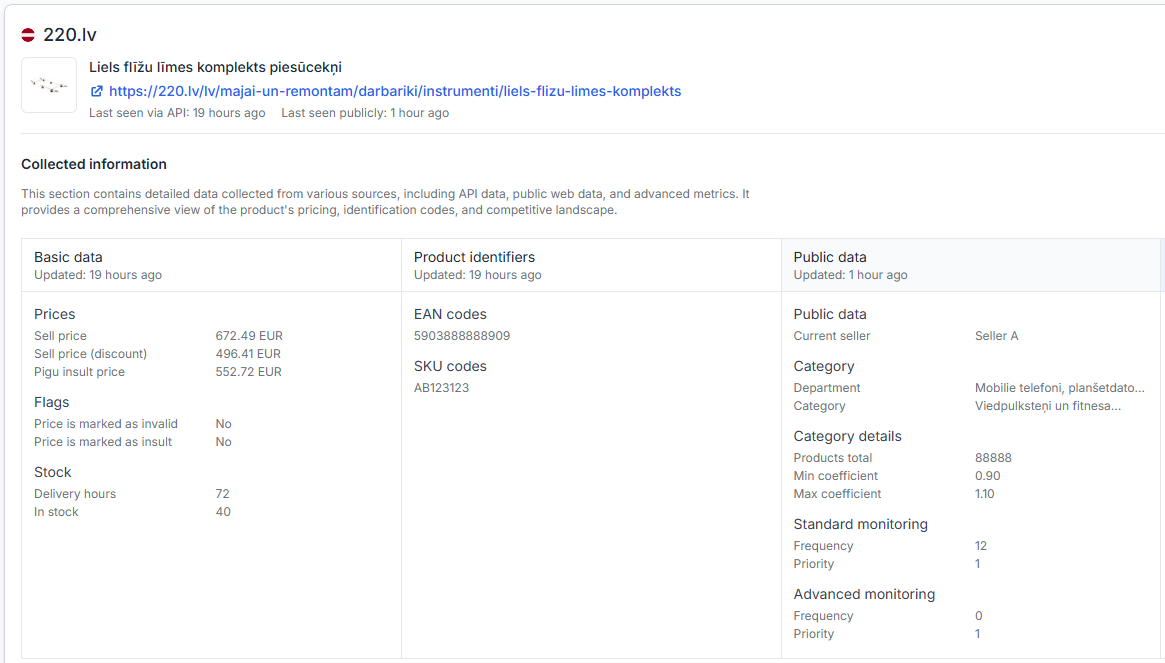
If only some prices appear delayed, review a specific EAN in Product Checker. This can help confirm the calculated price and the latest known export status for that product.
To check this in your account, open Product Checker.
To understand the product data, calculation, and export information shown there, read Product Checker: Review Product Data, Price Calculations, and Exports.
Common causes of slower api publishing
- The total catalog has grown. Products from all connected marketplaces contribute to the volume used to select the export interval.
- A large number of prices changed in the same synchronization. More changes create a larger publishing queue.
- The marketplace API is processing updates more slowly. B2BLIX must wait for and respect the responses and request limits of the marketplace API.
- The API export is still in progress. The calculation may have finished before every prepared update has been published.
- The output was switched to XML. For a catalog beyond the supported API volume, XML may be used instead of direct API publication.
- Only the live marketplace price was checked. Review Synchronization Reports and Product Checker to determine whether the delay occurred during calculation, export, or marketplace application.
Example
A seller imports products for 220.lv, Pigu.lt, and Kaup24.ee. The combined catalog is much larger than the product count for any one marketplace.
B2BLIX completes the BuyBox calculations and prepares updated prices. Because the combined catalog is large, the API export uses a longer processing interval and the updates are published in a queue. Some live marketplace prices may therefore continue to show the previous value while later products are still being processed.
The seller should first check the latest Synchronization Report. For an individual delayed product, the seller can then use Product Checker to compare its calculated price with its export status.
What to do next
- Open Synchronization Settings and confirm whether the selected output is API or XML.
- Check the total number of products across all marketplaces included in your source.
- Open the latest Synchronization Report and review its processing and export results.
- Use Product Checker for one or more affected EANs.
- Do not repeatedly change synchronization settings while an existing large export may still be processing.
- If XML output is correct but API publishing remains consistently delayed for a very large catalog, contact B2BLIX to discuss whether a dedicated high-volume setup may be appropriate.
When reporting a persistent delay, provide the approximate total product count, affected marketplaces, the time of the relevant synchronization, and a few example EANs. Do not include account passwords or API credentials.